Better transparency for Security Filters (DNS / URL filtering)

 Freshman Member

Hi everyone,
The security features are generally very good, but sometimes it’s not clear why exactly a website gets blocked.
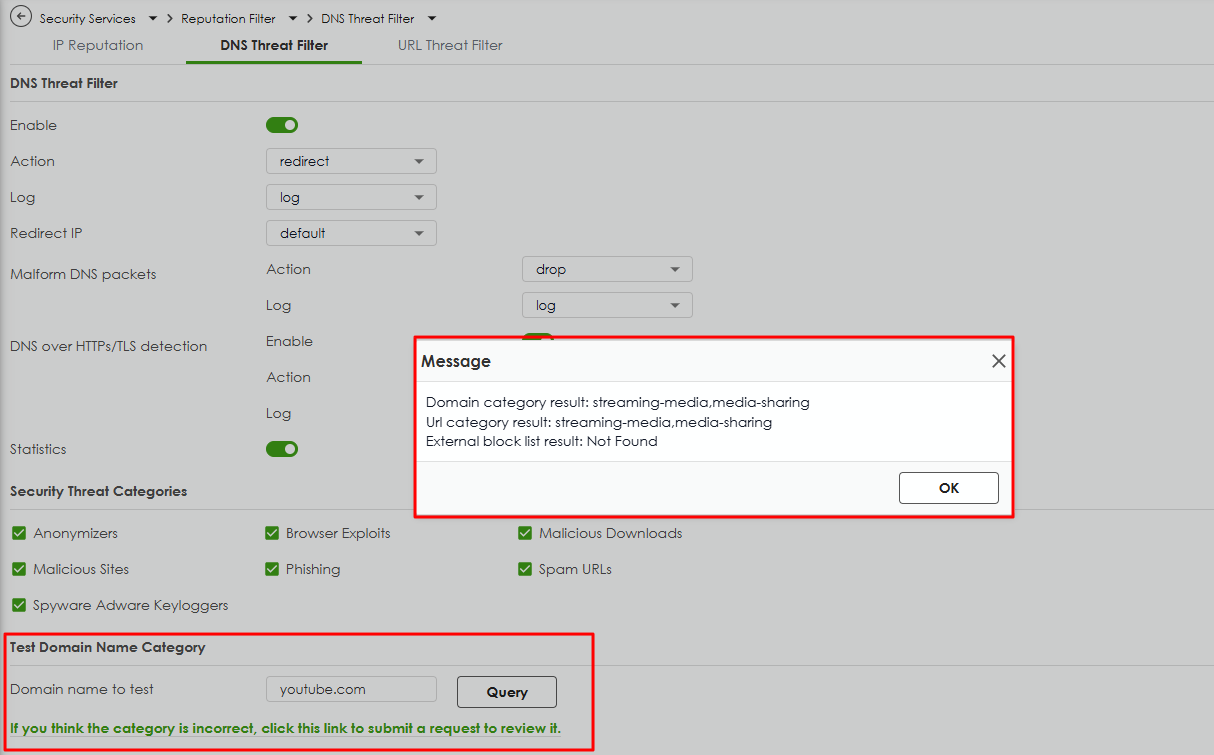
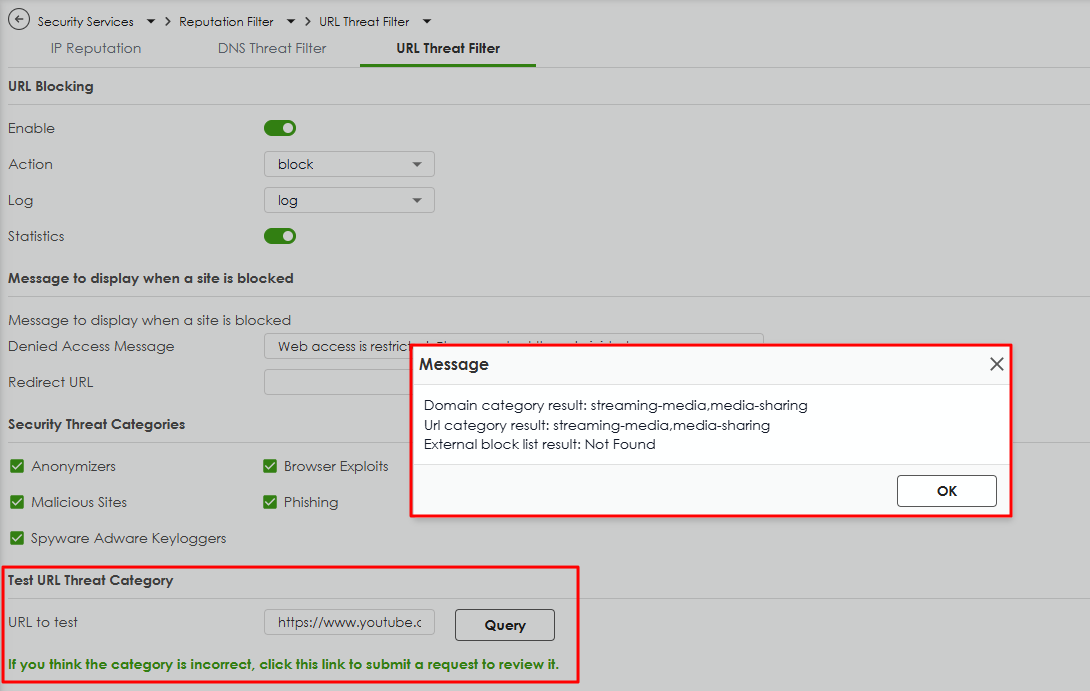
In my case, the issue was first caused by the DNS filter, and later by the URL filter. It would be really helpful to have a way to test a domain directly in the interface and immediately see which filter or category is blocking it.
This would make troubleshooting and fine-tuning the security settings much faster and clearer for admins.
Best,
Valentin
Comments
-
-
Hi @ZyXEL _Melen,
Yes, that makes sense and technically it works as expected. But in practice, the situation is often a bit different, a customer tells me that a website doesn’t work, so I ask for the domain and what message they saw. Then I see that the DNS filter blocked it, so I whitelist it there, but later it turns out that the URL filter blocks it as well.
It would be really helpful to have one single interface where you can enter a domain or URL and have it checked across all filters, DNS, URL, SSL inspection, maybe even IP reputation. That would make troubleshooting much faster and more transparent.
Best,
Valentin0

 Zyxel Employee



Categories
- All Categories
- 442 Beta Program
- 3.1K Nebula
- 237 Nebula Ideas
- 6.8K Security
- 744 USG FLEX H Series
- 377 Security Ideas
- 1.8K Switch
- 87 Switch Ideas
- 1.5K Wireless
- 58 Wireless Ideas
- 7.2K Consumer Product
- 319 Service & License
- 512 News and Release
- 99 Security Advisories
- 31 Education Center
- 10 [Campaign] Zyxel Network Detective
- 5.3K FAQ
- 34 Documents
- 91 About Community
- 119 Security Highlight


