[USG Flex H] - User 2FA Backup Codes no available anymore





 Master Member
Hello,
I've enabled the 2FA for the admin account and after setup it, I've tried to disable/enable the 2FA flag without save the configuration (disable the flag, enable the flag and then click on "cancel" without saving).
When I returned into the profile management, I see this:
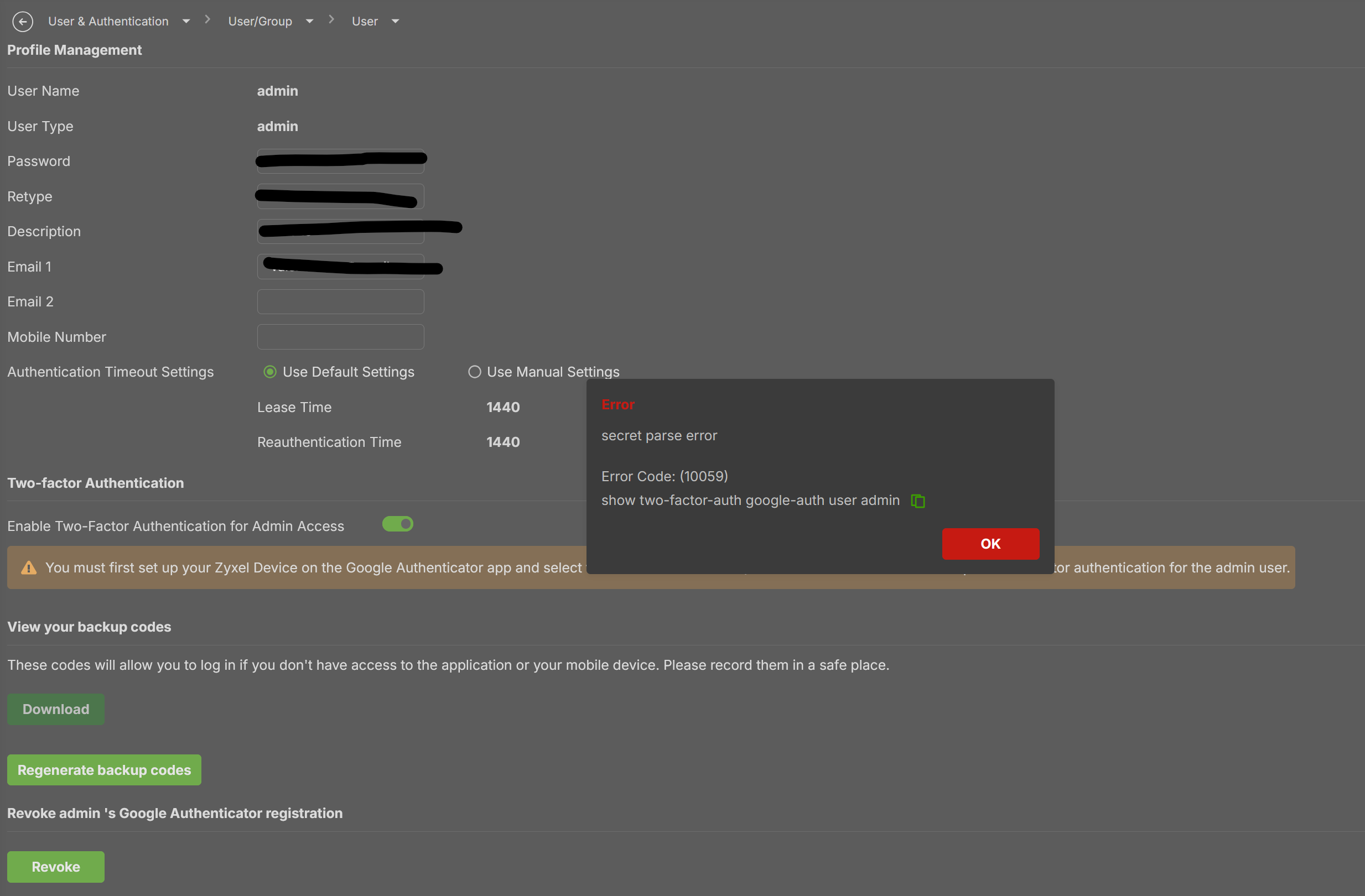
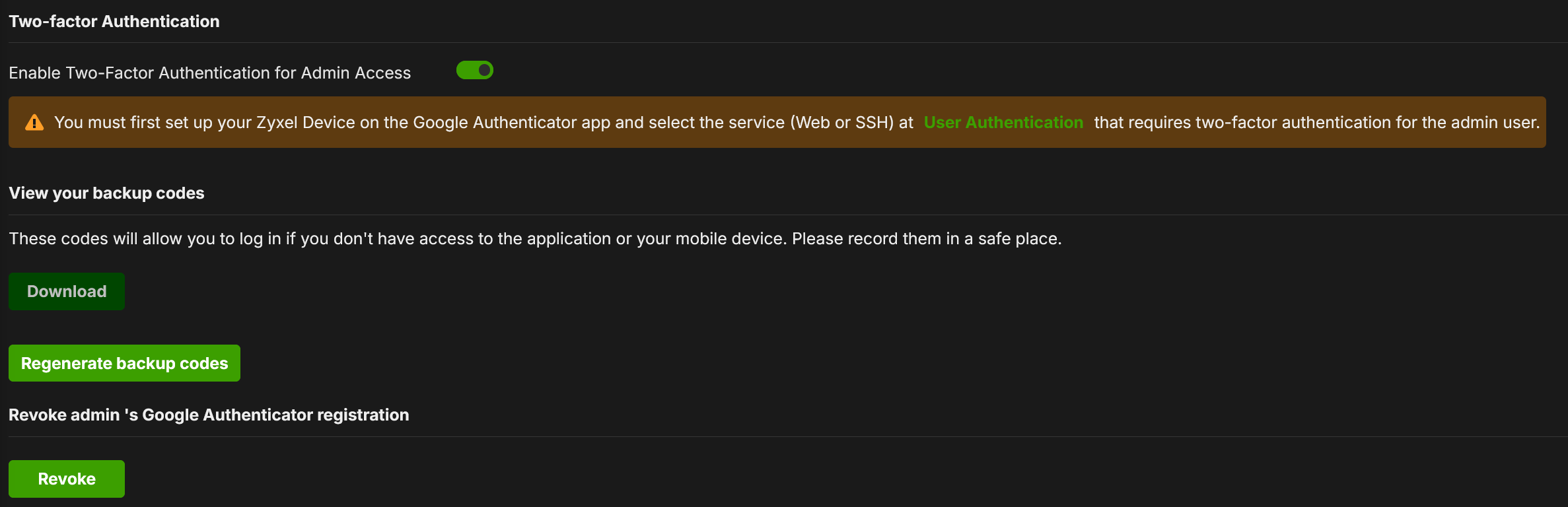
If I try to regenerate backup codes, I obtain this:
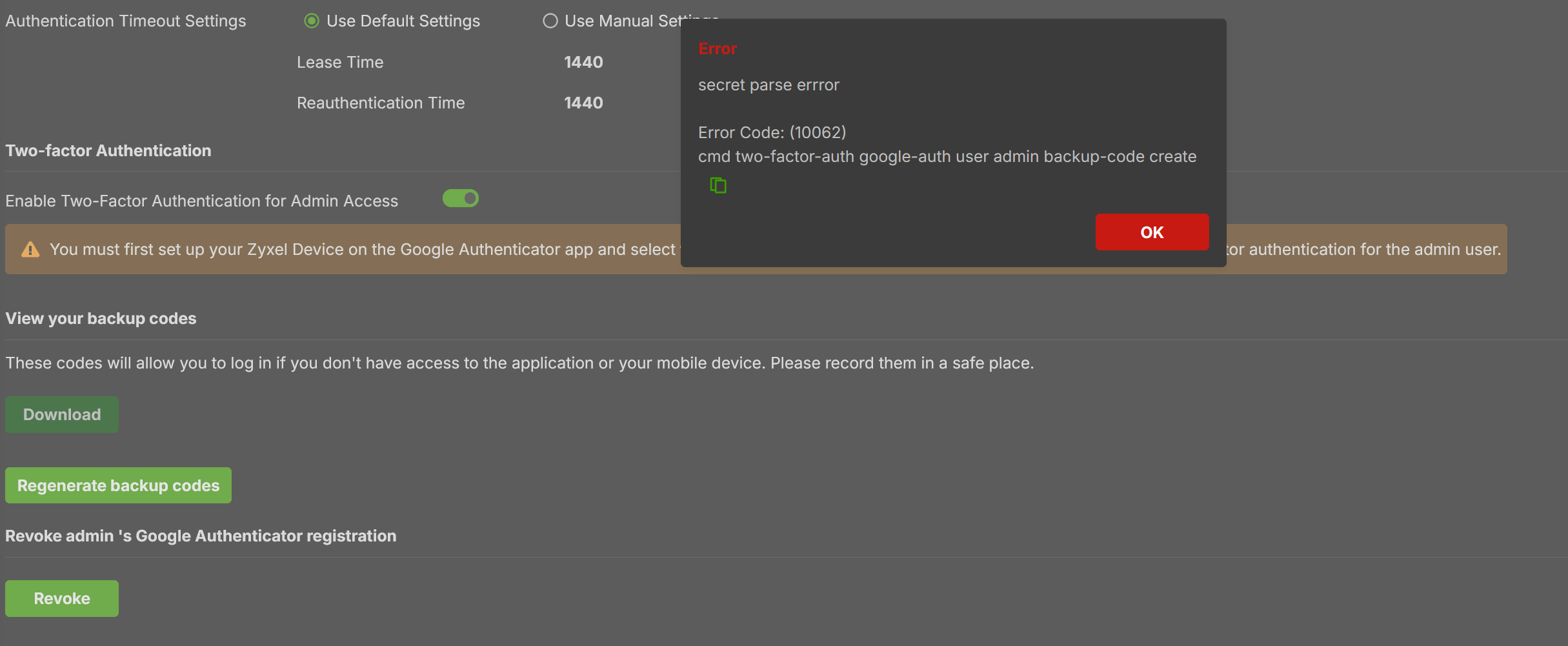
How I can regenerate the new codes or reuse the codes that I've previously assigned?
The only way that I've found is to disable —> save, re-enable 2FA and change the 2FA code
Thank you
All Replies
-
Hi @Maverick87
I can't replicate the google backup code issue, please help to check if you can see or regenerate the code after upgrading a debug firmware for the previous issue. If the backup code still not empty, I will ask our engineer to check this issue.
Zyxel Melen0 -
Hi @Zyxel_Melen,
I can replicate the problem.- Enter into the User menu and edit the admin user.
- Disable the 2FA for Admin Access without save
- Enable the 2FA for Admin Access without save
- Click on "Cancel" into the saving popup message
- The "edit" close and return to the list of users
- Enter into the admin user in edit-mode
Let me know if you can reproduce the problem.
Thank you
0



 Zyxel Employee
Categories
- All Categories
- 442 Beta Program
- 3.1K Nebula
- 242 Nebula Ideas
- 6.8K Security
- 779 USG FLEX H Series
- 387 Security Ideas
- 1.8K Switch
- 87 Switch Ideas
- 1.5K Wireless
- 58 Wireless Ideas
- 7.2K Consumer Product
- 324 Service & License
- 526 News and Release
- 101 Security Advisories
- 31 Education Center
- 10 [Campaign] Zyxel Network Detective
- 5.3K FAQ
- 34 Documents
- 91 About Community
- 121 Security Highlight


