How do I dial the PPPoE connection from the local Web GUI?
Options

Zyxel_Jeff
 Zyxel Employee




Zyxel Employee
Question :
How do I dial the PPPoE connection from the local Web GUI?
Answer :
Once the customer configures the PPPoE settings but has not yet obtained a PPPoE IP, you can navigate to Network > Interface > Interface, select the PPPoE interface, and click Connect to establish the PPPoE connection.

When the PPPoE connection is successfully established, an information message will appear: “Dial Successfully.”.
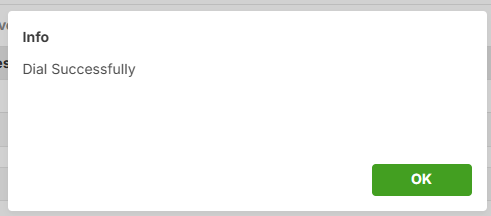
The PPPoE IP is obtained successfully.

0
Categories
- All Categories
- 442 Beta Program
- 3.1K Nebula
- 237 Nebula Ideas
- 6.8K Security
- 740 USG FLEX H Series
- 376 Security Ideas
- 1.8K Switch
- 87 Switch Ideas
- 1.5K Wireless
- 58 Wireless Ideas
- 7.2K Consumer Product
- 319 Service & License
- 512 News and Release
- 99 Security Advisories
- 31 Education Center
- 10 [Campaign] Zyxel Network Detective
- 5.3K FAQ
- 34 Documents
- 91 About Community
- 119 Security Highlight