How to Connect a Wired-Only Device to the Network Without Running Long Ethernet Cables?





 Zyxel Employee
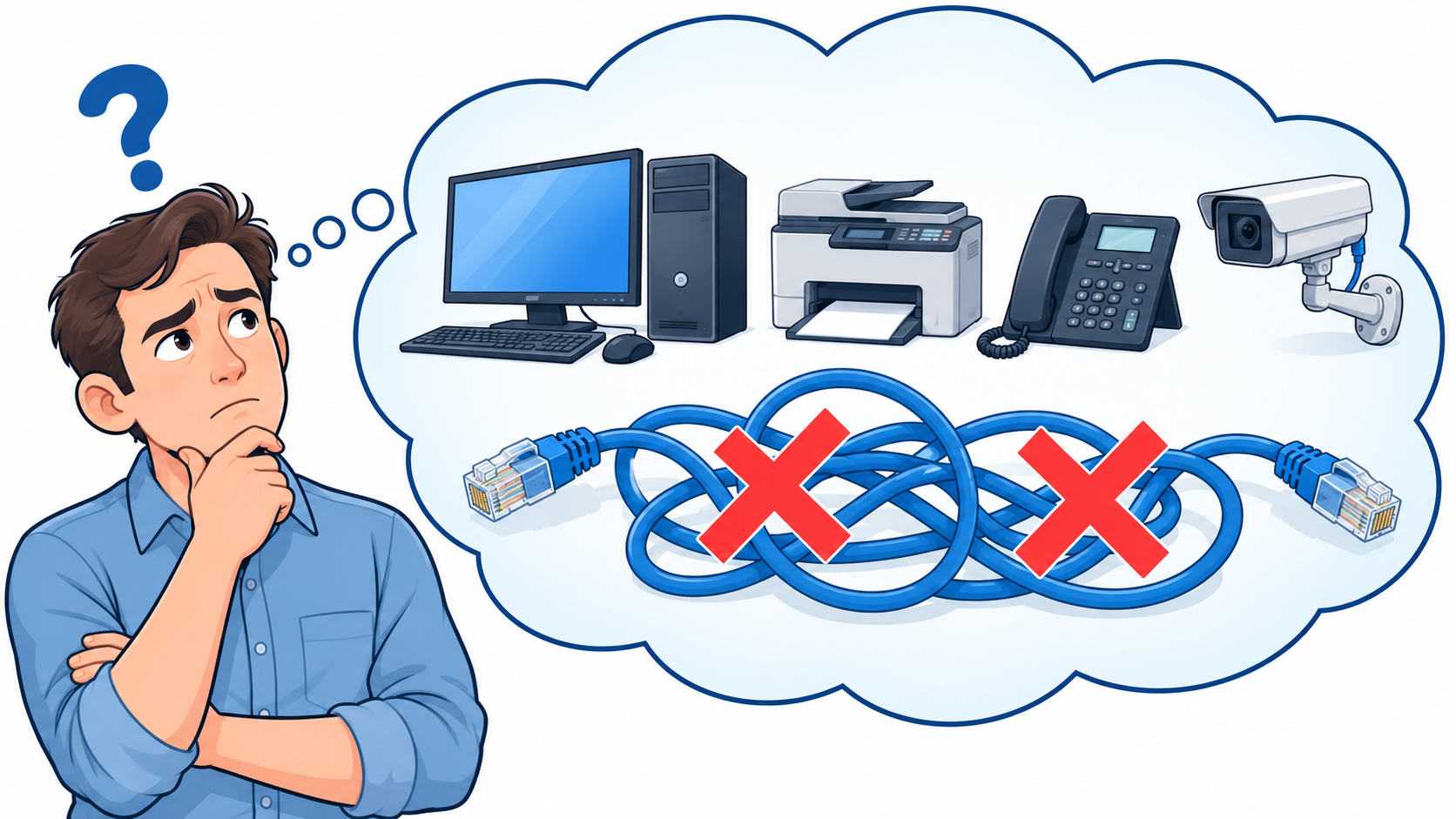
Running Ethernet cables to every device is not always practical. A remote production area, basement, or detached garage may need network access even when installing a cable back to the main network is difficult.
Zyxel Smart Mesh & Wireless Bridge
Extends your wired network through a Smart Mesh connection—bringing network access to Ethernet devices without running a long cable back to the main network.
How Does It Work?
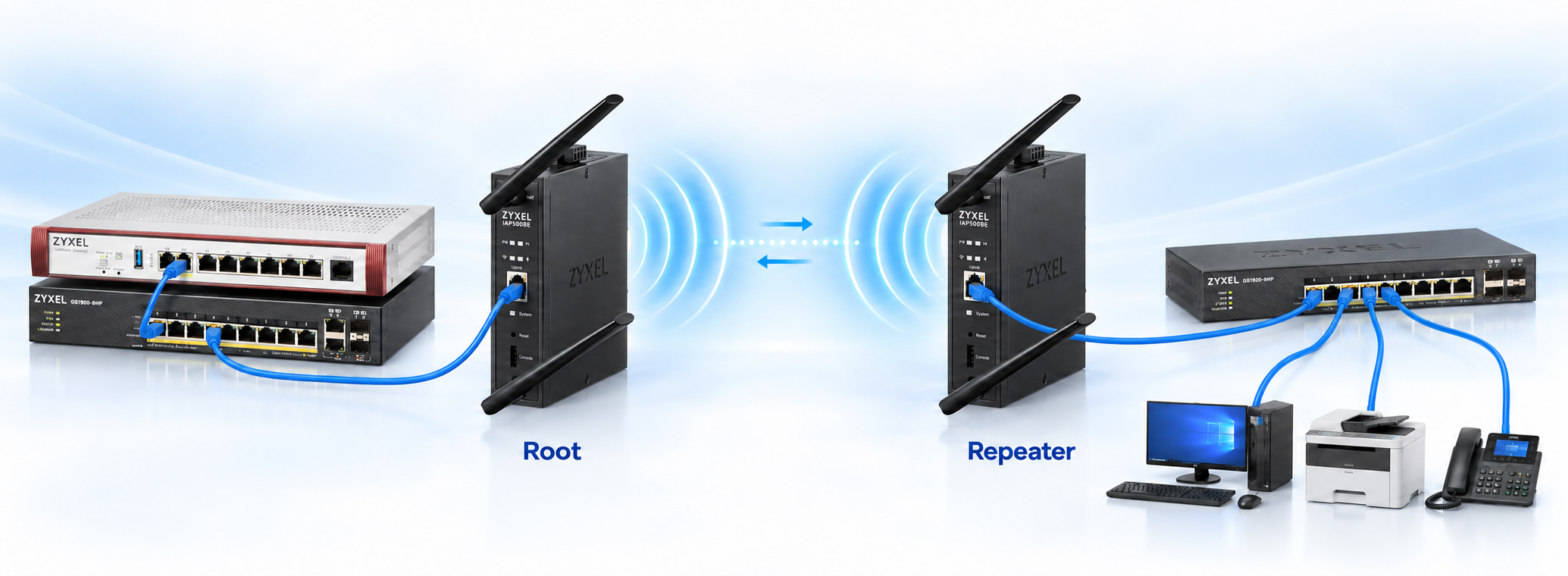
Connect your equipment to a nearby repeater AP using a short Ethernet cable. The repeater forwards its traffic wirelessly to the root AP, which connects to the main network by Ethernet.
The two features work together:
- Smart Mesh establishes the wireless connection between the root AP and repeater AP.
- Wireless Bridge allows Ethernet devices connected to the repeater AP to access the main network through that connection.
Wireless Bridge works at Layer 2, forwarding Ethernet frames based on MAC addresses. To equipment, the wireless link behaves like an Ethernet cable. Devices do not need built-in Wi-Fi, additional software, or special settings, and they can continue using their existing applications and protocols. This includes legacy IoT and industrial equipment that communicates directly over Ethernet without using IP. VLAN settings still apply. IP-based devices still need their usual IP configuration.
Connect one device directly to the repeater’s Ethernet port, or use a local switch to connect several devices.
Scenario: Connecting Factory Equipment with the IAP500BE
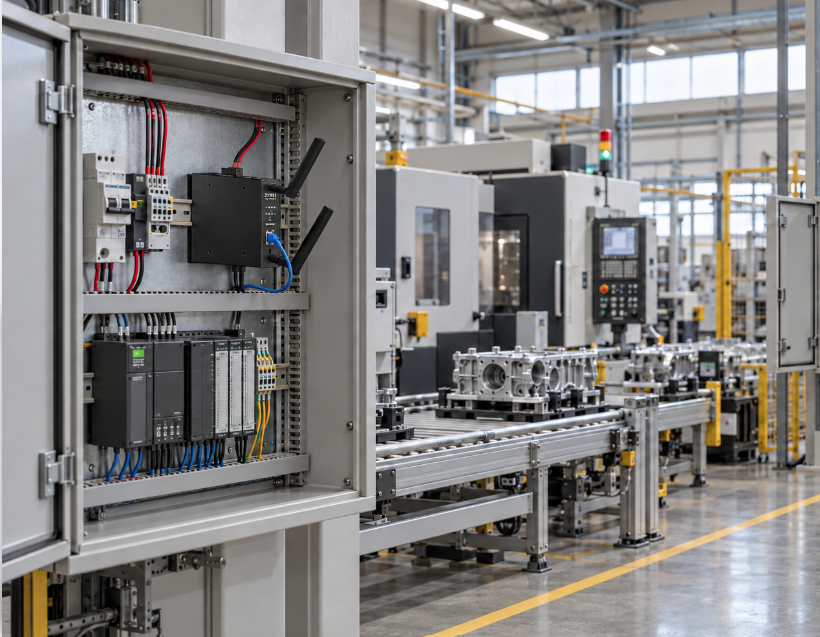
A factory may have equipment in a remote production area or a warehouse section where installing new network cabling would require extensive work or interrupt operations.
Using the Zyxel IAP500BE industrial AP, you can establish a Smart Mesh link to that area and enable Wireless Bridge to connect Ethernet equipment through the repeater AP. The IAP500BE supports both mesh operation and Wireless Bridge.
Typical equipment that may require an Ethernet connection includes:
- Industrial gateways that collect machine status and production data.
- PLCs and HMI panels with Ethernet interfaces for monitoring and maintenance.
- IP cameras used to monitor production lines or loading areas.
- Barcode scanners and label printers used for inventory and shipping.
- Legacy controllers, sensors, or meters that use Layer 2 (non-IP) protocols to communicate.
Example deployment: Connect a root IAP500BE to the factory network. Install a repeater IAP500BE near the remote equipment, where it can maintain a strong mesh connection. Connect the equipment directly to the repeater’s Ethernet port, or use a local switch to connect several devices.
This approach is especially useful for adding production monitoring or supporting temporary workstations without installing a long Ethernet cable back to the main network. For control applications or real-time Layer 2 protocols with strict latency or availability requirements, validate the wireless connection against the application’s needs before deployment.
Scenario: Connecting Basement or Garage Devices with the NWA30BE
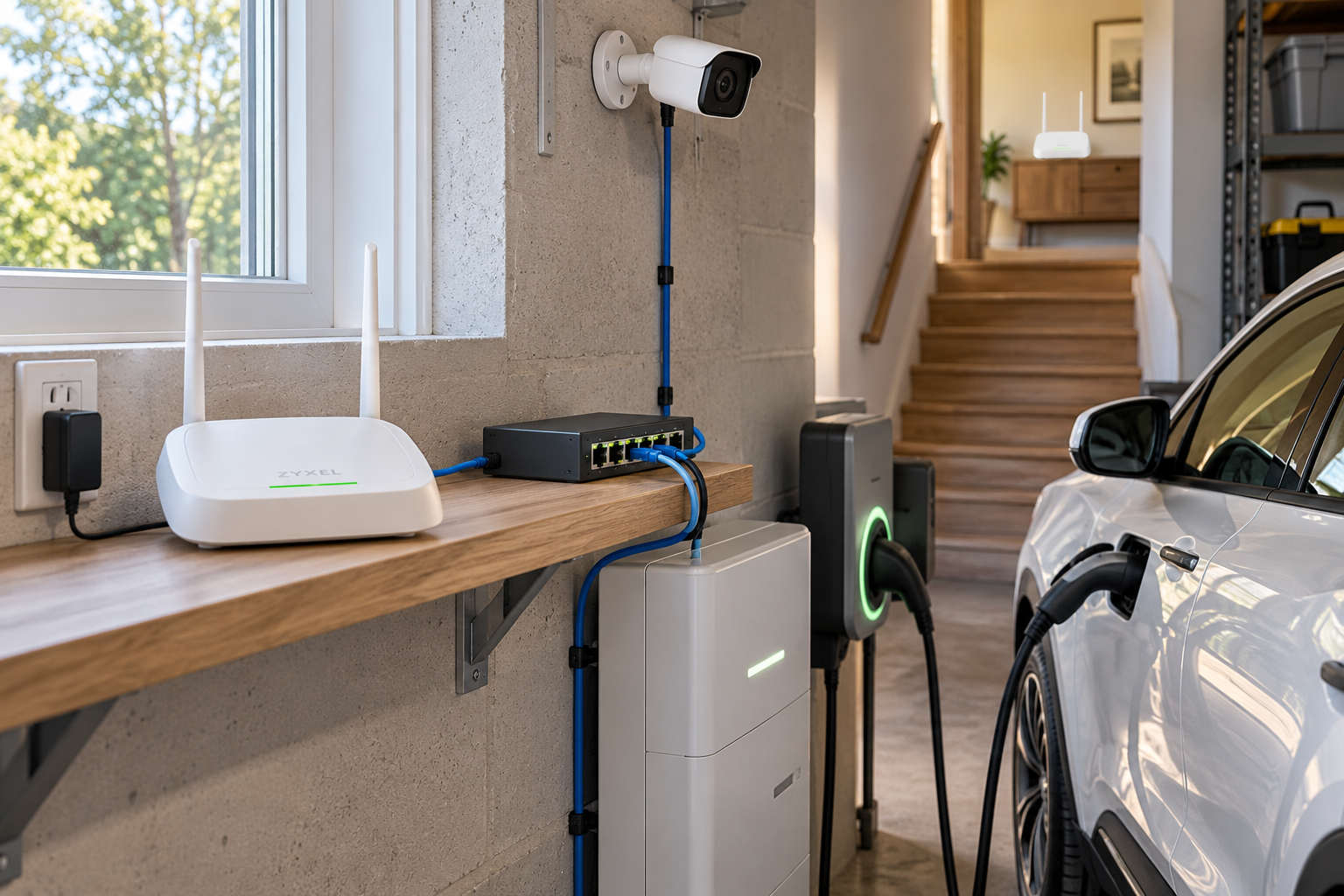
A basement or garage may contain an EV charger, an energy storage gateway, or security cameras that need Ethernet connectivity. However, thick walls and floors can make wireless reception poor at the equipment’s location.
The Zyxel NWA30BE supports Wireless Bridge, making it an option for connecting these wired devices through a Smart Mesh link.
Example deployment: Place the repeater NWA30BE near a basement window, doorway, or stairwell where the signal from the root AP is strong. Run a local Ethernet cable from the repeater to:
- An EV charger or charging management gateway with an Ethernet interface.
- A home energy storage gateway for monitoring energy usage and system status.
- An NVR or a PoE switch serving IP cameras.
This lets you choose a suitable location for the mesh connection while keeping the wired equipment where it is needed. For IP cameras, use a PoE switch or injector to supply power; Wireless Bridge provides the network connection.
Where Else Can Wireless Bridge Be Useful?
Other possible applications include:
- Temporary offices: Connect Ethernet printers and desktop computers through a repeater AP.
- Retail spaces: Provide connectivity to Ethernet POS terminals or digital signage where new cabling is difficult.
- Detached buildings: Connect cameras or monitoring gateways through a suitably positioned mesh link, using APs appropriate for the installation environment.
What Should I Check Before Deployment?
- Both the root AP and repeater AP must support Wireless Bridge, with Smart Mesh and Wireless Bridge enabled as required. In Nebula, add the APs to the same site.
- Position the repeater where the mesh signal is strong. A short local Ethernet cable can connect it to equipment located farther away.
- Provide local power for the repeater AP and connected devices.
- Check that connected devices have the correct VLAN settings. IP-based devices also need the correct IP address and gateway. Non-IP devices must be in the same Layer 2 network (same VLAN) as the devices they communicate with, because Layer 2 traffic is not routed between subnets.
- Test throughput and stability with the actual equipment, particularly when carrying multiple camera streams or industrial traffic.
With Zyxel Wireless Bridge, devices that rely on Ethernet can benefit from the flexibility of Smart Mesh—bringing network access to locations where running new cabling is difficult.
For feature details and supported models, see Distinguishing between Smart Mesh and Wireless Bridge.
Categories
- All Categories
- 442 Beta Program
- 3.1K Nebula
- 243 Nebula Ideas
- 6.8K Security
- 783 USG FLEX H Series
- 389 Security Ideas
- 1.8K Switch
- 87 Switch Ideas
- 1.5K Wireless
- 58 Wireless Ideas
- 7.2K Consumer Product
- 325 Service & License
- 527 News and Release
- 101 Security Advisories
- 31 Education Center
- 10 [Campaign] Zyxel Network Detective
- 5.3K FAQ
- 34 Documents
- 91 About Community
- 122 Security Highlight