CLI command via Remote Configurator is NOT available

 Guru Member



Hello everyone,
I tried to follow this guide:
So I logged in remotely via Remote Configurator:
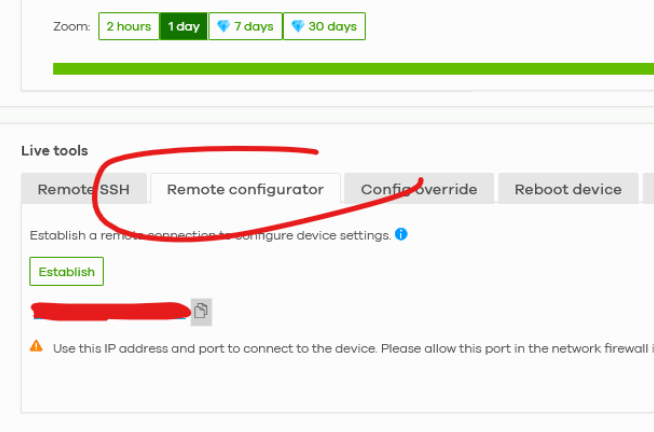
in a pair of FlexH firewalls of mine and click here:

and also on a cheaper model:

Anyway I am NOT able to have the CLI working, neither on Edge:
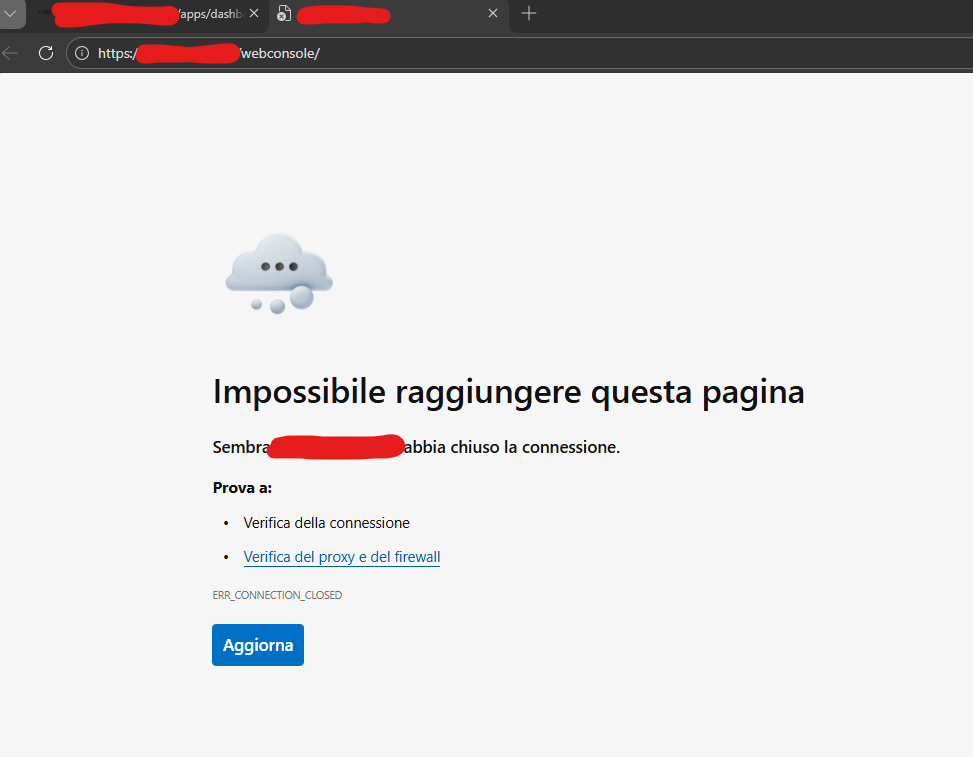
Or Chrome:
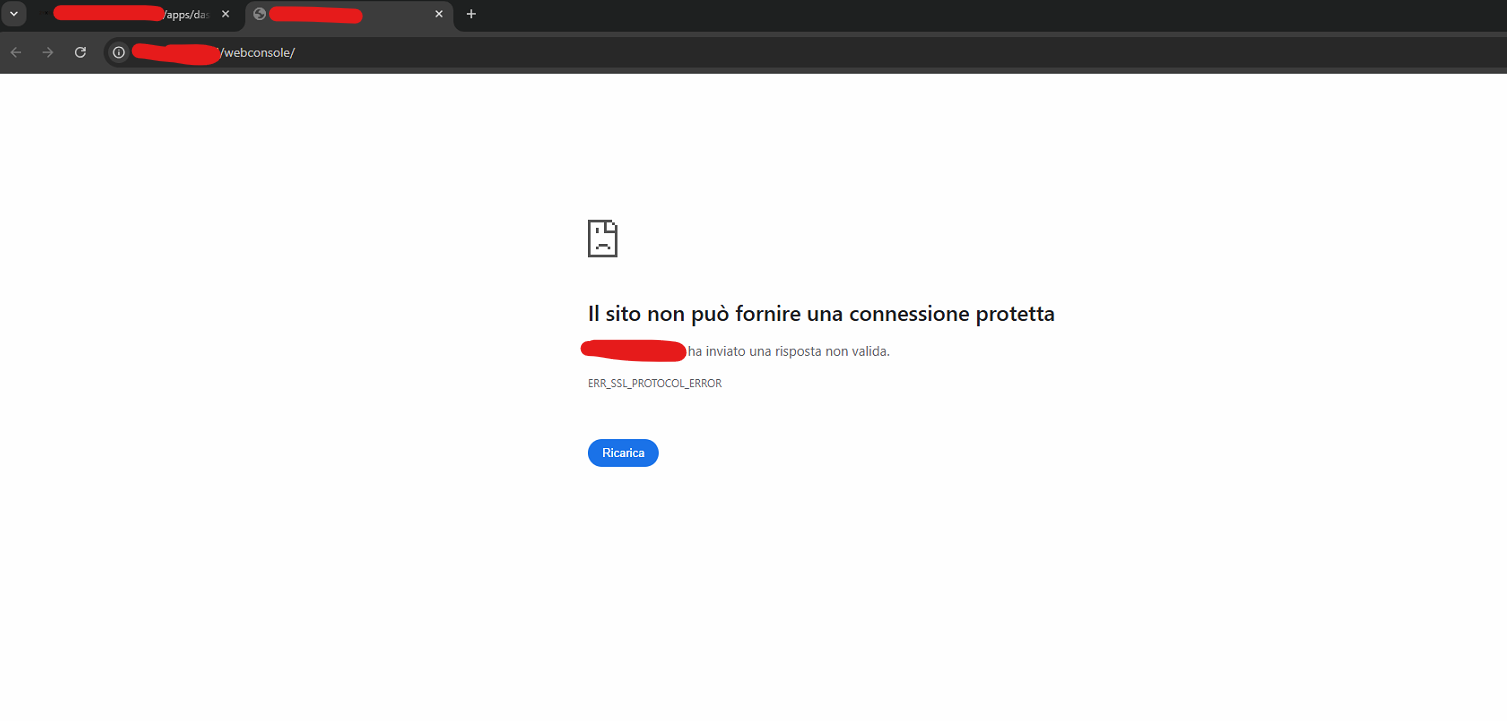
The only way to use the web CLI is when I am connected on the same subnet or having a static public IP that I can reach from the rest of the world.
So… am I forced to go onsite or have a PC remote connection or a VPN user to login on the firewall?
Is there a way to have it working properly also via Remote Configurator via Nebula?
The only option that I know I can use remotely (when I have no man onsite, no PC available and possible VPN) is to set a Policy:
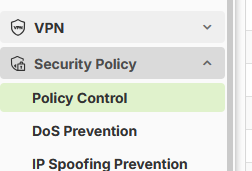
to open a specific port for remote connection to ZyWALL, but this means that I'm forced to have a static public IP available and opening ports is NOT always possible (e.g. health organizations where to place a secondary network, under another ISP operator that filters some ports…).
I tried also this:
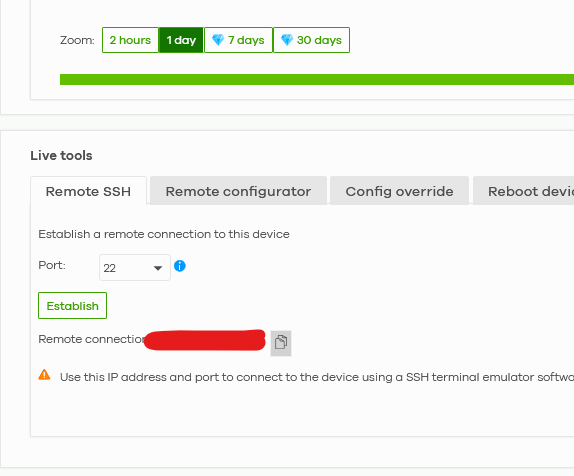
But it seems to have issues with some LTE (or other filtered) internet connections while Remote configurator works nicely.
Please let me know if it is a limitation by design.
All Replies
-
Hi @GiuseppeR
The first issue is because the remote configurator only mapping HTTPS port for web GUI. I will report to our product team for enhancement.
The second issue is because the ssh port is not allow on the H's security policy.
Zyxel Melen0 -
Hi @Zyxel_Melen
could I suggest also to add also a "logging to txt" export way on the web CLI?
Otherwise you have to use PuTTY over Remote SSH and it is not always available to install on every machine 😁
0 -
-
Hi @GiuseppeR
We currently can do this by some tricks.
- Access device's GUI via the remote configurator and login.
- Click the console button on device's GUI.
- Copy the port of the remote configurator URL and paste to the console tab. EX. remote configurator URL is "X.X.X.X:26309/", copy ":26309" to the console tab and go, then you will access the web console of your firewall.
In addition, this trick can only work after clicking the console button.
Zyxel Melen0
 Zyxel Employee


Categories
- All Categories
- 442 Beta Program
- 3.1K Nebula
- 235 Nebula Ideas
- 6.7K Security
- 732 USG FLEX H Series
- 374 Security Ideas
- 1.8K Switch
- 87 Switch Ideas
- 1.5K Wireless
- 57 Wireless Ideas
- 7.1K Consumer Product
- 319 Service & License
- 511 News and Release
- 99 Security Advisories
- 31 Education Center
- 10 [Campaign] Zyxel Network Detective
- 5.2K FAQ
- 34 Documents
- 89 About Community
- 117 Security Highlight


