Armor G5 NBG7815 - Unable to login

 Freshman Member
Hi everyone,
I am experiencing a critical issue with my Zyxel Armor G5 and I urgently need assistance.
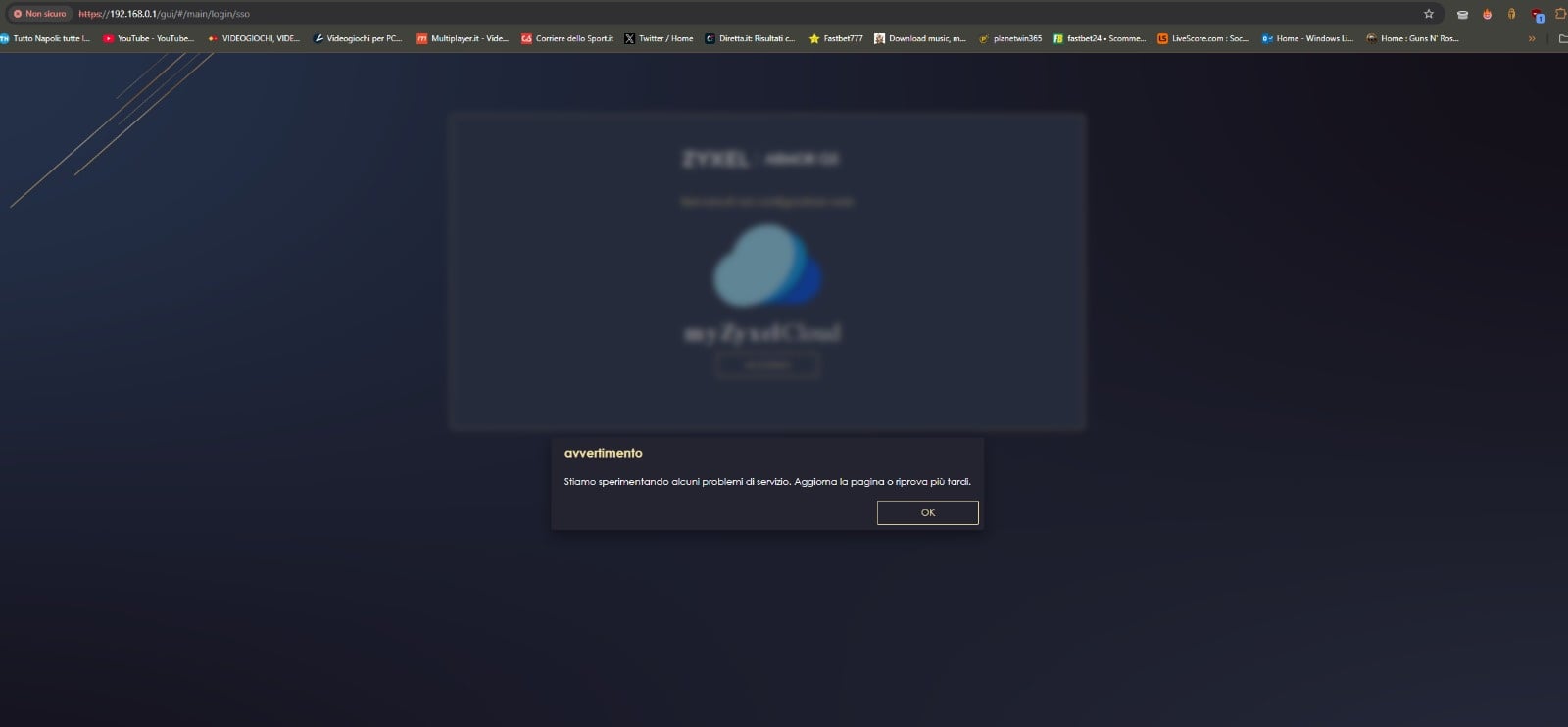
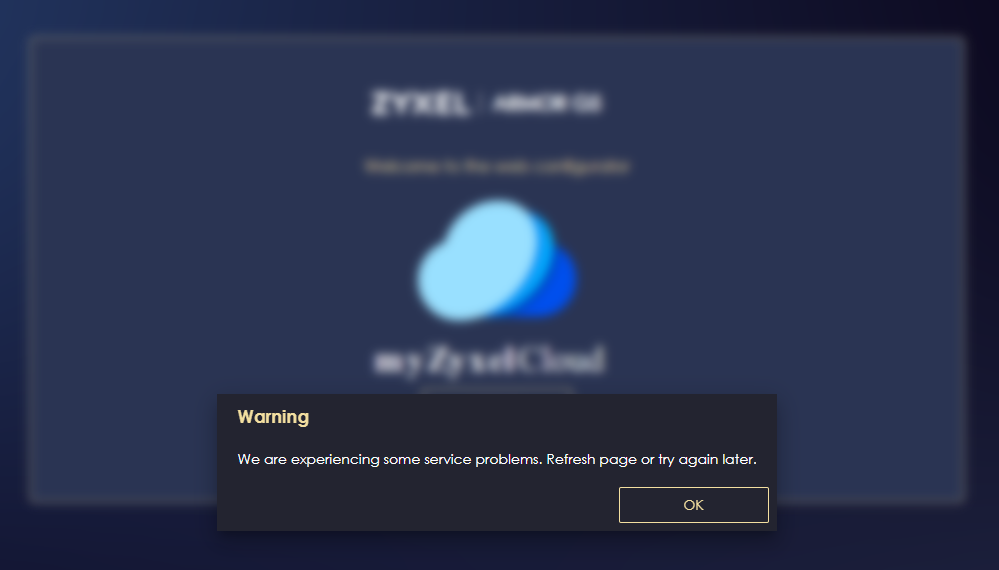
For the past few hours, I have been unable to access the web configuration page (192.168.123.1). Every time I try to log in, I get a popup error message stating: "Stiamo sperimentando alcuni problemi di servizio. Aggiorna la pagina o riprova più tardi" (Service issues, please try again later). It seems the router is stuck trying to authenticate via
myZyxelCloud/SSO, but the servers are unresponsive.
Steps I have already taken:
- Tried clearing browser cache and using Incognito mode.
- Disconnected the WAN cable to force a local login (did not work).
- Performed a full Factory Reset.
The current situation is now worse: After the factory reset, the problem persists. I am still getting the same SSO error message, which means I cannot even perform the initial setup. My router is now unconfigured, and I have no internet access at home.
Additionally, the Zyxel Armor mobile app has stopped working entirely and cannot detect or manage the device.
Is there a known server outage? How can I bypass the SSO login to configure my router locally? This is unacceptable for a flagship product.
Looking forward to a quick response.
All Replies
-
I have the same problem.
0 -
I have the sam problem cant asessit and ios phon app cant loade pcloud-sso.zyxel.to
zyxel armor app ios is Failing
The Armor app acts as a remote management tool for your Armor-series router. When it tries to log you in, it must connect to a Zyxel cloud server to verify your identity. If it can't reach pcloud-sso.zyxel.to, the app will not open your router's settings. and it is not existib on app store.
wt Legacy Armor App: The specific "Zyxel Armor" app was unpublished from the App Store in 2025 no info no uppdate on this bad custumber managment.
Zyxel One sems to be the new one but it dos not hawe SSO cant log in whit google account an th other app Zyxel Air dos not hawe SSO0 -
Same problem here but if you go directly to the router IP address, 192.168.123.1 by default, in a web browser you can log in to the router directly without using SSO.
0 -
Hello
I have exactly the same problems. I wanted to log in to my Armor G5 NBG7815.
I tried it directly with the IP address…
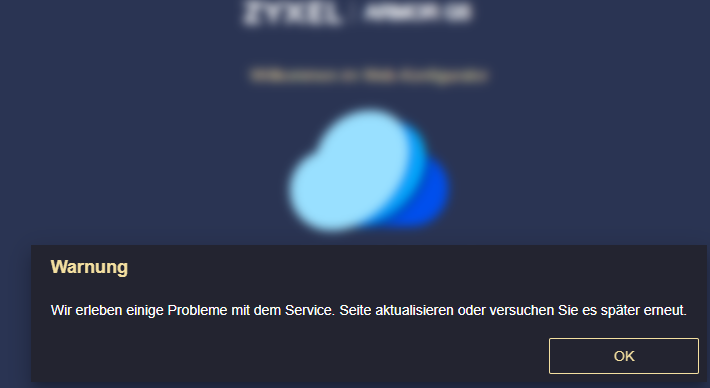
I've been always redirected to the Zyxel Cloud Login page an the following error prompt is showing:
When will Zyxel solve this issue.
On my phone the Android Armor app is working fine but I need deeper access to the Armor at the moment!
0 -
I can confirm the exact same issue here in Italy. Even when accessing the router directly via IP 192.168.123.1, the interface constantly redirects me to the
easy123SingleSignOnsetup page.I have tried every possible workaround:
- Direct connection via Ethernet cable (bypassing Wi-Fi).
- Setting a static IP on my PC (
192.168.123.10) and using Google DNS. - Performing multiple full factory resets (including the 30-30-30 method).
- Using Incognito/Private browsing to avoid cache conflicts.
Despite all this, the web UI hangs with the message: 'We are experiencing some service issues. Please refresh the page or try again later.' It is clear that the NBG6818 is stuck in a loop trying to reach a Zyxel cloud server that is either down or incompatible. It is unacceptable that a server-side issue prevents local administrative access to the hardware."
0 -
Dear @AxlRose93 , @Legnakrad , @vilse , @davedave1234 , @Oberon , and @GIOMA ,
Thank you all for reporting this issue and for the detailed information you have provided. We sincerely apologize for the inconvenience this has caused.
We are aware that multiple users are currently experiencing difficulties logging into the Armor G5 (NBG7815) web UI, where the interface is being redirected to the myZyxel Cloud / SSO authentication page and returning the error:"We are experiencing some service issues. Please refresh the page or try again later."
We want to assure you that our engineering team is actively investigating this issue. We understand how critical local router access is, and we are treating this with high priority.
Zyxel Melen0 -
Update:
Issue is fixed.
Zyxel Melen0 -
Hello Zyxel Melen
I still could not login to the web gui.
Every time i try to it redirects me to the https site and then an error occurs:
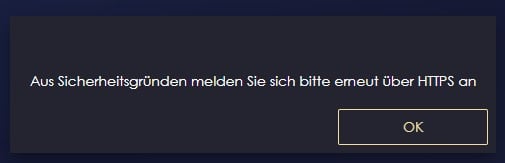
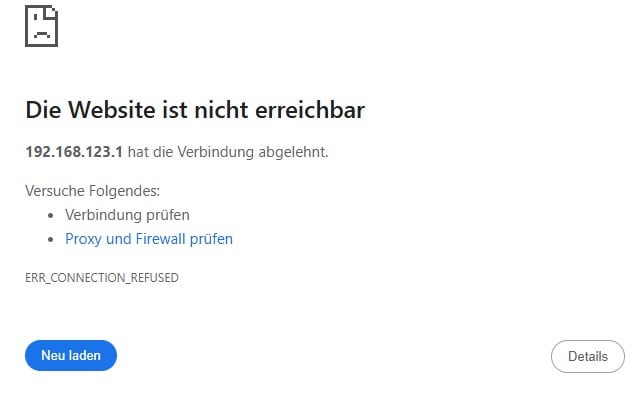
Could you give me a hint how to login without HTTPS?
Best regards
Rene
0 -
Hi @Oberon
This might be the browser's new behavior, newer version uses HTTPs instead of HTTP. Please try enter http://<ip> first. Or try open a private mode browser to access.
Zyxel Melen0








 Zyxel Employee



Categories
- All Categories
- 442 Beta Program
- 3.1K Nebula
- 237 Nebula Ideas
- 6.8K Security
- 740 USG FLEX H Series
- 376 Security Ideas
- 1.8K Switch
- 87 Switch Ideas
- 1.5K Wireless
- 58 Wireless Ideas
- 7.2K Consumer Product
- 319 Service & License
- 512 News and Release
- 99 Security Advisories
- 31 Education Center
- 10 [Campaign] Zyxel Network Detective
- 5.3K FAQ
- 34 Documents
- 91 About Community
- 119 Security Highlight
