How to remove/delete a site from Nebula organization?
Options

Zyxel_JoyLee
Posts: 220


 Zyxel Employee
Zyxel Employee
- Login your Nebula organization
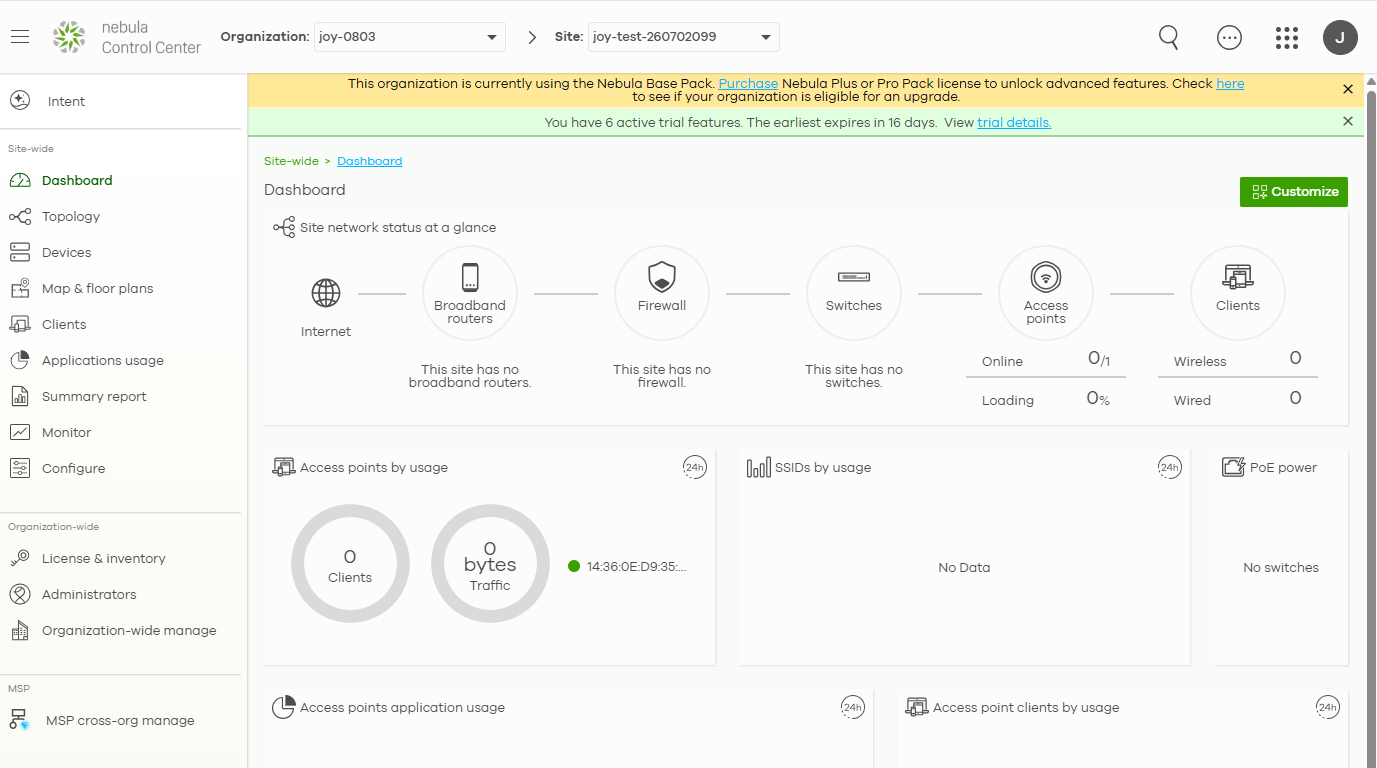
2. Go to "Organization-wide manage" > "Organization settings" > Delete this organization

3. Click "Sites"
4. Select the site you would like to remove/delete
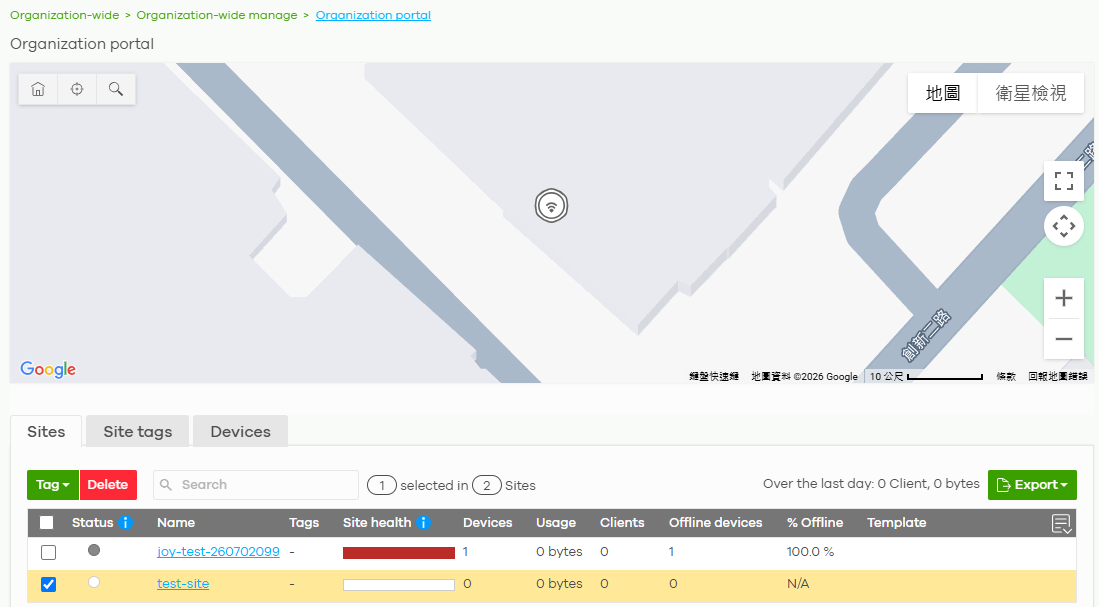
5. Click "Delete "button
6. Click "Delete sites" button
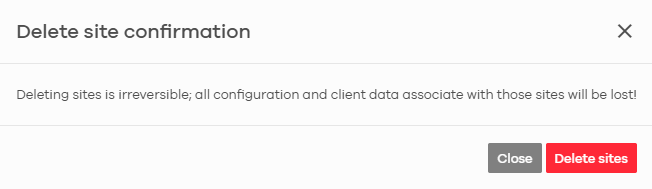
7. Selected site is deleted from the organization
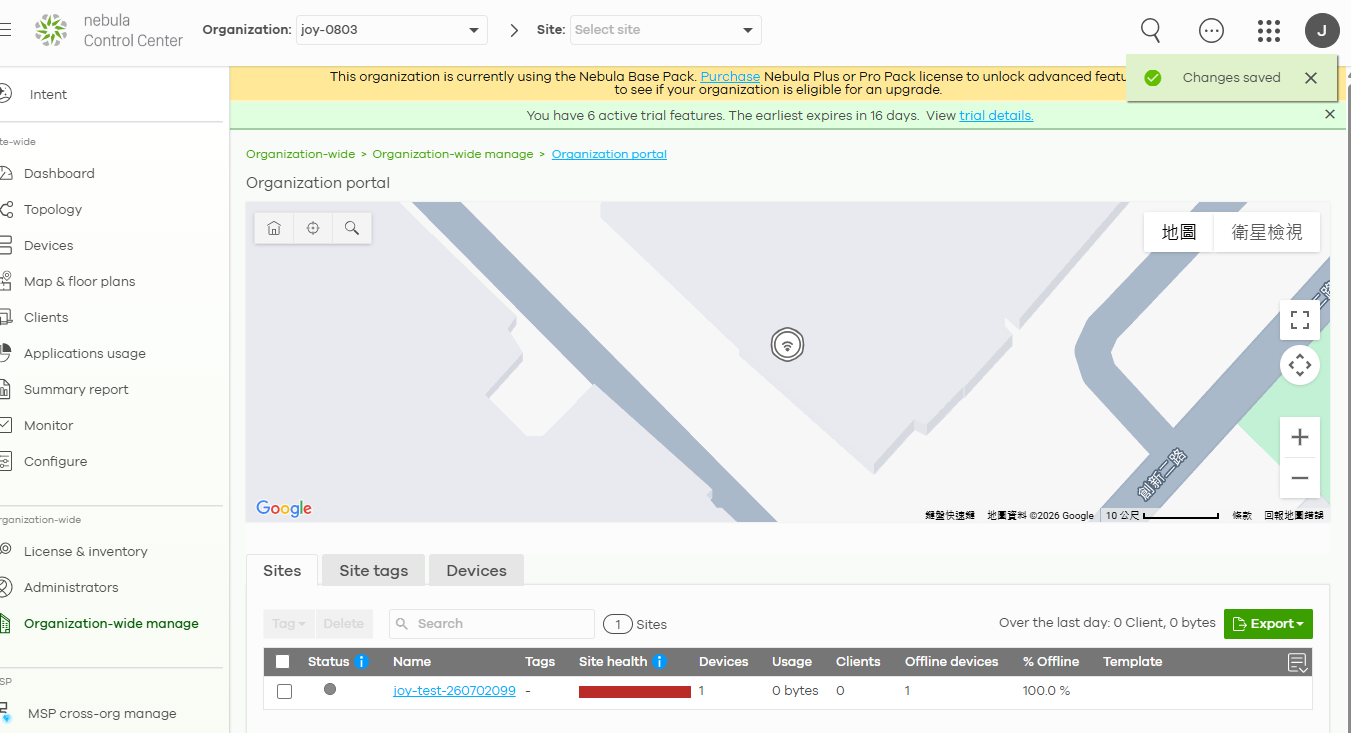
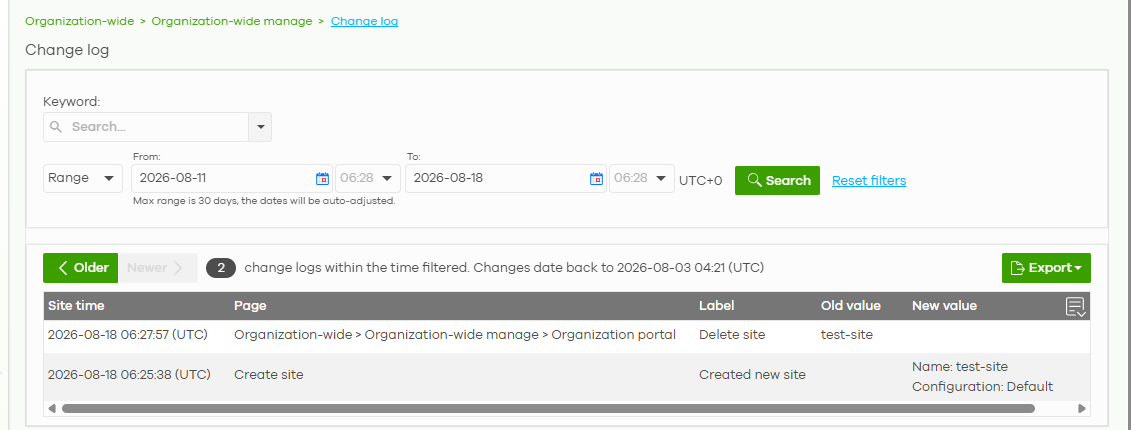
8. Check change log for deleting a site from "Organization-wide manage" > "Change log"
0
Categories
- All Categories
- 442 Beta Program
- 3.1K Nebula
- 243 Nebula Ideas
- 6.8K Security
- 783 USG FLEX H Series
- 389 Security Ideas
- 1.8K Switch
- 87 Switch Ideas
- 1.5K Wireless
- 58 Wireless Ideas
- 7.2K Consumer Product
- 325 Service & License
- 527 News and Release
- 101 Security Advisories
- 31 Education Center
- 10 [Campaign] Zyxel Network Detective
- 5.3K FAQ
- 34 Documents
- 91 About Community
- 122 Security Highlight