zixel 1250

 Freshman Member
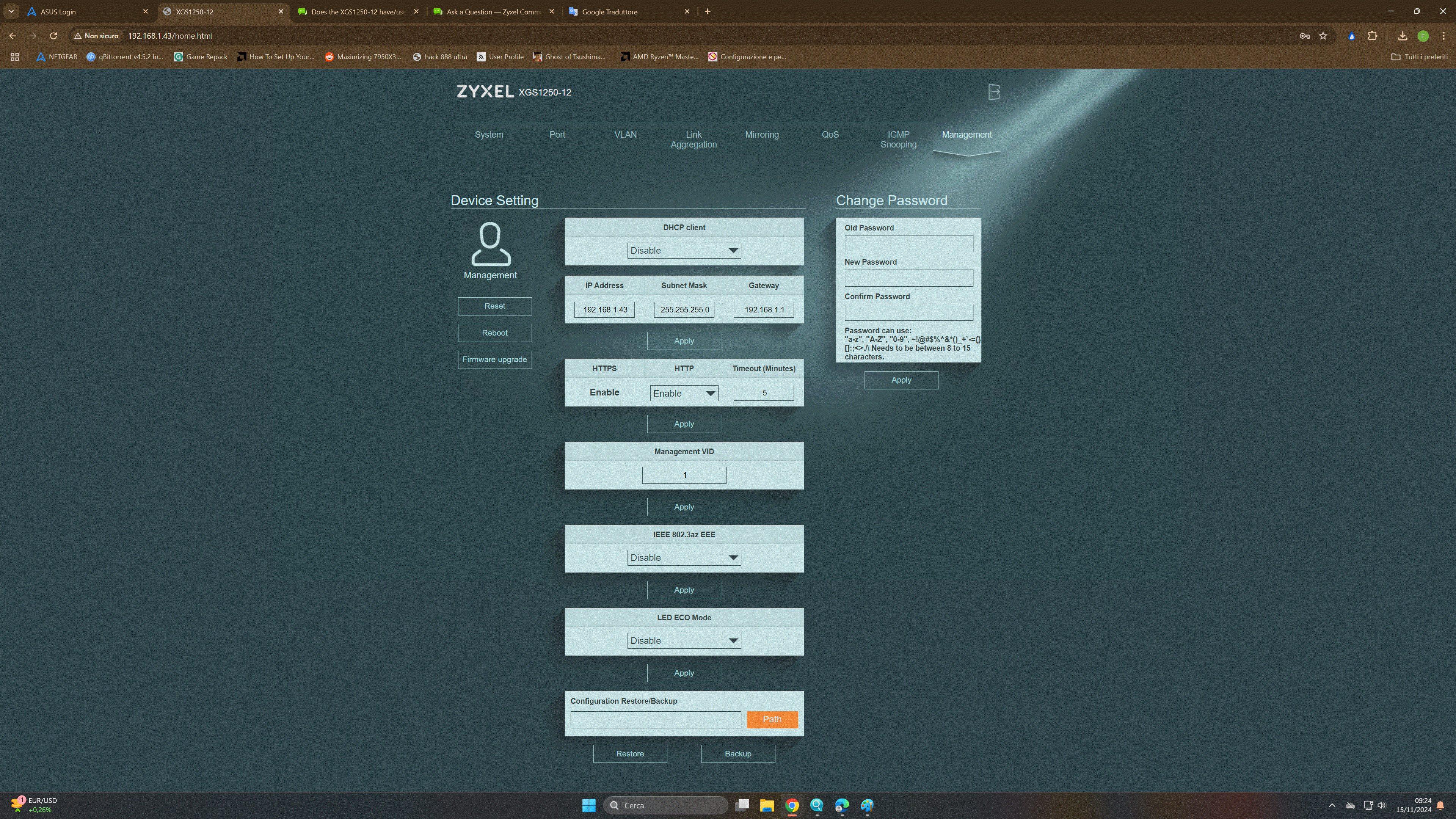
good morning, just today I installed the latest version of the firmware available that should turn off the LEDs in eco mode and enable the smart auto fan
after rebooting I enter the switch management and see that I can turn off the LEDs with eco mode but the option of the fan from auto to continuous forcing is not present.....how do I know if my hardware is a1 or b1?
I assume it is b1 if the option of turning off the LEDs is enabled but how come I don't see the other option?
thanks
Accepted Solution
-
Hi @fraste03
To identify the hardware revision of your XGS1250, you can check the label on the back of the device. Here’s a guide to help you:
Besides, both A1 and B1 hardware revisions support the LED ECO Mode. However, the Smart Fan Full/Auto mode is available only on the B1 hardware revision. For the A1 hardware revision, the fan operates exclusively in Auto mode, and therefore, the Smart Fan Control option does not appear in the web GUI.
Kay
0

 Zyxel Employee


All Replies
-
Hi @fraste03
To identify the hardware revision of your XGS1250, you can check the label on the back of the device. Here’s a guide to help you:
Besides, both A1 and B1 hardware revisions support the LED ECO Mode. However, the Smart Fan Full/Auto mode is available only on the B1 hardware revision. For the A1 hardware revision, the fan operates exclusively in Auto mode, and therefore, the Smart Fan Control option does not appear in the web GUI.
Kay
0
Categories
- All Categories
- 442 Beta Program
- 2.9K Nebula
- 219 Nebula Ideas
- 127 Nebula Status and Incidents
- 6.5K Security
- 602 USG FLEX H Series
- 344 Security Ideas
- 1.7K Switch
- 84 Switch Ideas
- 1.4K Wireless
- 52 Wireless Ideas
- 7K Consumer Product
- 298 Service & License
- 480 News and Release
- 92 Security Advisories
- 31 Education Center
- 10 [Campaign] Zyxel Network Detective
- 4.8K FAQ
- 34 Documents
- 87 About Community
- 105 Security Highlight