Title: Zyxel NBG6604 - PPPoE Auto-reconnect issue after power outage


 Freshman Member
Hi everyone,
I am facing a highly frustrating issue with my Zyxel NBG6604 router and hoping to get some help from this community.
- Router Model: Zyxel NBG6604
- Current Firmware: V1.01(ABIR.2)C0 (Latest)
- Connection Type: PPPoE
Problem
Whenever there is a power outage and the power returns, the router turns on and my devices connect to the Wi-Fi, but it shows "No Internet". The router fails to automatically re-establish the PPPoE session with my ISP.
My Temporary Workaround
To get the internet back, I have to manually log into the router's Web GUI, go to the "eaZy 123 Setup" page, and simply click the "Apply" button (without making any changes). After clicking apply, the router takes about 90 seconds to process, and then the internet connects and works perfectly.
What I've Tried: I have already updated to the latest firmware. I tried looking for settings like "Always On", "Connect on Demand", "Nailed-Up Connection", or "Idle Timeout" in the WAN settings to force the router to keep dialing, but I couldn't find any of these options in this specific model's Web GUI.
My Question:Is this a known firmware bug? Or is there a hidden setting I am missing to enable continuous auto-reconnect for PPPoE? Any guidance on how to permanently fix this auto-reconnect issue would be highly appreciated.
Thanks in advance,
MD. AWOLAD ALI (from Bangladesh)
Best Answers
-
Hi @Awolad56 ,
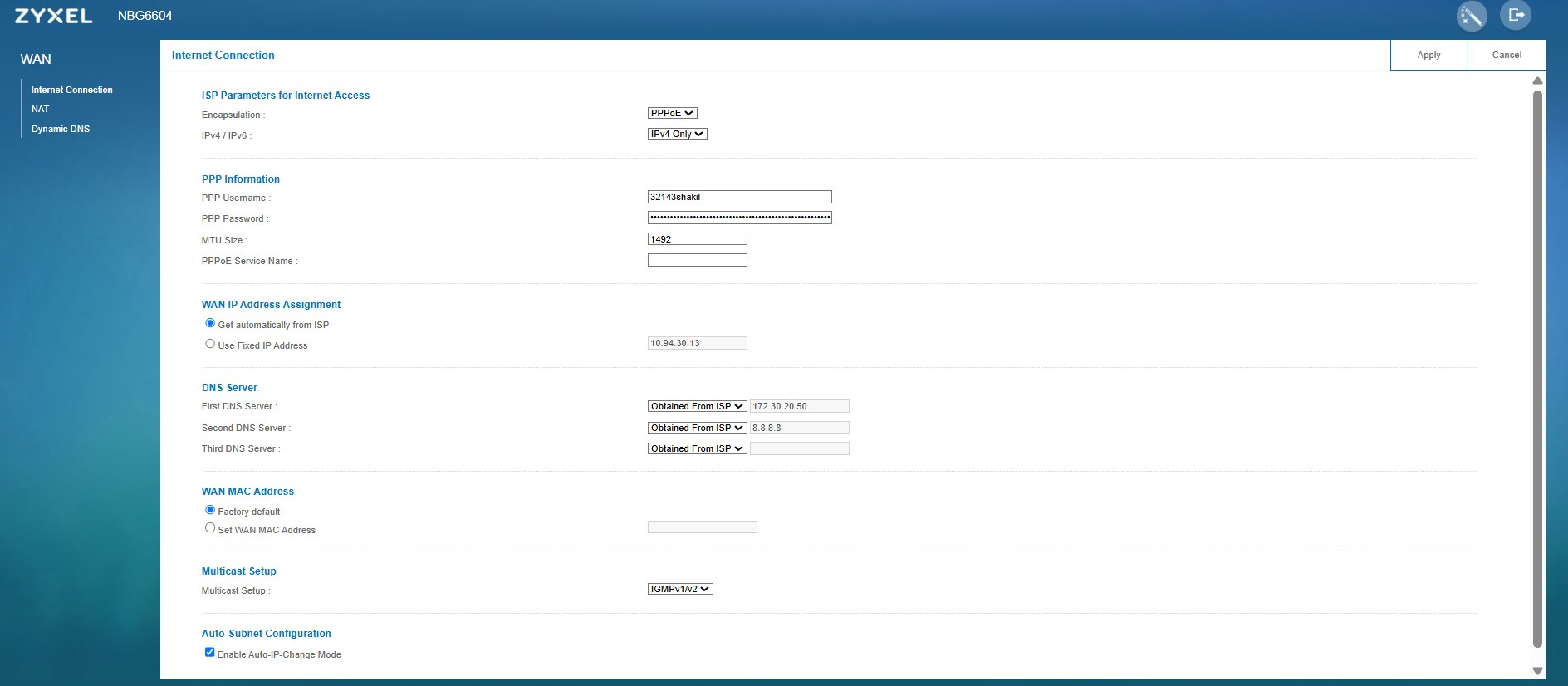
Please help verify whether 'PPPoE Auto Connect' is enabled under [Network] > [WAN] > [Internet Connection: PPPoE Encapsulation].

Regrettably, since the NBG6604 model has reached End-of-Life (EOL), we are no longer able to provide technical support for this device. To ensure optimal performance and receive full technical support, we recommend exploring our current product offerings at:
Thank you for choosing Zyxel products and services, Hope this clarifies things! Have a wonderful day.
0 -
"Hi, I have checked and 'PPPoE Auto Connect' is already enabled on my router. However, I am still facing the issue and I really want to resolve this. Could you please provide some further support or suggestions to fix it?"
0



 Zyxel Employee
All Replies
-
Hi @Awolad56 ,
Please help verify whether 'PPPoE Auto Connect' is enabled under [Network] > [WAN] > [Internet Connection: PPPoE Encapsulation].
Regrettably, since the NBG6604 model has reached End-of-Life (EOL), we are no longer able to provide technical support for this device. To ensure optimal performance and receive full technical support, we recommend exploring our current product offerings at:
Thank you for choosing Zyxel products and services, Hope this clarifies things! Have a wonderful day.
0 -
"Hi, I have checked and 'PPPoE Auto Connect' is already enabled on my router. However, I am still facing the issue and I really want to resolve this. Could you please provide some further support or suggestions to fix it?"
0 -
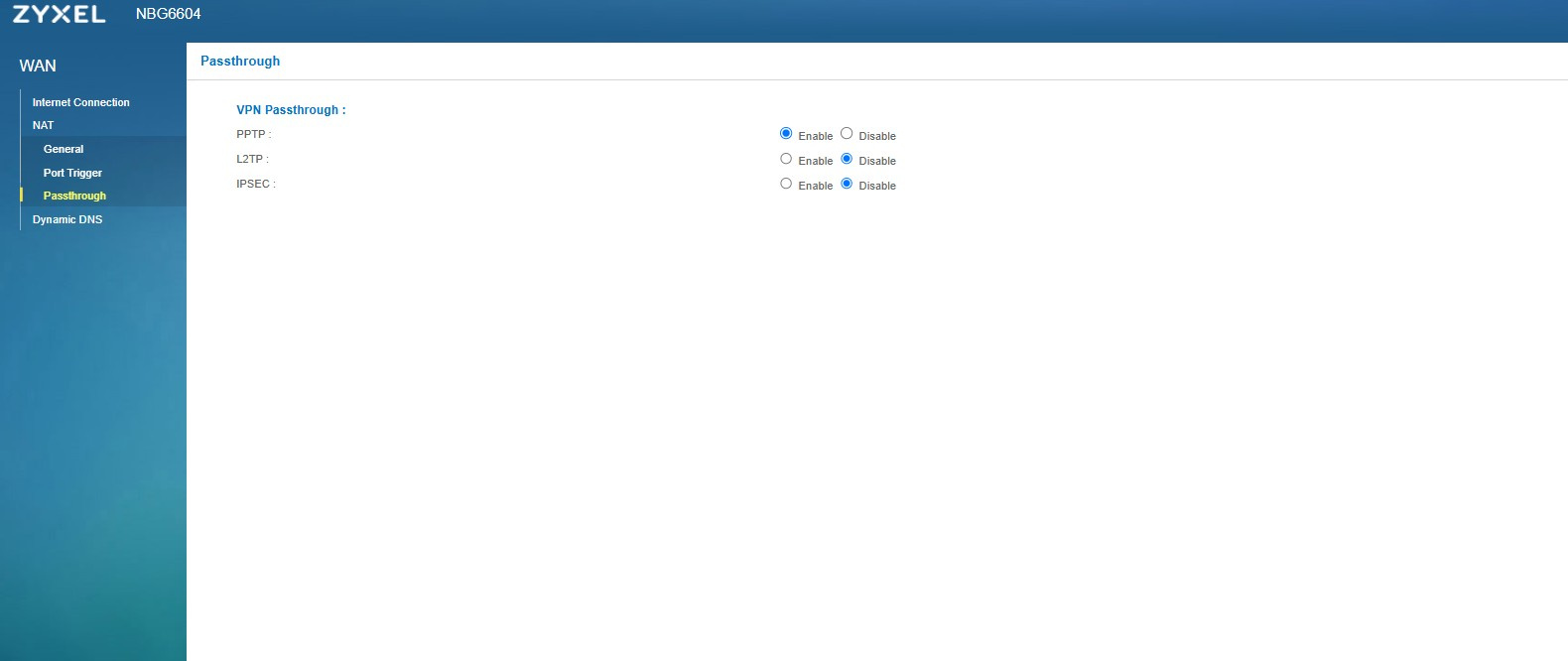
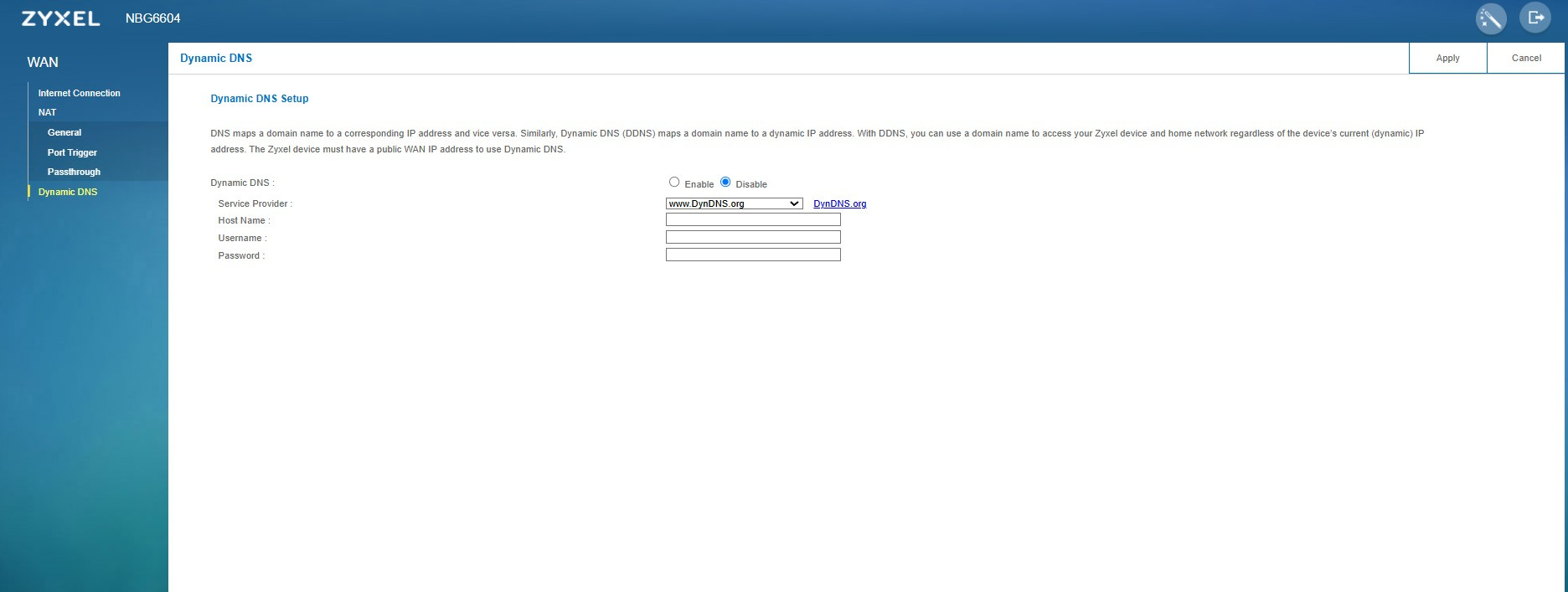
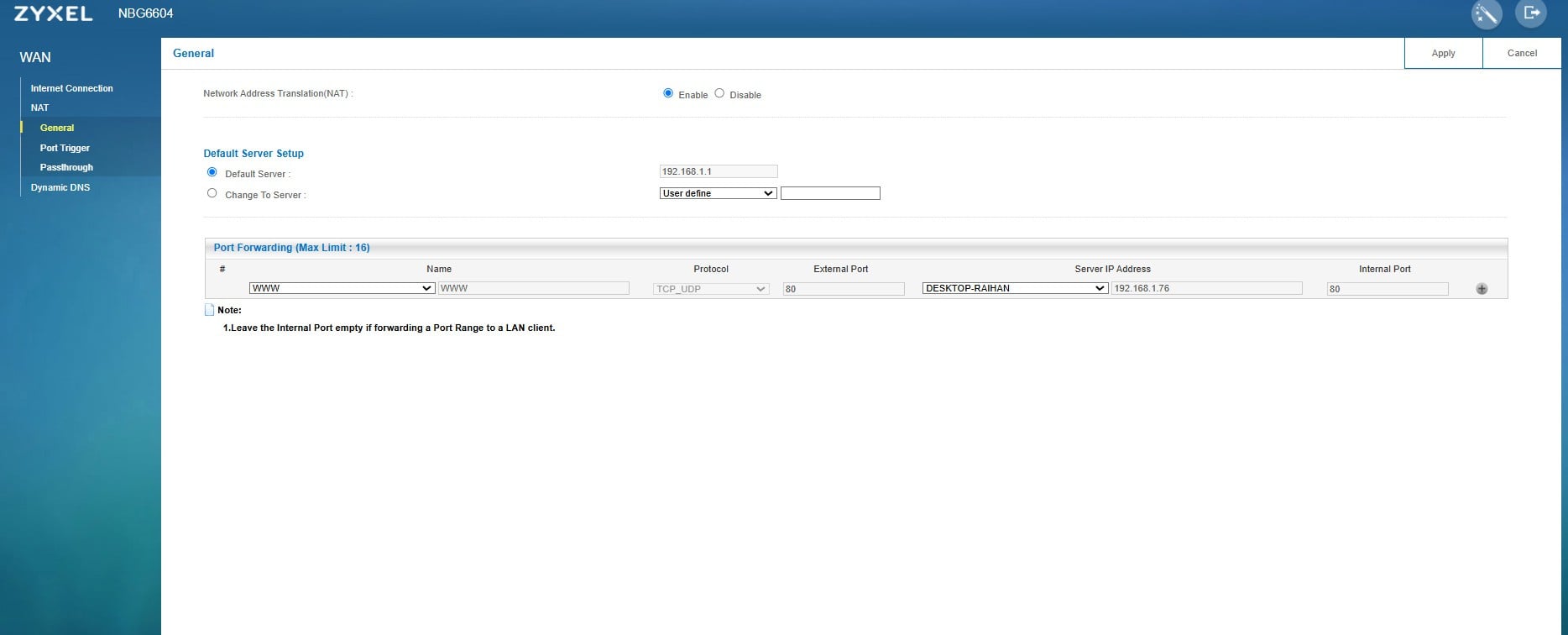
Here the Screenshot of this Setting.
Could you please provide some further support or suggestions to fix it?"
 0
0 -
Hi, @Awolad56 ,
Since a power outage is not a standard shutdown procedure, it may cause temporary system anomalies. We recommend turning off the power switch, waiting for 1 to 2 minutes, and then turning it back on.
This allows the device's capacitor to fully decharge and reset the system voltage which was posible in a abnormal volt after power outage.0
Categories
- All Categories
- 442 Beta Program
- 3.1K Nebula
- 243 Nebula Ideas
- 6.8K Security
- 783 USG FLEX H Series
- 389 Security Ideas
- 1.8K Switch
- 87 Switch Ideas
- 1.5K Wireless
- 58 Wireless Ideas
- 7.2K Consumer Product
- 325 Service & License
- 527 News and Release
- 101 Security Advisories
- 31 Education Center
- 10 [Campaign] Zyxel Network Detective
- 5.3K FAQ
- 34 Documents
- 91 About Community
- 122 Security Highlight
