DX3301 router - Need to use own certificate for https access to prevent browser error messages.



 Freshman Member
Like many others, I am frustrated by browser security warnings when I log on to my Zyxel router. I am seeking to replace use of the default Zyxel cert used by the DX3301 router for https logons to its GUI pages by my own, self-signed but trusted certificate. I have created the certificate, and successfully imported it to the DX3301's Local Certificates, but I can not find where to tell the router to use that particular certificate for https access to the router, which continues to use the default Zyxel certificate. Can anyone help?
All Replies
-
Me too
0 -
Hi VicSavy,
What you want to do might not be possible, unless you request a new certificate that will be signed by Zyxel's CA.
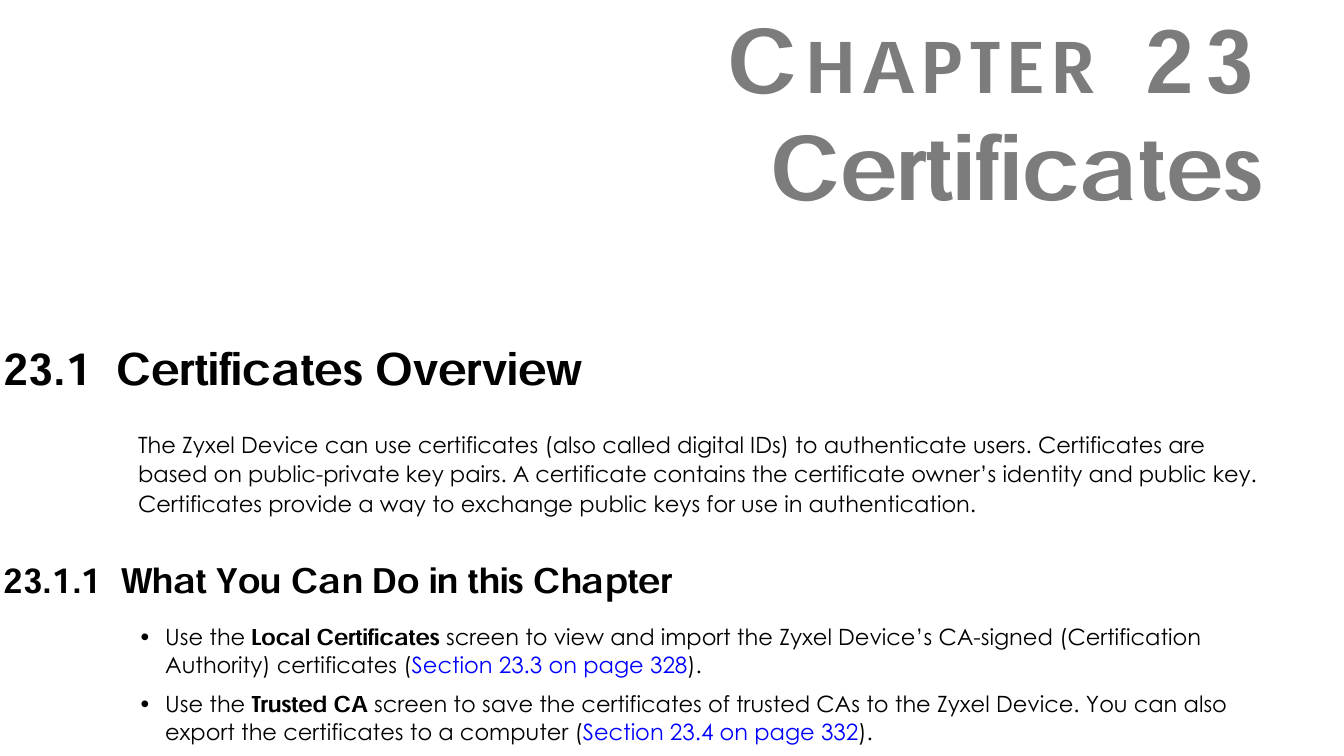
See below user manual extract from the DX3301 user manual dated 2022.
Happy New Year.
Regards, Tony
0 -
I am able to do everything that is required, including creating my CA, and importing a trusted certificate into the router. But I am stuck at the stage of how to tell the router to use the specific new trusted certificate that I have imported for web/ssl access. Some Zyxel routers seem to have a menu option like "SSL VPN", "General Setup" that allow you to Replace the default HTTPS and SSL Certificate, but I can't see anything similar on the Zyxel DX3301-T0 router. Does anyone know how one does that on this particular router?
0





 Guru Member
Categories
- All Categories
- 442 Beta Program
- 3.1K Nebula
- 243 Nebula Ideas
- 6.8K Security
- 781 USG FLEX H Series
- 387 Security Ideas
- 1.8K Switch
- 87 Switch Ideas
- 1.5K Wireless
- 58 Wireless Ideas
- 7.2K Consumer Product
- 324 Service & License
- 527 News and Release
- 101 Security Advisories
- 31 Education Center
- 10 [Campaign] Zyxel Network Detective
- 5.3K FAQ
- 34 Documents
- 91 About Community
- 121 Security Highlight
