Detecting Unusual Logins Automatically with SecuReporter

 Zyxel Employee
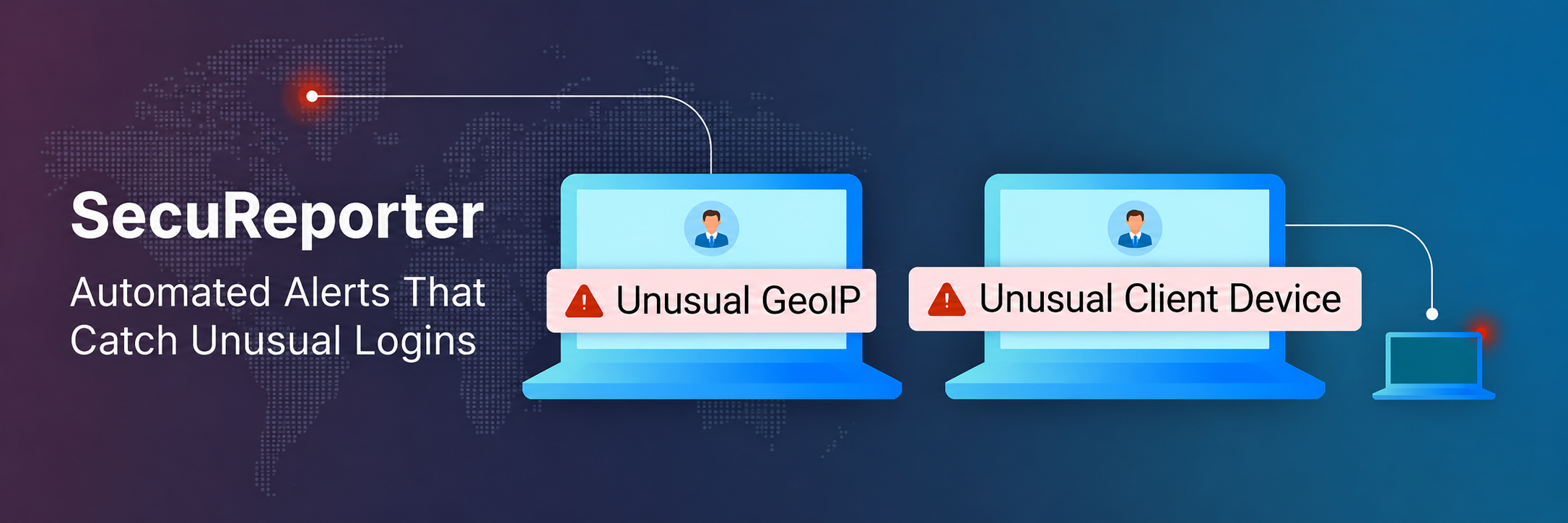
🚀 SecuReporter Keeps Getting Sharper
SecuReporter has come a long way from a reporting dashboard. It now correlates traffic, threats, and device activity across your whole network, turning raw logs into the signals your team actually acts on. Every release sharpens that picture a little more.
This month, the focus shifts to one of the most overlooked entry points in any network: the administrator login itself.
Nebula and SecuReporter now learn how each of your administrators normally signs in, and alert you the moment a login breaks that pattern.
🔐 What is Unusual Device Admin Login Detection?
Unusual Device Admin Login Detection is a SecuReporter capability that watches admin-account sign-ins and alerts you when one falls outside normal behavior. Nebula and SecuReporter proactively detect unusual administrator login activity and send email and in-app notifications. By learning each administrator's established login patterns over a rolling 30-day window, they build a unique behavioral fingerprint and surface anomalies that may signal unauthorized access.
A login is flagged when one of two things doesn't add up:
- A login from an unfamiliar country. A public-IP sign-in from a country that hasn't appeared in the last 30 days. Often the first trace of stolen credentials or remote misuse.
- A login from an unrecognized device. A private-IP sign-in from a device hostname not seen in the last 30 days. A sign that something on the inside doesn't belong.
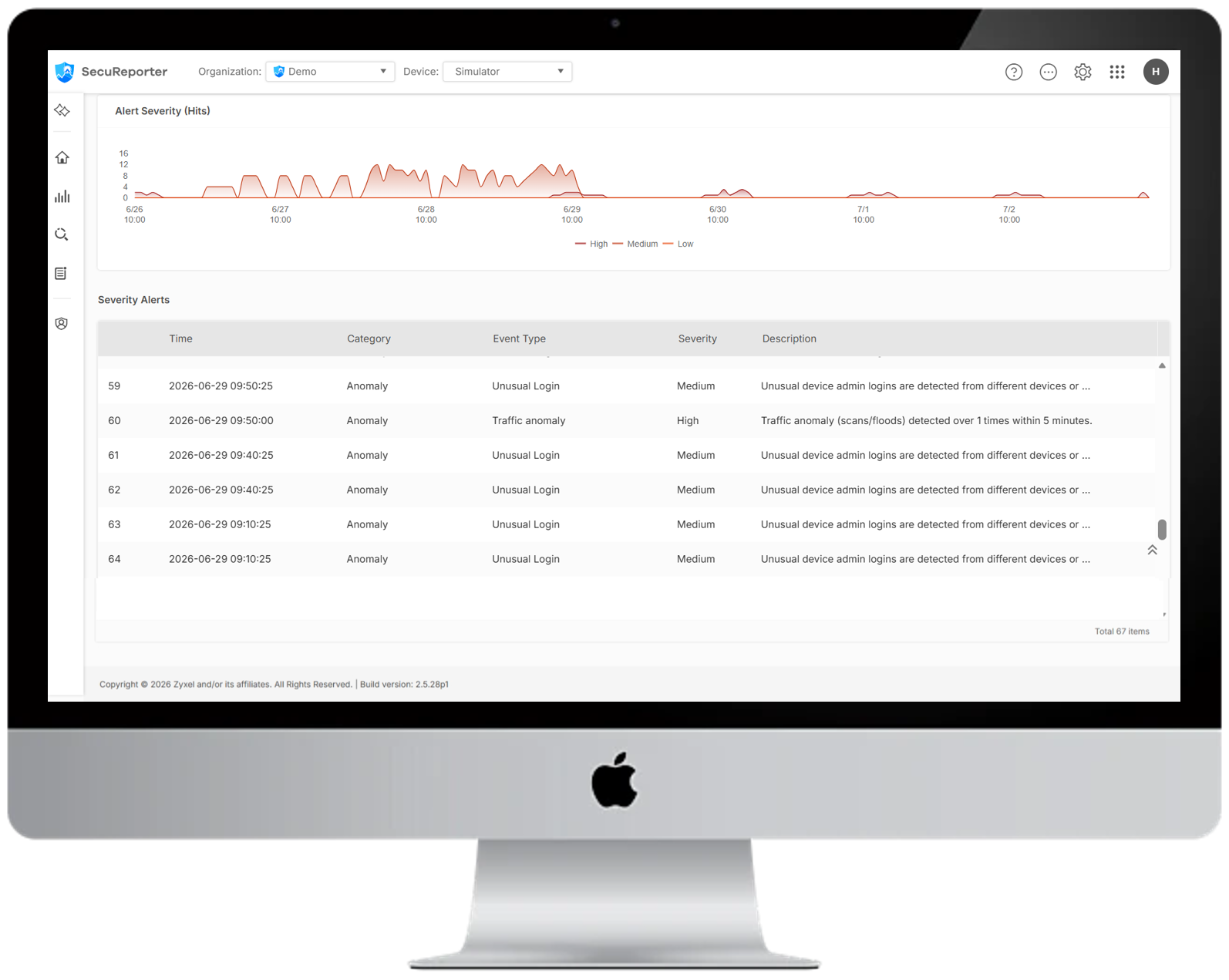
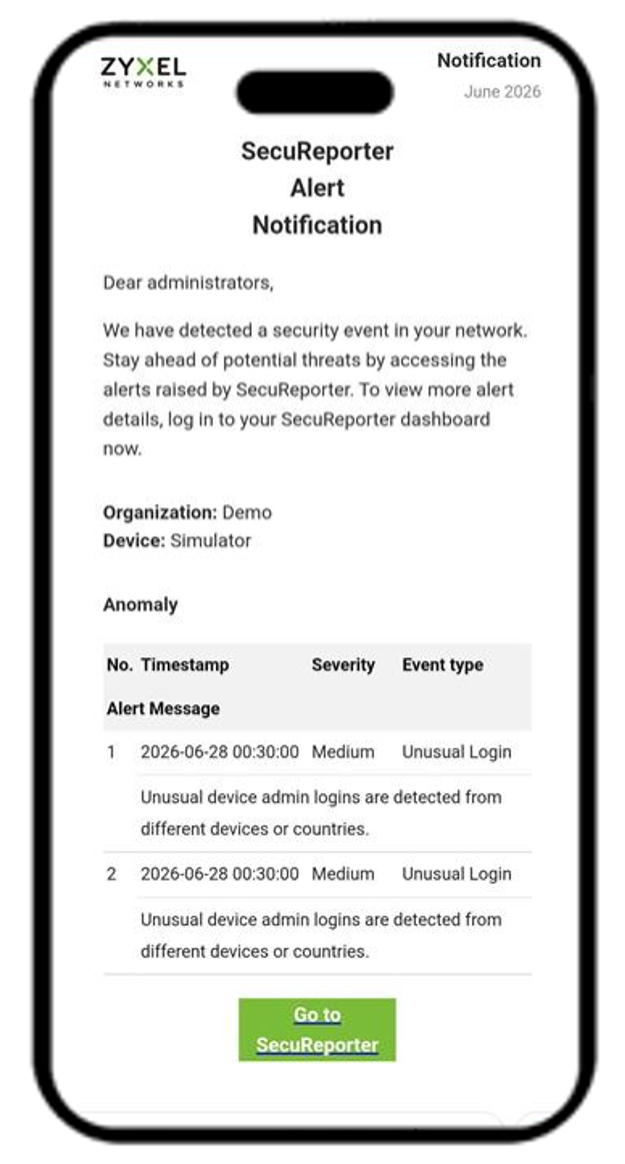
Every alert arrives with the full context of the login event: the who, the where, and the when. You start your investigation already a few steps in.
⚙️ How Do You Turn It On?
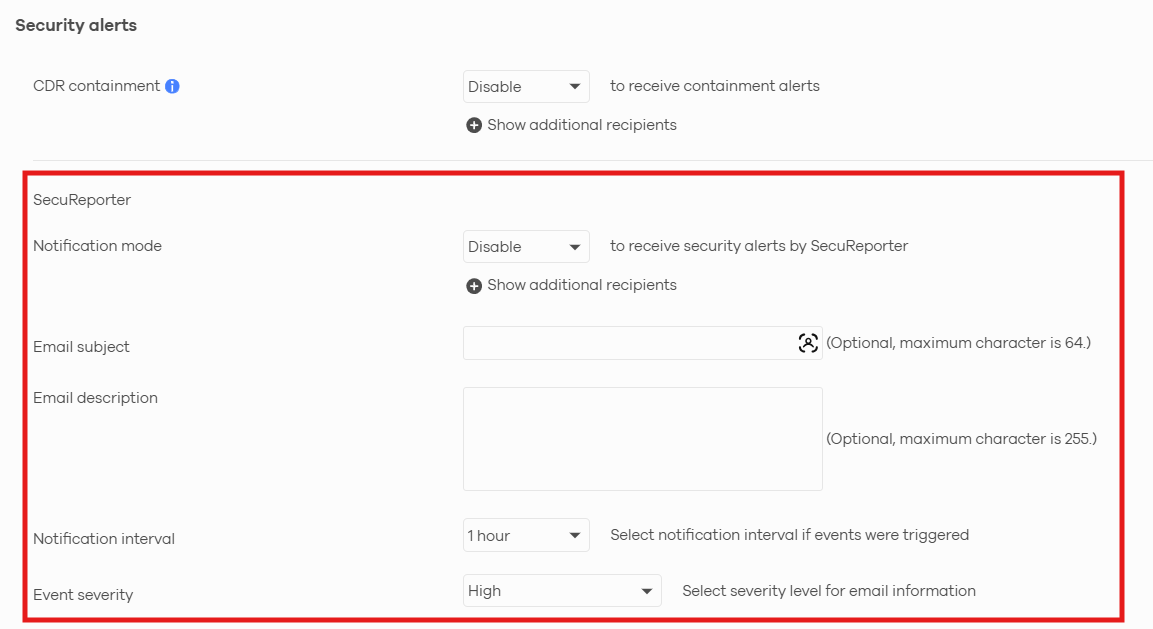
You manage this notification from Alert Settings, where you decide who gets notified, which severity levels to send, and how often alerts go out. The rule itself sits under the Anomaly alert definitions as Unusual Device Admin Logins.
- Managing your devices in Nebula? Go to Site-wide > Configure > Alert Settings > Security alerts.
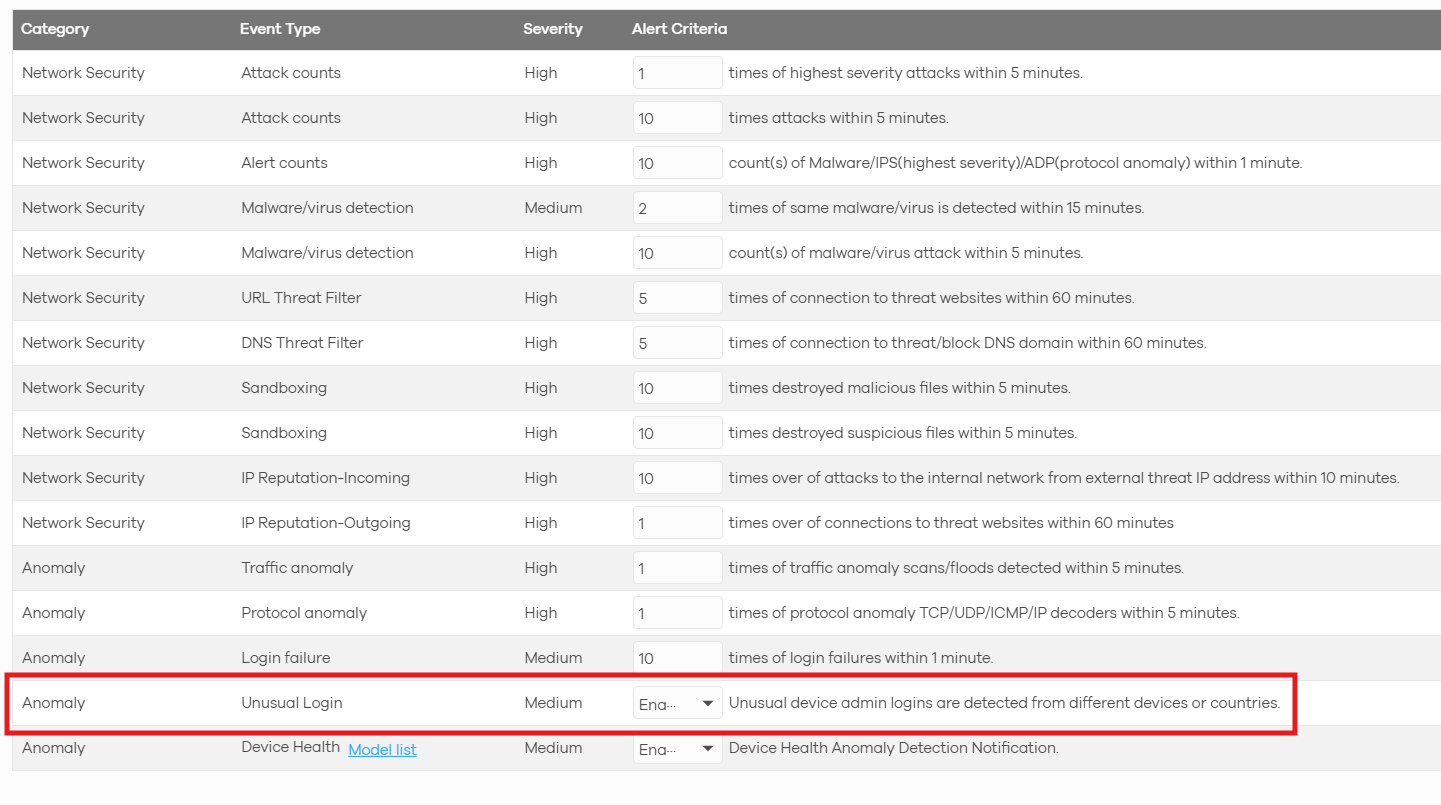
From there, add your recipients, set the email title and severity levels, choose your delivery frequency, and confirm that the Unusual Device Admin Logins rule under the Anomaly category is switched on.
✅ Availability & Version Details
Here's what you need to know:
Supported Model | USG FLEX H / ATP / USG FLEX Series |
|---|---|
SecuReporter Version | v26.3.0 |
Release Date | July 27, 2026 |
🎯 Ready to Explore It Yourself?
Log in to SecuReporter and take a look at your recent admin login alert history today.
👉 Log in to SecuReporter and experience it now!
🔄 While You're Here: SecuReporter AI Just Leveled Up
Watching the front door is one half of the story. Watching the devices behind it is the other. Device Health Anomaly Detection powered by SecuReporter AI just picked up new updates, including email and in-app alerts, plus precision time-range control for faster root-cause analysis.
Categories
- All Categories
- 442 Beta Program
- 3K Nebula
- 232 Nebula Ideas
- 132 Nebula Status and Incidents
- 6.7K Security
- 691 USG FLEX H Series
- 365 Security Ideas
- 1.8K Switch
- 87 Switch Ideas
- 1.4K Wireless
- 56 Wireless Ideas
- 7.1K Consumer Product
- 312 Service & License
- 505 News and Release
- 97 Security Advisories
- 31 Education Center
- 10 [Campaign] Zyxel Network Detective
- 5.1K FAQ
- 34 Documents
- 89 About Community
- 112 Security Highlight