Multy X WSQ50 will not connect to app


 Freshman Member
I am writing to request assistance with two Zyxel Multy X (WSQ50) devices and mini X purchased in 2020 that are experiencing critical functionality issues and unable to connect to the app.
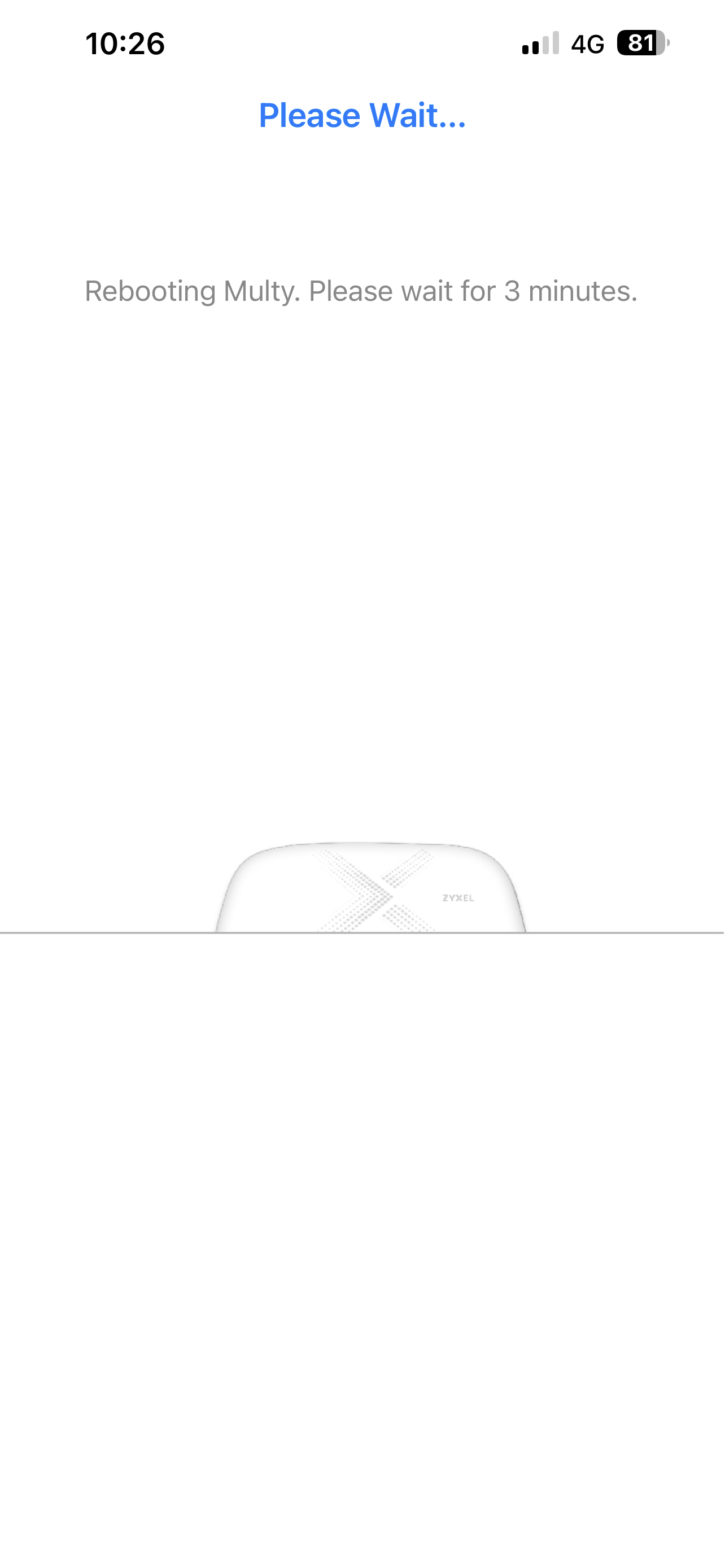
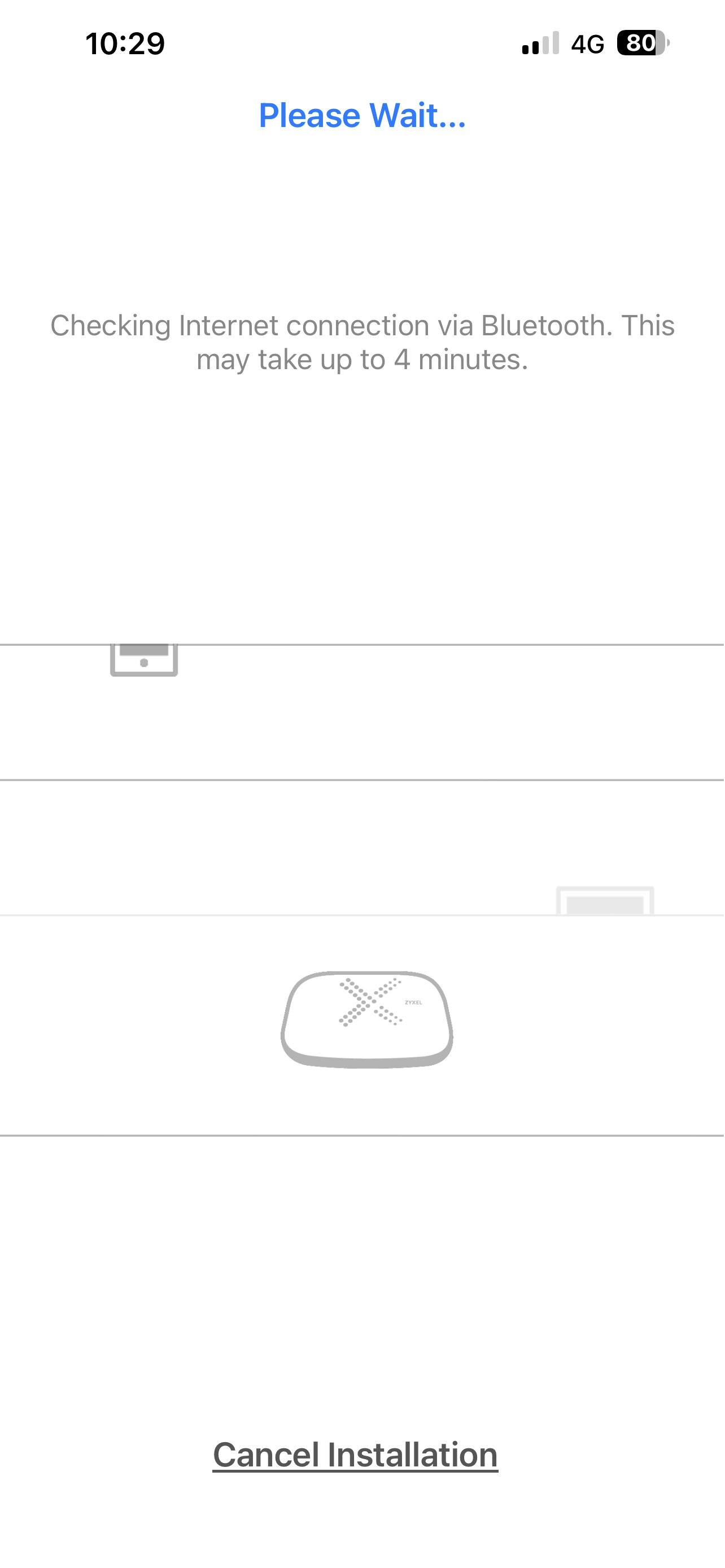
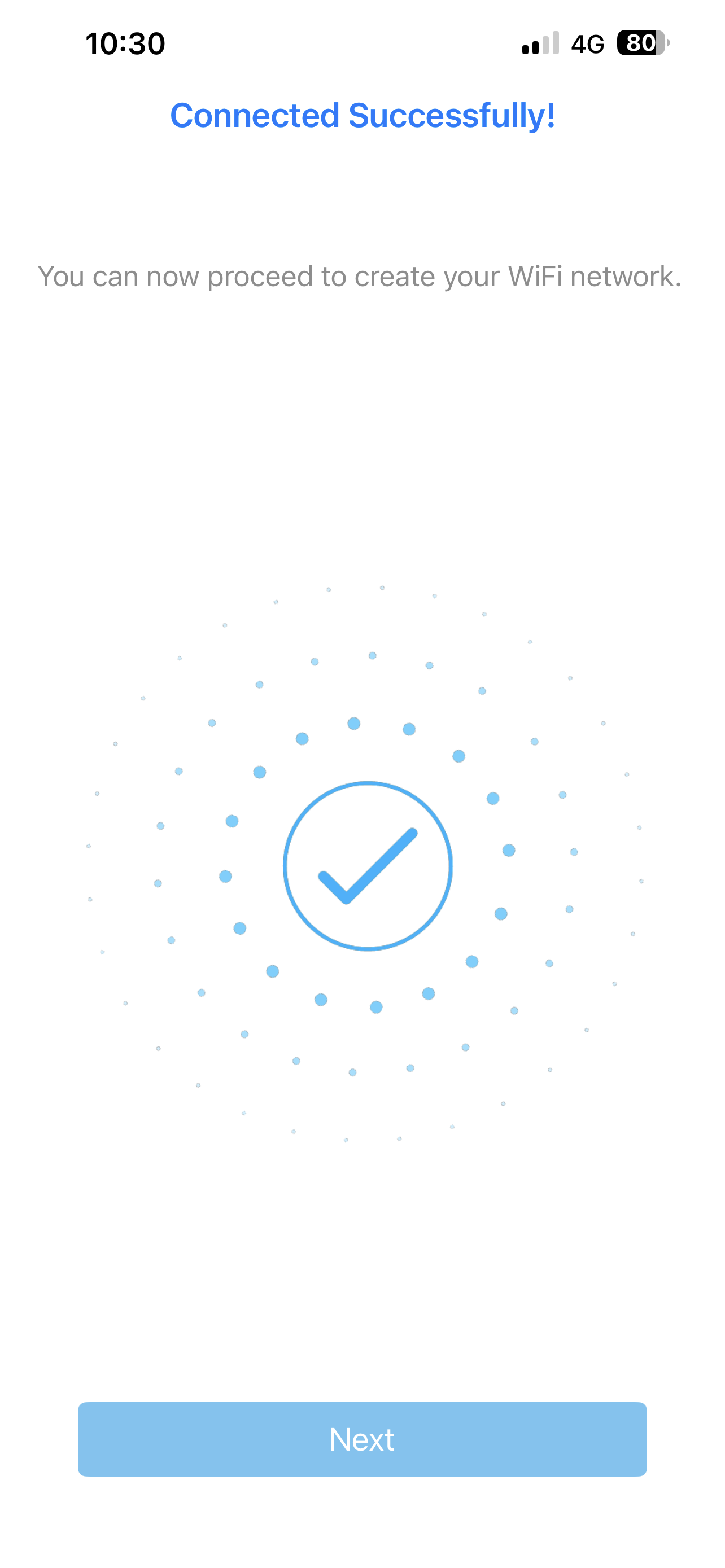
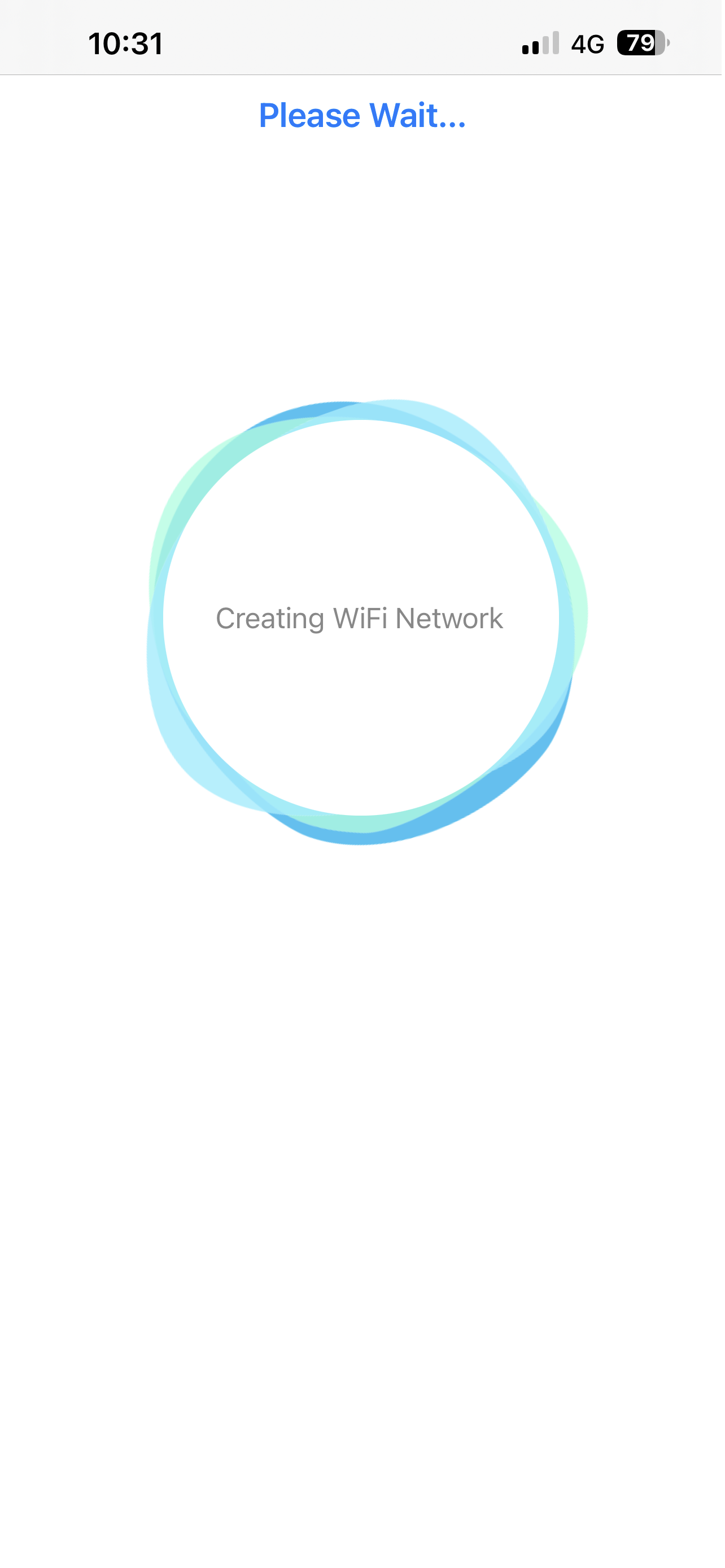
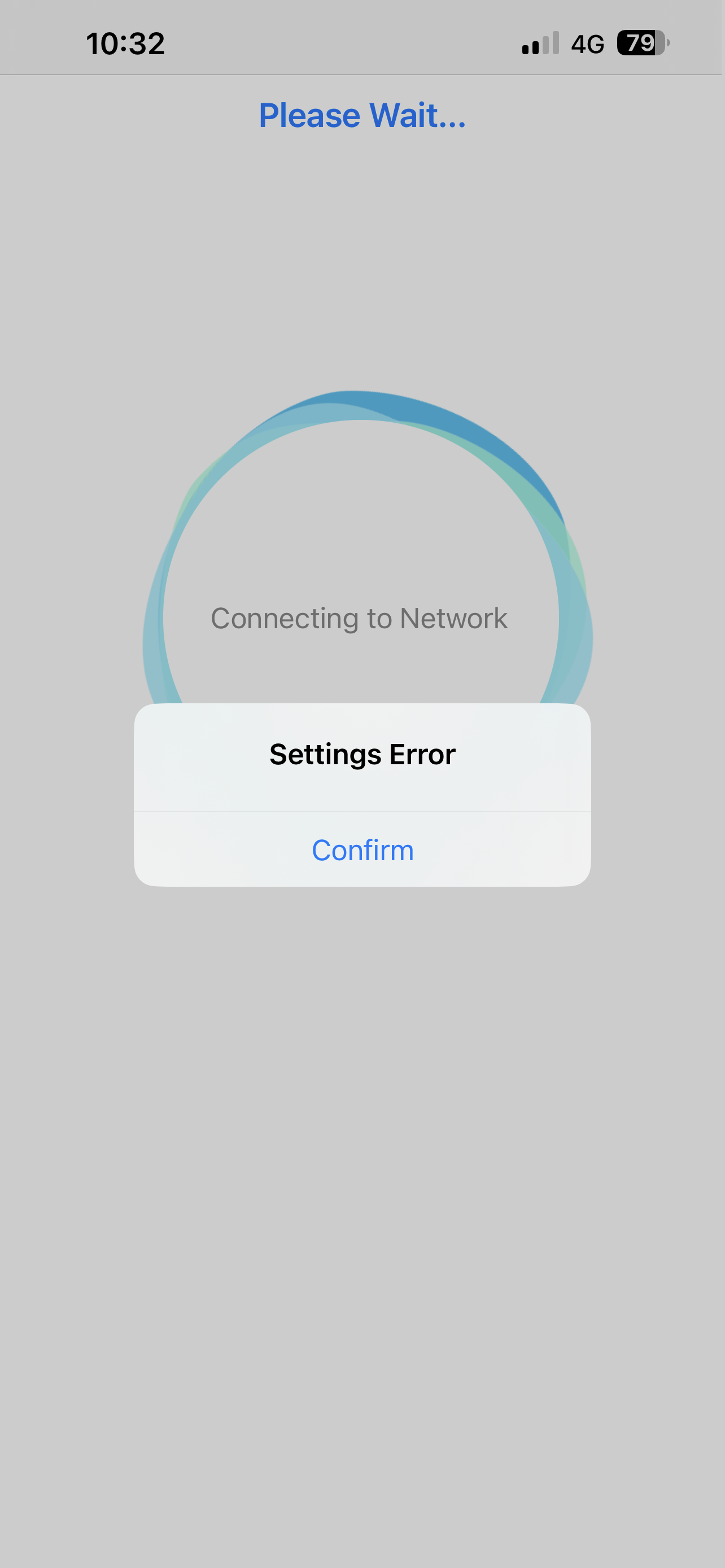
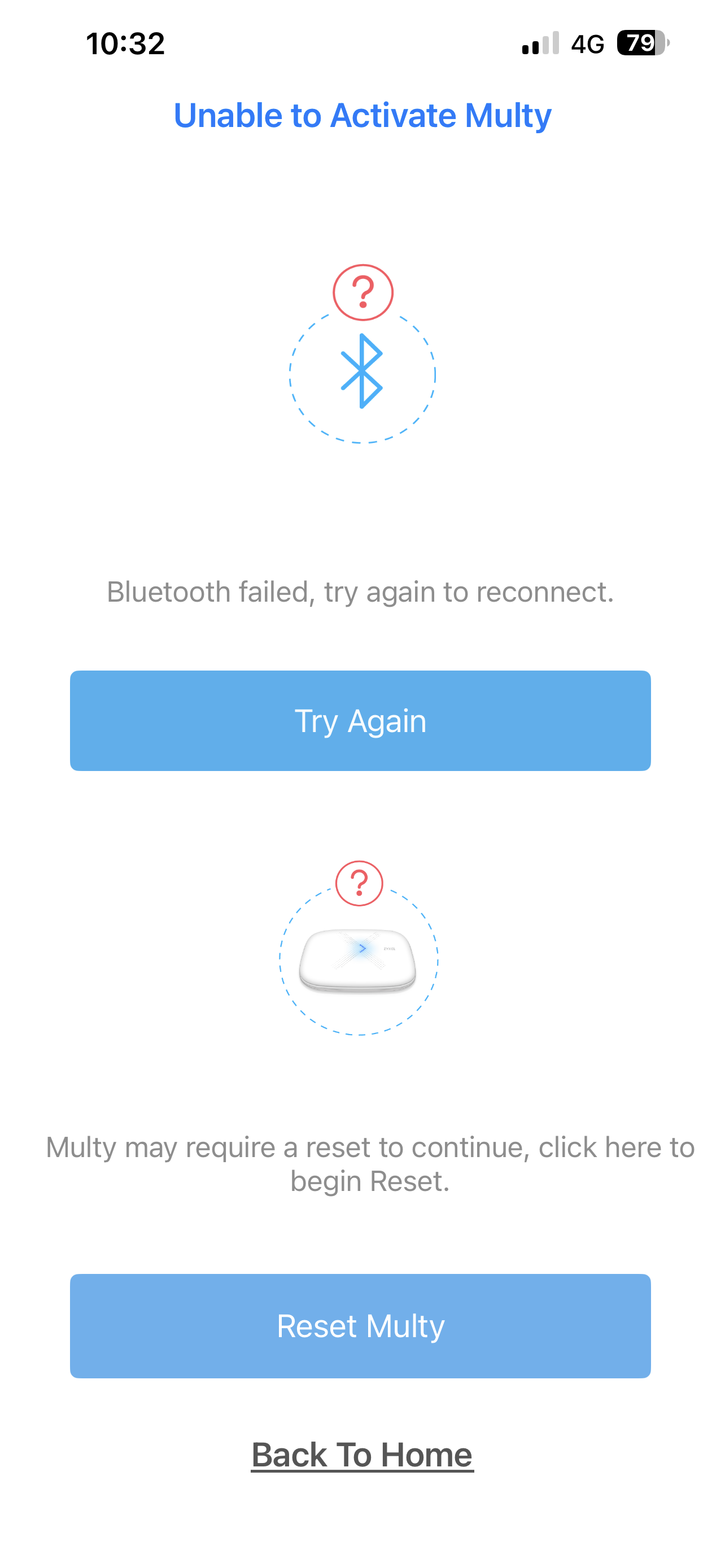
When I perform a factory reset on a Multy X unit and proceed through the initial setup wizard, I am able to create a Wi-Fi network and the device appears to function as a router temporarily. However, the setup process ultimately fails with a "Settings Error" message so does not connect the primary unit. As I am unable to use the app can you send me a firmware update on a usb please as I see other people have requested this too in other posts. I have attached screen saves.
All Replies
-
Hi @JMWorkSmart100_,
Please ensure that your Zyxel Multy app is also updated to the latest version.
Google Play Store:
Apple App Store:
Please note that the Multy X (WSQ50) has reached End of Life (EOL), and support for this model is now limited. You can explore alternative models here:
Thank you for choosing Zyxel products and services. Have a great day.
0



 Zyxel Employee
Categories
- All Categories
- 442 Beta Program
- 3.1K Nebula
- 243 Nebula Ideas
- 6.8K Security
- 783 USG FLEX H Series
- 389 Security Ideas
- 1.8K Switch
- 87 Switch Ideas
- 1.5K Wireless
- 58 Wireless Ideas
- 7.2K Consumer Product
- 325 Service & License
- 527 News and Release
- 101 Security Advisories
- 31 Education Center
- 10 [Campaign] Zyxel Network Detective
- 5.3K FAQ
- 34 Documents
- 91 About Community
- 122 Security Highlight
