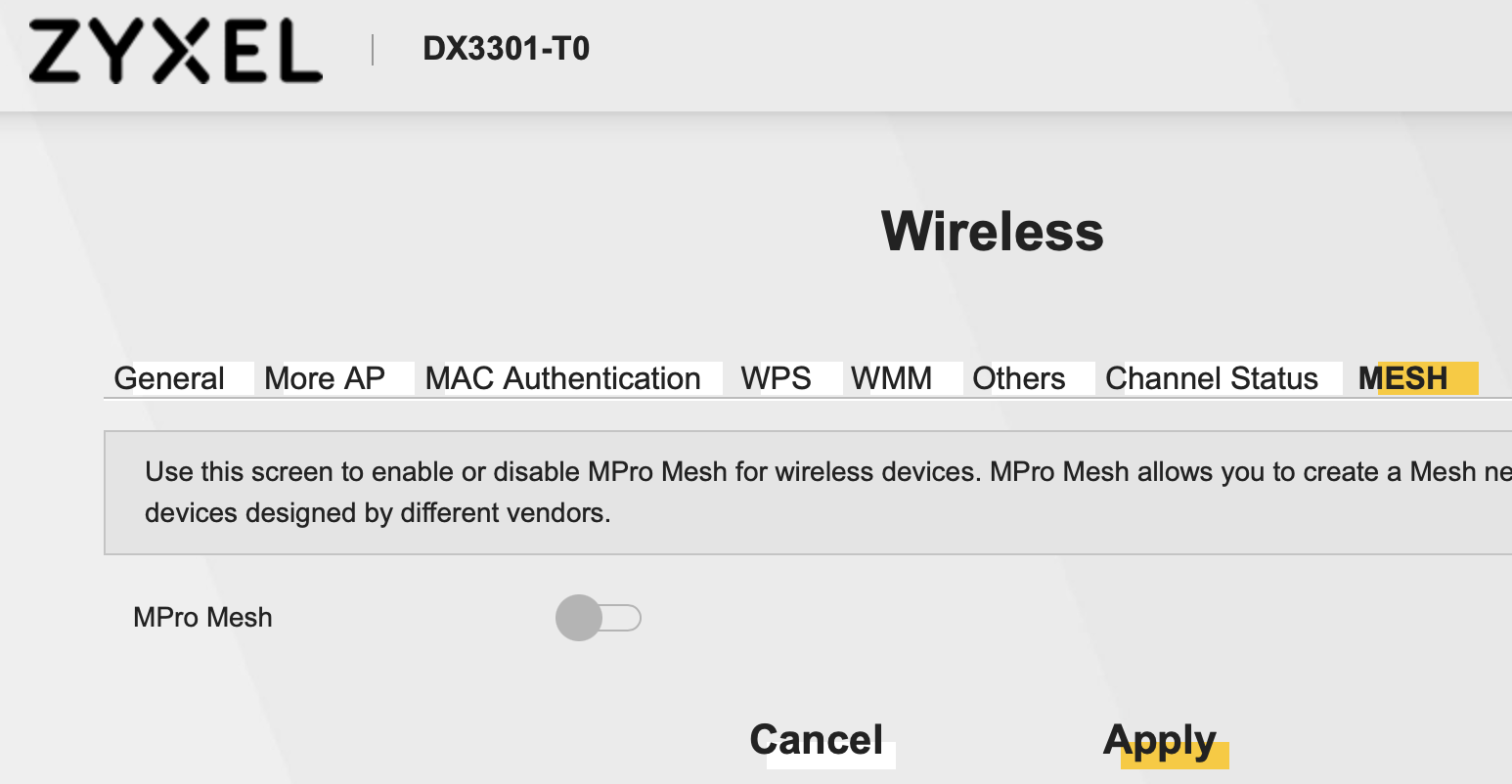
How to enable MPro Mesh in DX-3301-T0 in the UK with FTTP

 Freshman Member
I have previously enabled MPro Mesh in my router, but since updating to firmware V5.50(ABVY.7)C0 it never seems to enable. The WiFi settings are the same for both 2.4G and 5G. What else do I need to do?
All Replies
-
You could try restoring to factory settings. If the problem still there, you may need to contact the store where you obtain the device.
0 -
Thank you Liba. I have restored to factory settings (hold reset in for a number of seconds). It still wouldn't enable Mesh. After reset, I noted that the firmware has stayed at V5.50(ABVY.7)C0 (ie not reverted to original).
I have also restored my saved settings, but still no Mesh.
I have the DX3301-T0 supplied by my ISP (who does not seem able to help), plus two WX3100-T0 extenders, and would really like a mesh setup to allow roaming access.
When I try to use the Zyxel One mobile app to extend the network, and I wire the WX3100-T0 to the DX3301-T0, the LEDs on the WX3100 seem to respond and the Link LED comes on solid. But the App warns that the process to extend may take up to 2 minutes, and after 2 minutes, the App says there has been a problem, even though the Link LED has come on.
When I then remove the ethernet connection between them, and move the WX3100 extender a little away, but in line of sight in the same room, the Link LED goes off.
So something is not correct.
0

 Master Member

Categories
- All Categories
- 442 Beta Program
- 2.9K Nebula
- 222 Nebula Ideas
- 129 Nebula Status and Incidents
- 6.5K Security
- 617 USG FLEX H Series
- 347 Security Ideas
- 1.7K Switch
- 84 Switch Ideas
- 1.4K Wireless
- 53 Wireless Ideas
- 7K Consumer Product
- 298 Service & License
- 485 News and Release
- 92 Security Advisories
- 31 Education Center
- 10 [Campaign] Zyxel Network Detective
- 4.8K FAQ
- 34 Documents
- 88 About Community
- 105 Security Highlight
