vlan 2 cannot got the DHCP from zyxel firewall



 Freshman Member
I have 3 firewall usgflex100 which are installed different office, and connecting to some NWA50AX access point.
We have 3 vlan and they are running smoothly before April .
One of the vlan vlan2 cannot get the IP address from the router since April may be…vlan 1 and 3 have no issue. I need reboot all the access point every Monday by manually when I back to office at 9am that can be solved. I tried to set the reboot by schedule on Monday at 6 but cannot be solved.
Access point firmware: V7.10(ABYW.4)
Firewall firmware: 5.42(ABUH.1)
Anyone has this issue? Please help, thanks!
All Replies
-
Hi @simonwong
I would like to know your topology first, since if there has a switch between the firewall and AP, the switch needs to set the VLAN setting correctly.
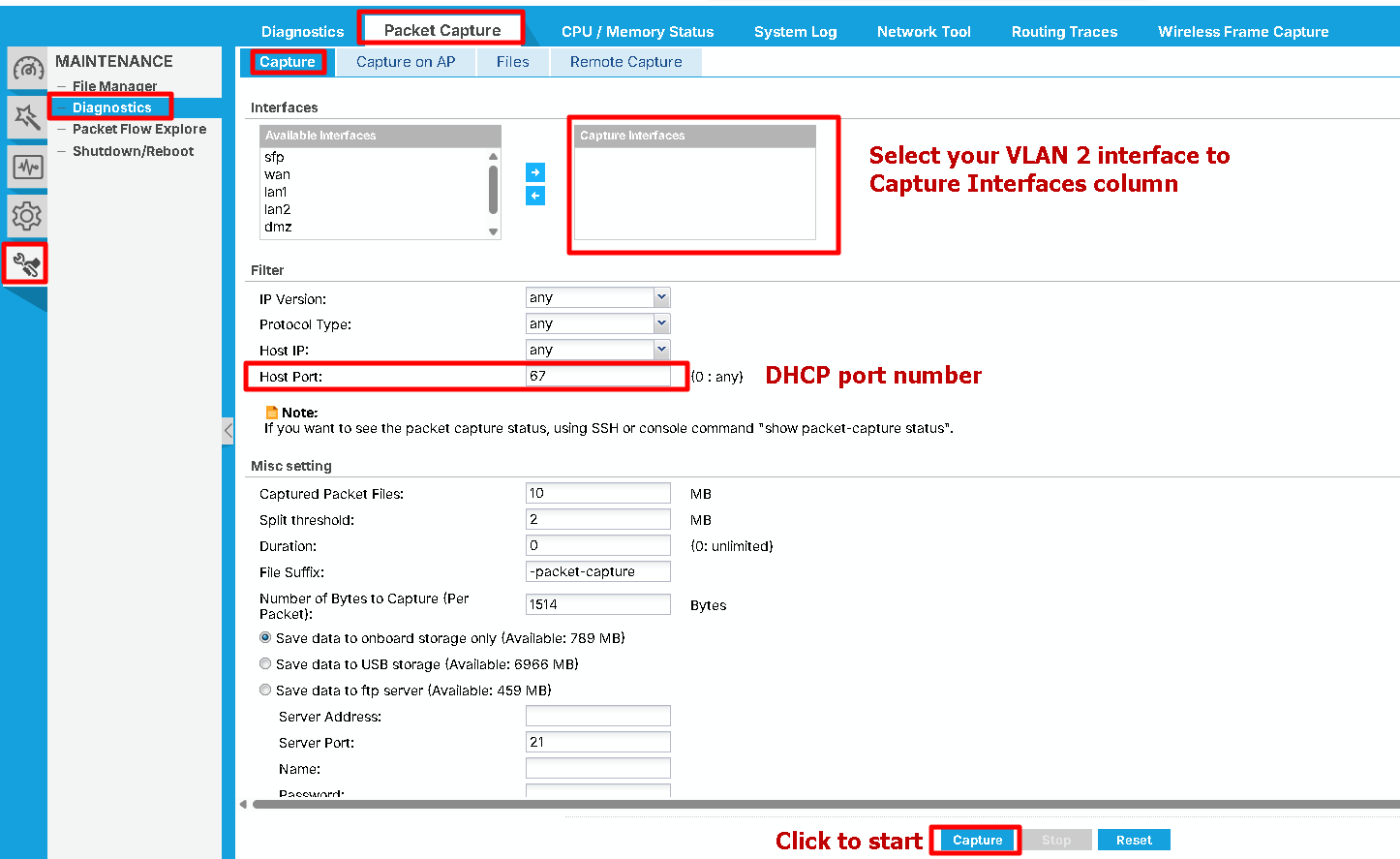
If the VLAN setting is correct, or the AP connects to the firewall directly, please help to capture the DHCP packet on the firewall for VLAN 2 interface.
Capture packet:
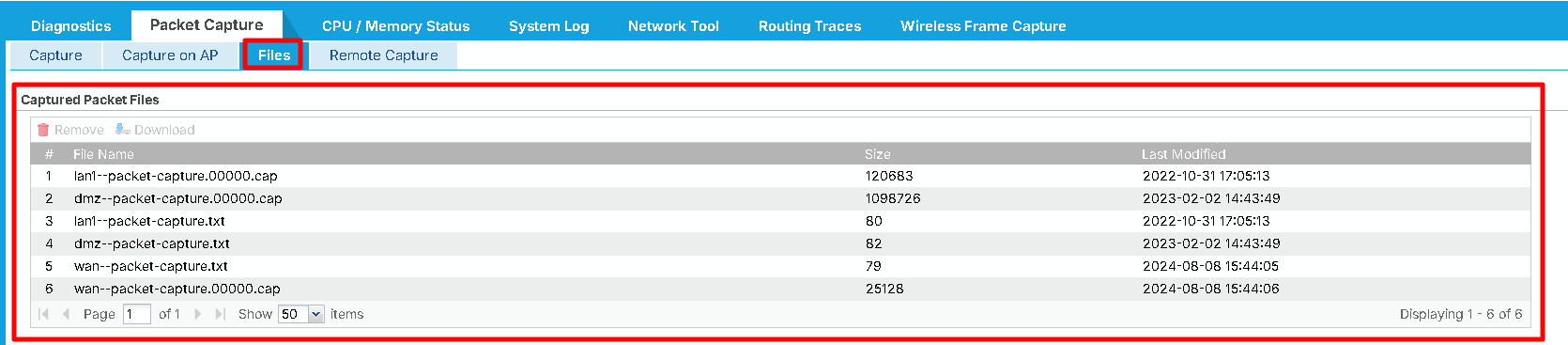
Packet file can be found in:
 Zyxel Melen0
 -
Also, please check the VLAN2 DHCP pool size settings and the firewall DHCP log. If the DHCP pool is full, which means the IP addresses are all provided, the new clients can't get IP from the firewall. You will need to adjust the lease time and/or DHCP pool size to resolve this issue.
Zyxel Melen0 -
The DHCP pool is not full for each office. Pool size is 80 and we have not more than 30 devices need to connect.
Least time is 1 day.
0 -
Hi @simonwong
Thanks for your feedback, but I'm a little confuse now. You mentioned it was VLAN 2, but the packet capture is VLAN 21. Was the VLAN 2 a substitute or?
Also, the attachment only shows the packet counter, but not the packet. Please check/share the .cap file instead.
Zyxel Melen0 -
Sorry make you confused. For example for this office, i have vlan 1, vlan 11
and vlan 21
Only vlan 11 has problem.
0 -
Hi @simonwong
Thanks for the packet. Could you help to share what device are the clients?
From the packet, I can see the firewall send DHCP offer and DHCP ack to the device. Please help to follow the FAQ below to capture the DHCP packet through the AP. Thanks!
How to Remote Capture Wireless Packets through an Access Point? — Zyxel Community
Zyxel Melen0 -
Hi @simonwong
I think you reference this FAQ, which is not suit your case.
Please reference this FAQ, which allows you to use the PC with wireshark to capture.
Zyxel Melen0 -
Hi Melen,
Sorry for late reply. I can say I find the problem about only vlan 21 has problem every Monday.
We configured the wireless schedule from Monday to Friday, 0830 to 1730 allow connecting to vlan21. After we disable the schedule, no issue was happen today (Monday). So I have no idea what happen in it.
0 -
Hi @simonwong
I assume the schedule is still in the configuration file. Could you help to share the configuration for us to investigate?
I will send you a private message so you may share the configuration there.
Zyxel Melen0





 Zyxel Employee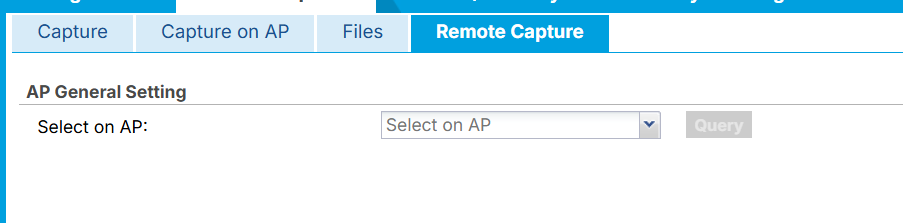
Categories
- All Categories
- 442 Beta Program
- 3.1K Nebula
- 243 Nebula Ideas
- 6.8K Security
- 783 USG FLEX H Series
- 389 Security Ideas
- 1.8K Switch
- 87 Switch Ideas
- 1.5K Wireless
- 58 Wireless Ideas
- 7.2K Consumer Product
- 325 Service & License
- 527 News and Release
- 101 Security Advisories
- 31 Education Center
- 10 [Campaign] Zyxel Network Detective
- 5.3K FAQ
- 34 Documents
- 91 About Community
- 122 Security Highlight


