Problem loading a .conf configuration file onto an ATP200.
All Replies
-
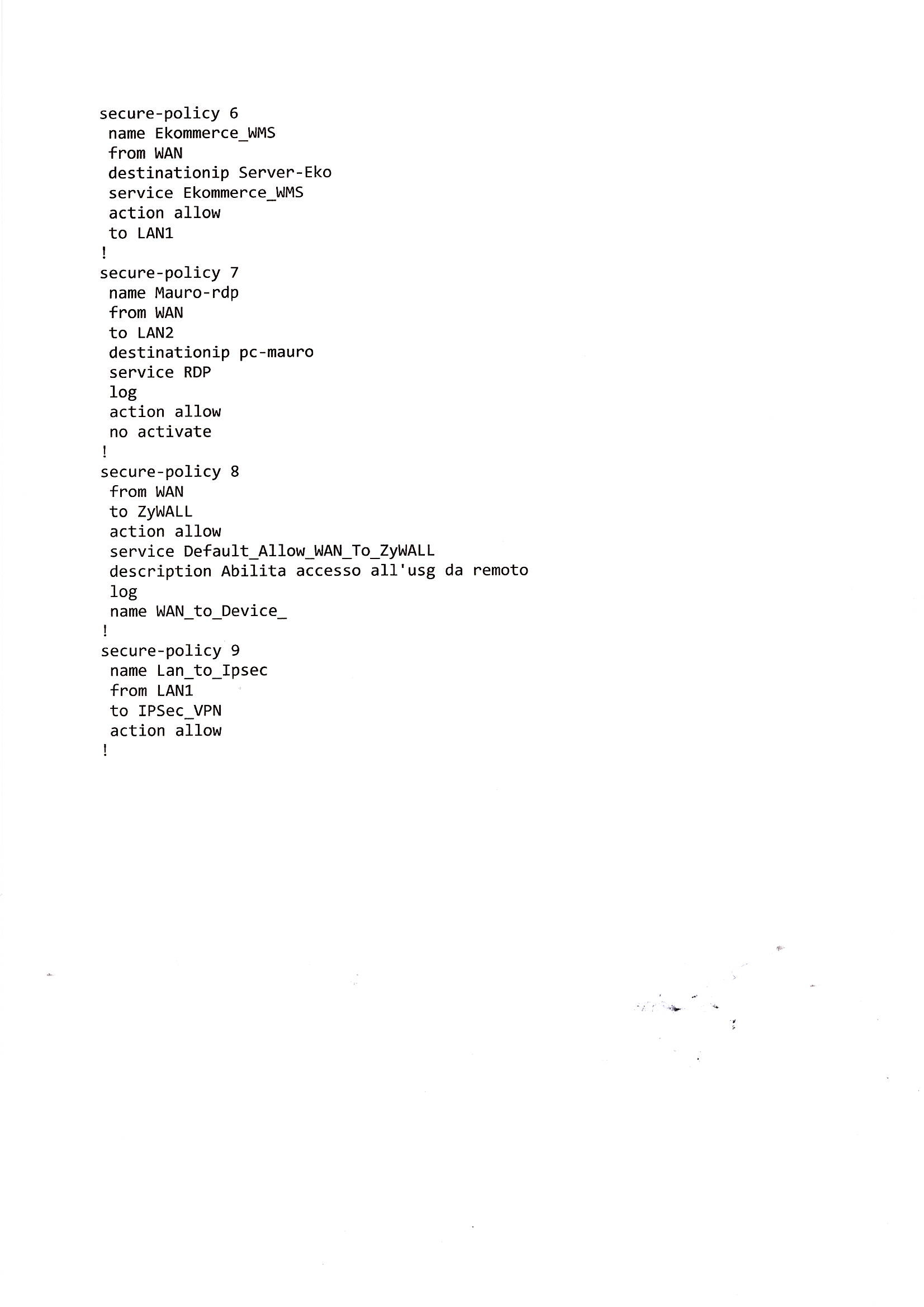
Good morning, I have a more specific update regarding this case. I tried pasting the entire contents of the .conf file via the CLI using Tera Term. I pasted the commands one by one until I reached the policies. After pasting one of the attached policies (I don't recall exactly which one), I lost the connection to the ATP200 and had to stop. This is a serious issue because I want to have a backup device ready in case the production unit fails; however, if I cannot load the configuration onto it at all, it is useless. Thank you for any suggestions you might have.
0 -
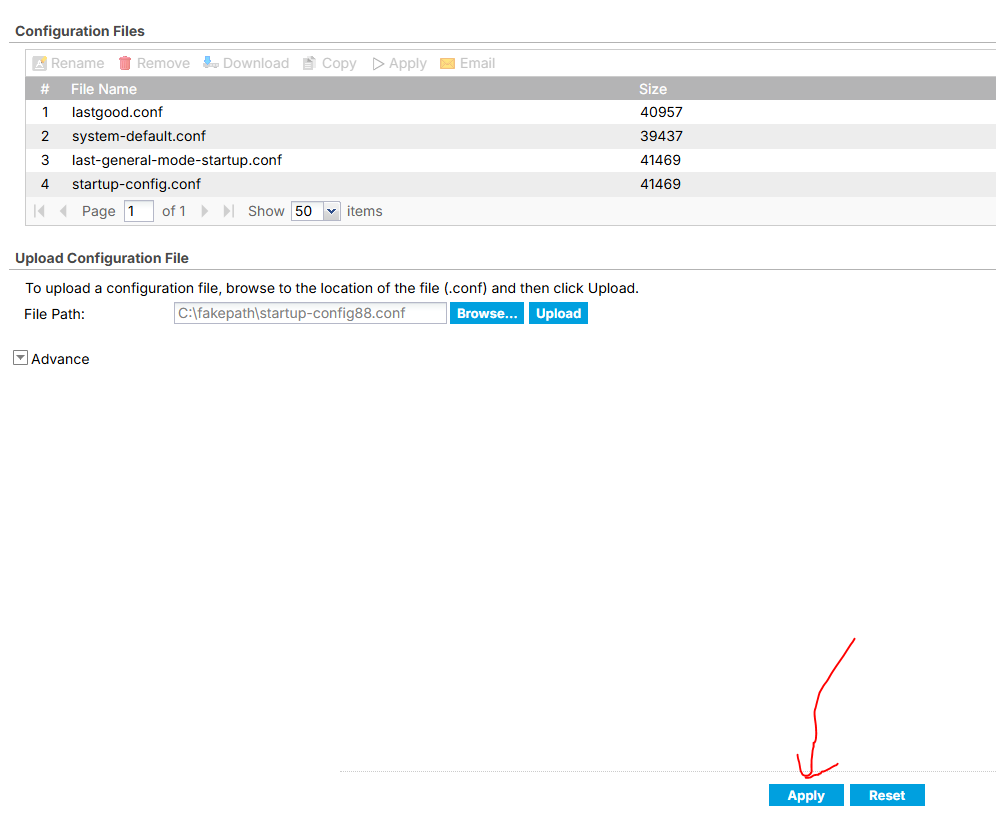
Good morning. I had already received this advice, but it doesn't work. I upload the renamed .conf file, but when I select "Apply," the file does not appear in the list. See the attachment. Thank you.
0 -
I think from what I can tell your doing is browse for the file then your clicking apply? thats not how you do it you browse for the file click upload then it will show in the file name list above then select it and click apply
0 -
Hi @pieroCastampi ,
We recommend using the upload-and-apply method for the configuration file, as it's more convenient and quicker than pasting the text into the CLI window.
From your private message, we noticed that you hadn't completed the upload process — you had only browsed for the file. Below are the step-by-step instructions for uploading and applying the configuration file to the ATP200. Please follow these steps, and note that you should click the Apply button at the top of the configuration file table, not the one at the bottom of the page.
How to upload and apply a Configuration File on a ZLD Firewall (ATP / USG FLEX)? — Zyxel Community
Zyxel_Judy
0 -
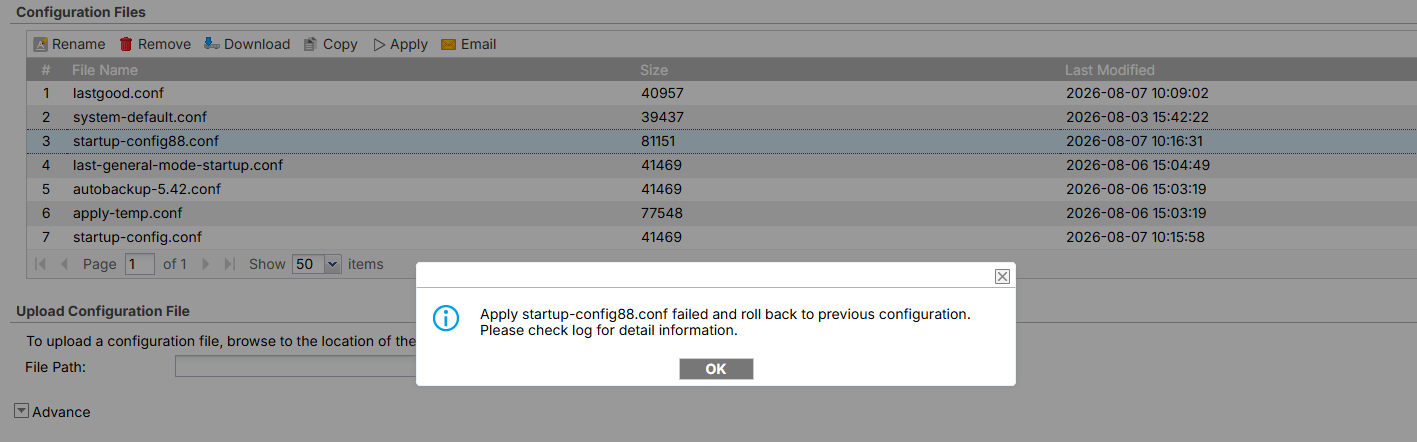
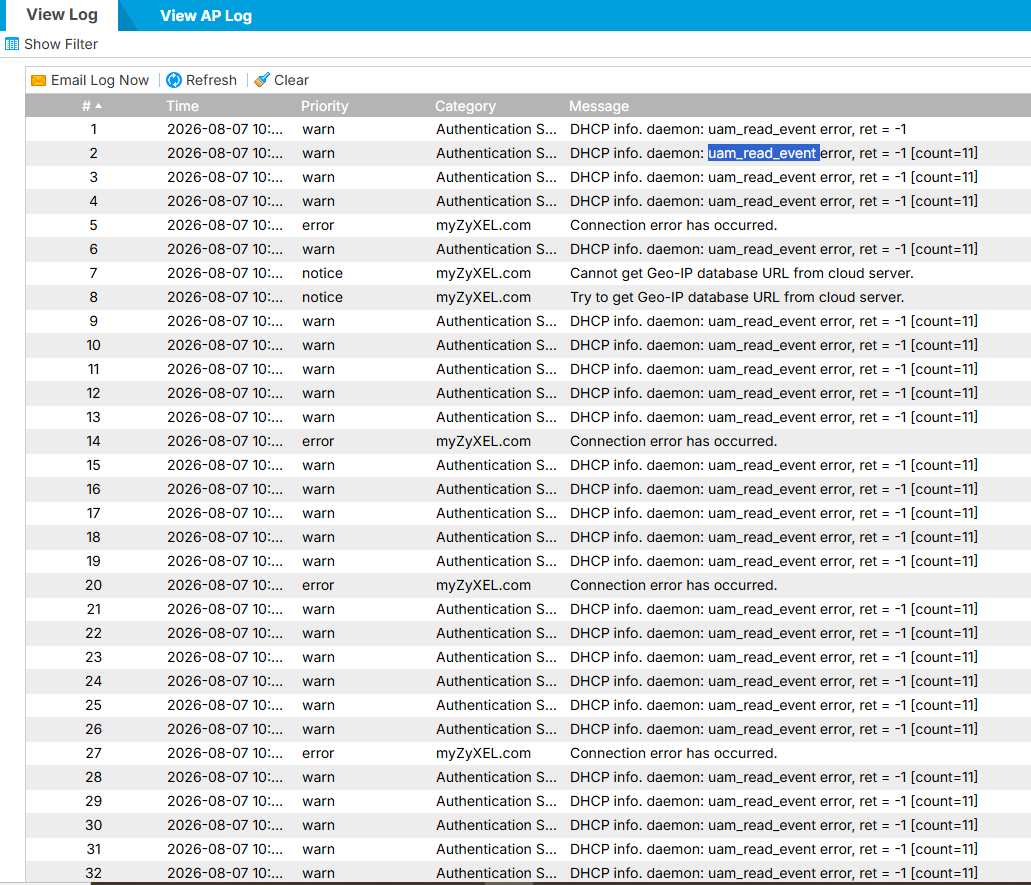
Good morning, I uploaded the configuration file to the list as instructed. I then selected and applied it, but it didn't work. I am attaching the error message and the log. Thank you.
0 -
Hi @pieroCastampi ,
Based on the message you shared, it looks like you may still be using the default option, "Immediately stop applying the configuration file and roll back to the previous configuration." When the configuration file contains something incompatible with the new device — for example, the PPPoE account credentials — the apply process stops immediately as soon as it hits that incompatibility.
Could you please try Option 3 instead? This applies the compatible parts of the configuration file while skipping the incompatible ones, so the process can complete. Afterward, you'll need to manually reconfigure the settings that were skipped — such as the PPPoE username/password and any other device-specific values that aren't carried over during export/import.
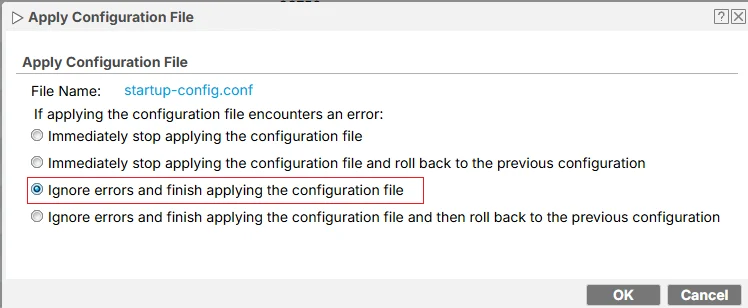
Zyxel_Judy
0 -
I’ve already done that; I have a previous message from you recommending option 3. Unfortunately, it didn’t work—it just stays stuck loading the configuration indefinitely. I even waited a full day. It makes me wonder why loading a .conf file is so complicated. This is a crucial feature that really ought to work simply. Everything worked perfectly with the USG60s. Thanks.
0 -
you mean the config your trying to apply is from a USG60 to a ATP200?
0 -
Hi @pieroCastampi ,
With option 3, we were able to use the configuration file you provided and apply it to our ATP200, so we assume there's no issue with this feature.
With your configuration file, we noticed the following:
- Your LAN1 IP is 192.168.2.1, while the default LAN1 IP is 192.168.1.1.
- The LAN interface does not have a DHCP server assigned.
- The management interface specifies port 60443.
We suspect that after applying the configuration file to the new ATP200, you may still be waiting on the screen at 192.168.1.1, rather than accessing 192.168.2.1 to check whether the configuration was applied successfully.
After applying the configuration, please:
- Since the LAN interface has no DHCP server, you'll need to manually set your computer's network adapter to a static IP (e.g., 192.168.2.2/24) for the first connection.
- Access https://192.168.2.1:60443 and check the settings.
If you're still unable to apply the configuration to the new ATP200, please message us with your TeamViewer or AnyDesk ID & password, along with your available time (between 1:00–9:00 UTC), so we can assist you directly.
How to send a message to me: Click my account > click Message.
Zyxel_Judy
0 -
Zyxel_Judy Good morning, the offices are closed for the holidays. I will reply in a few days. Thank you again for your patience.
0



 Freshman Member



 Guru Member




 Zyxel Employee
Categories
- All Categories
- 442 Beta Program
- 3.1K Nebula
- 243 Nebula Ideas
- 6.8K Security
- 783 USG FLEX H Series
- 389 Security Ideas
- 1.8K Switch
- 87 Switch Ideas
- 1.5K Wireless
- 58 Wireless Ideas
- 7.2K Consumer Product
- 325 Service & License
- 527 News and Release
- 101 Security Advisories
- 31 Education Center
- 10 [Campaign] Zyxel Network Detective
- 5.3K FAQ
- 34 Documents
- 91 About Community
- 122 Security Highlight