LTE7490 M904 won't connect to WAN on Router

 Freshman Member
I can't seem to get my WAN Router talking to my LTE7490 M904. I've tried a couple of things but I'm not very clued up on networking so might be missing something simple.
My WAN router works on Fibre ok. The router is only IPV4, Maybe a problem?
Currently the only way I can connect to the LTE7490 is via the 2.4 wireless on my phone. There are no error LEDs
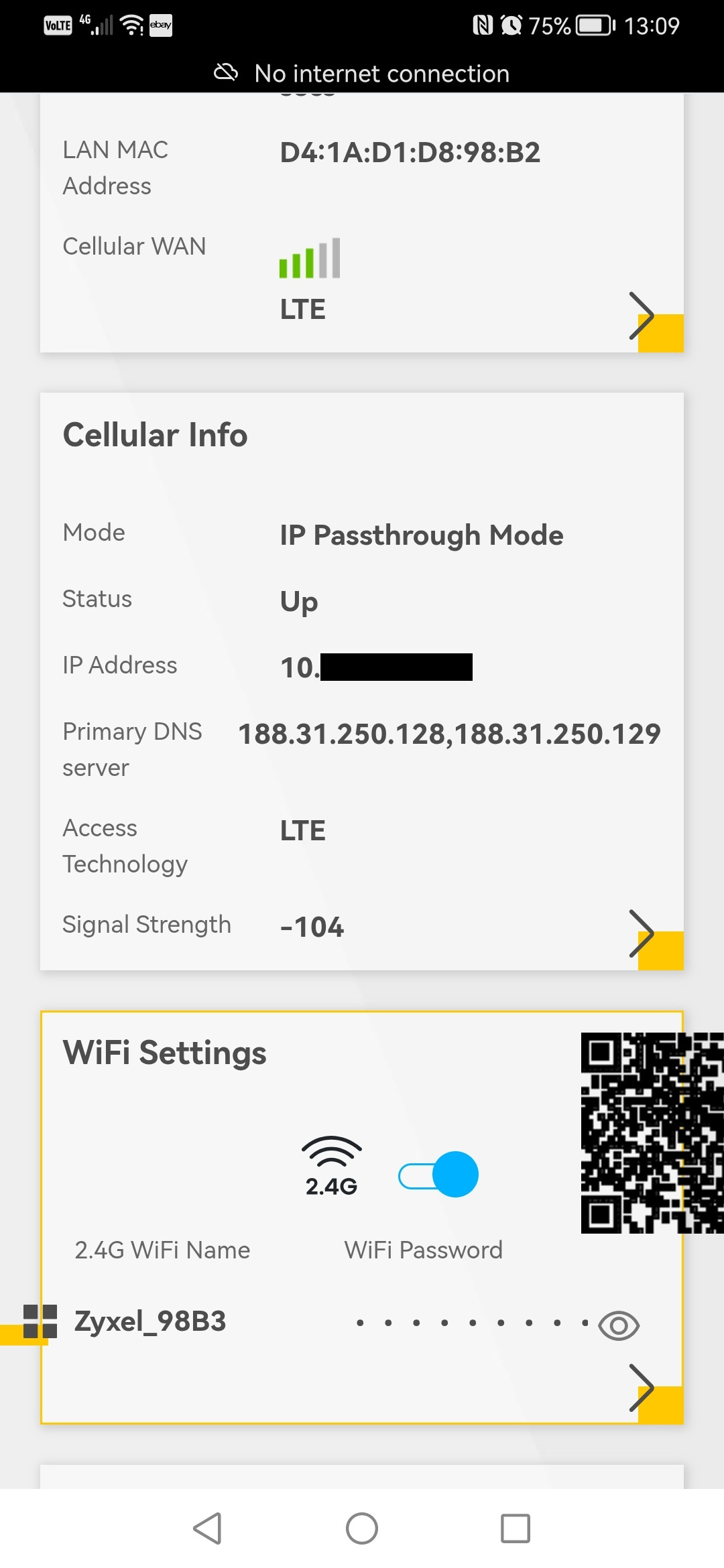
Should It be in IP passthrough mode or the mode? I've tried both.
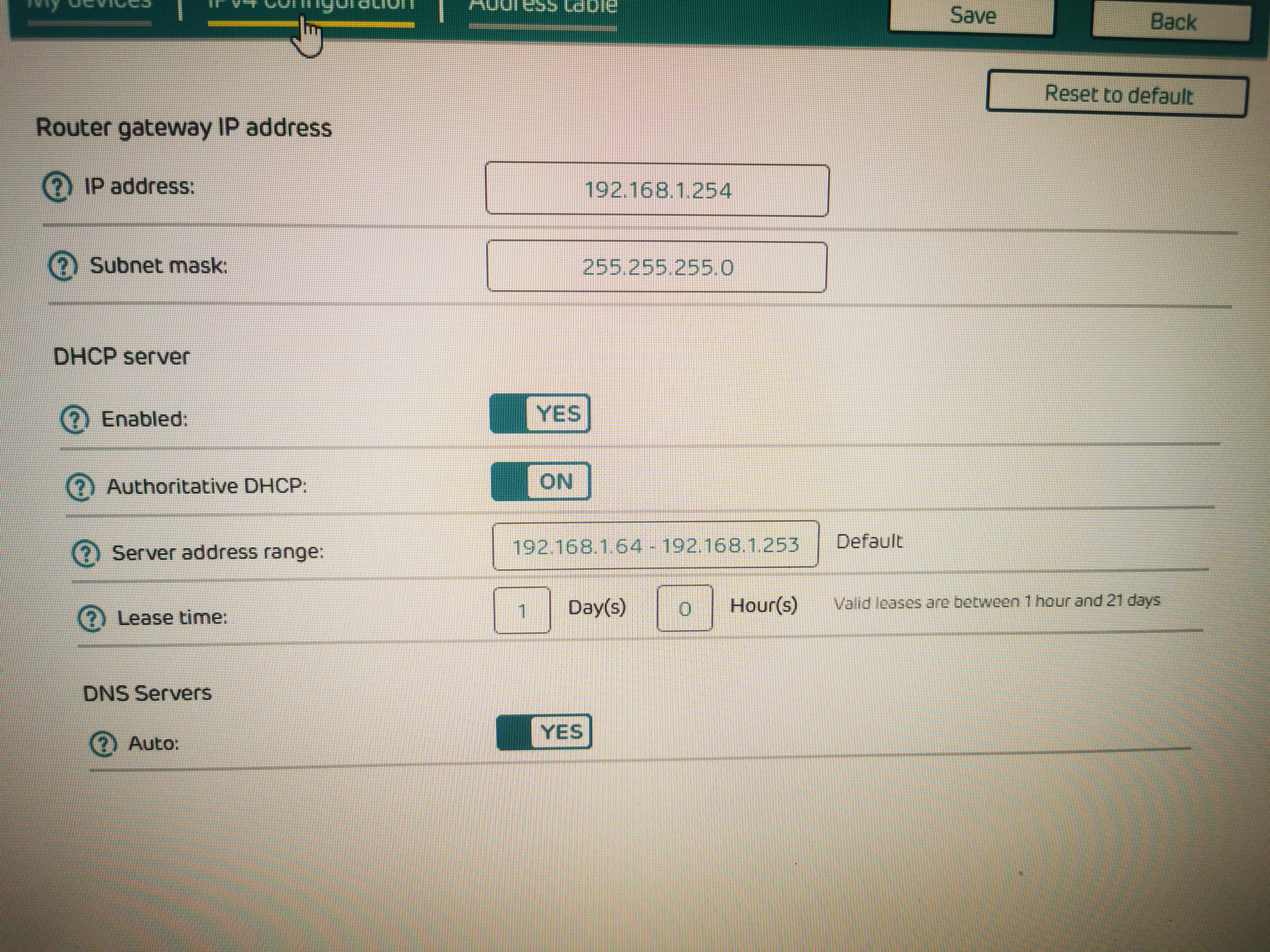
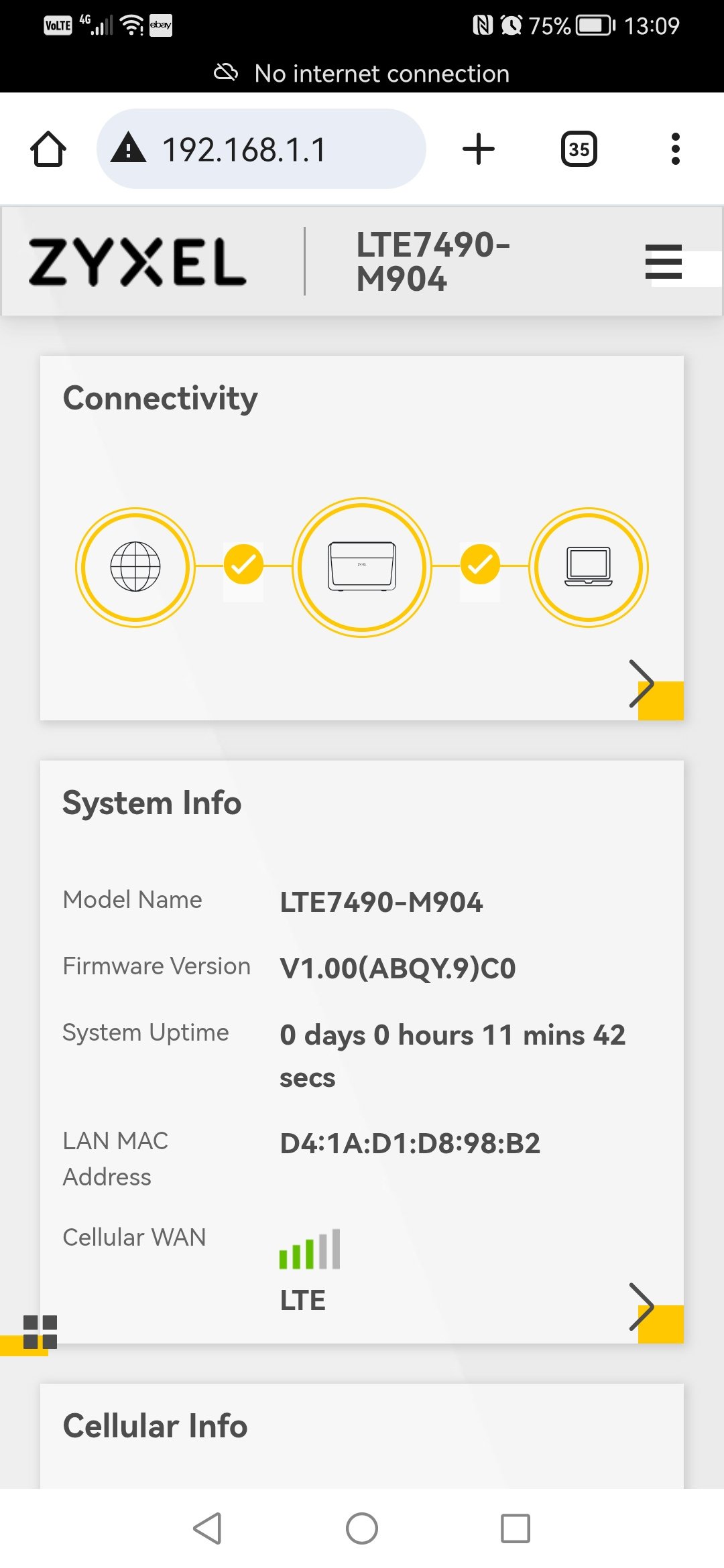
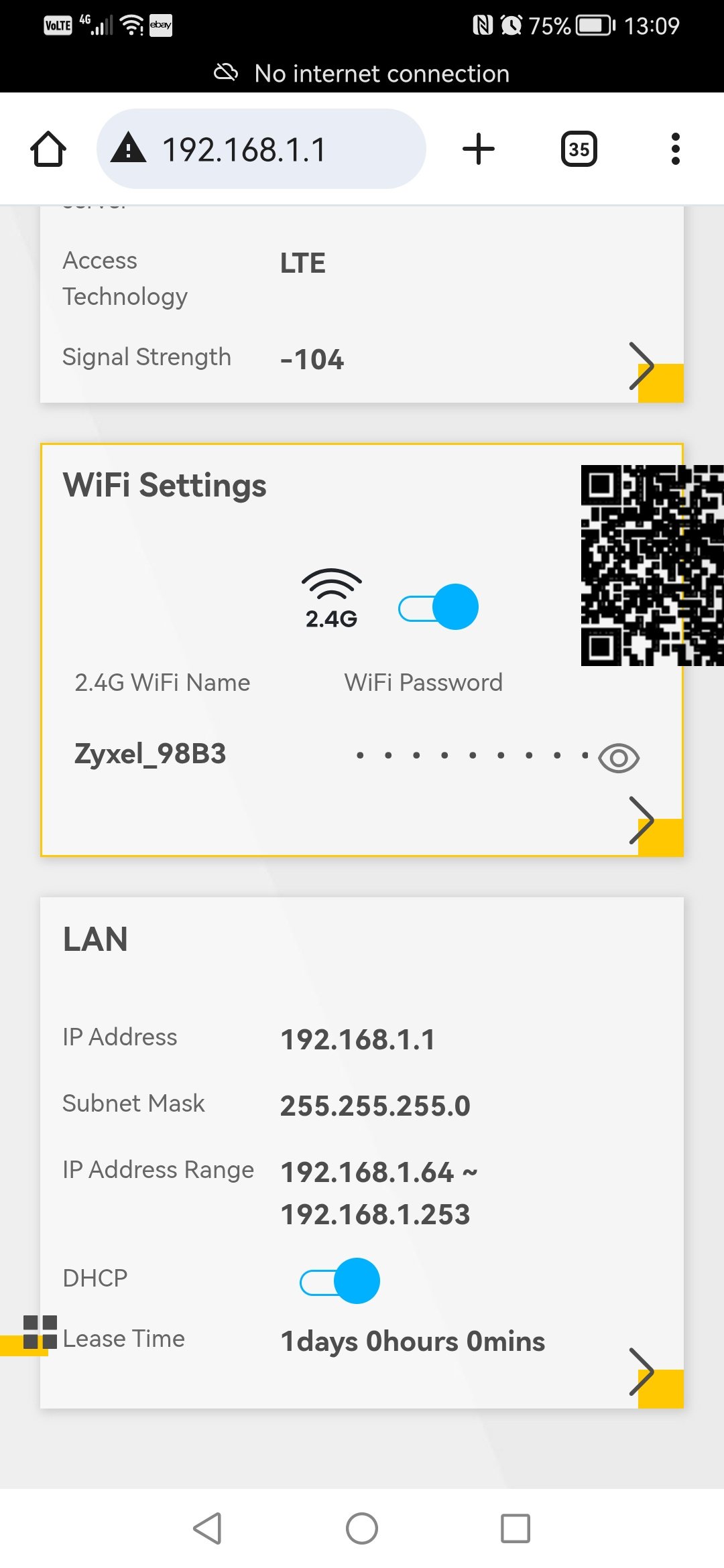
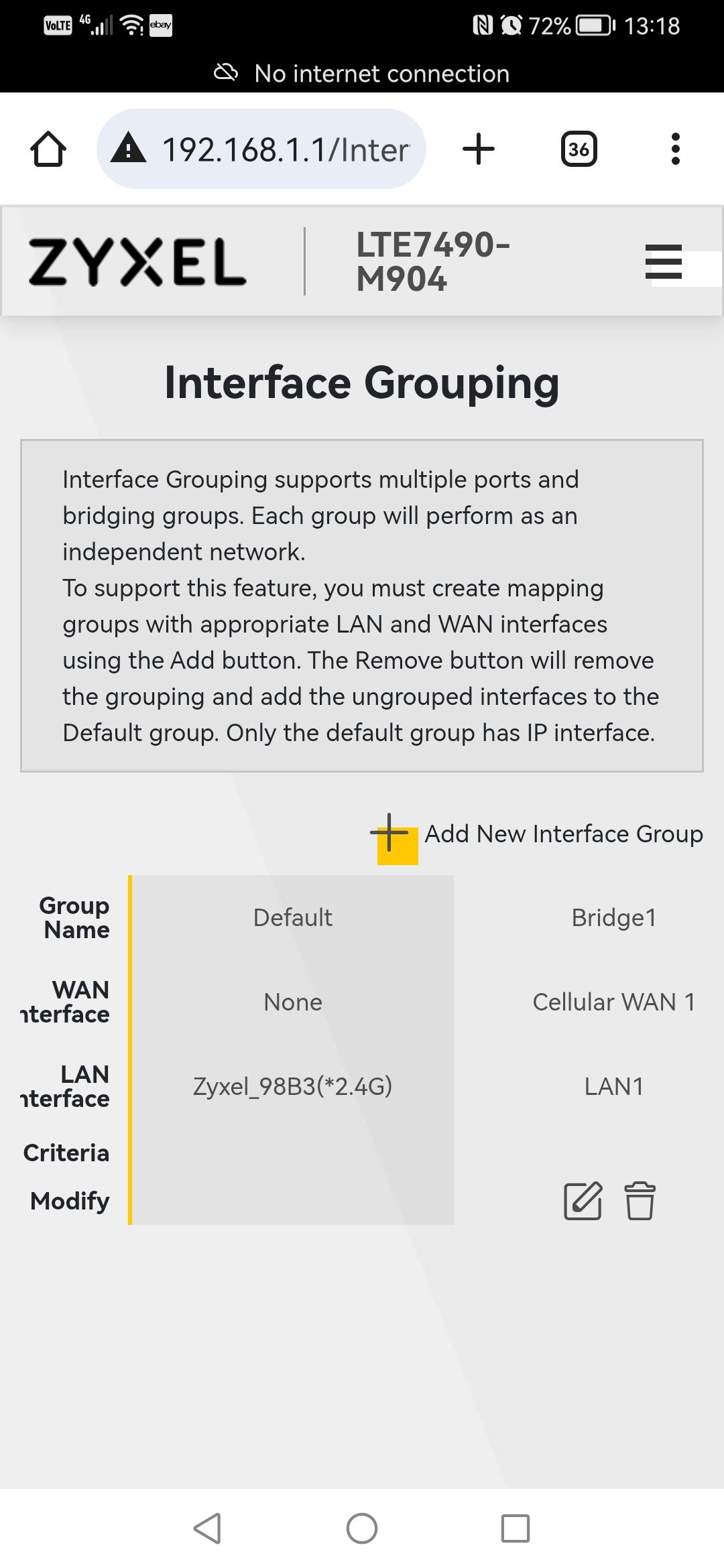
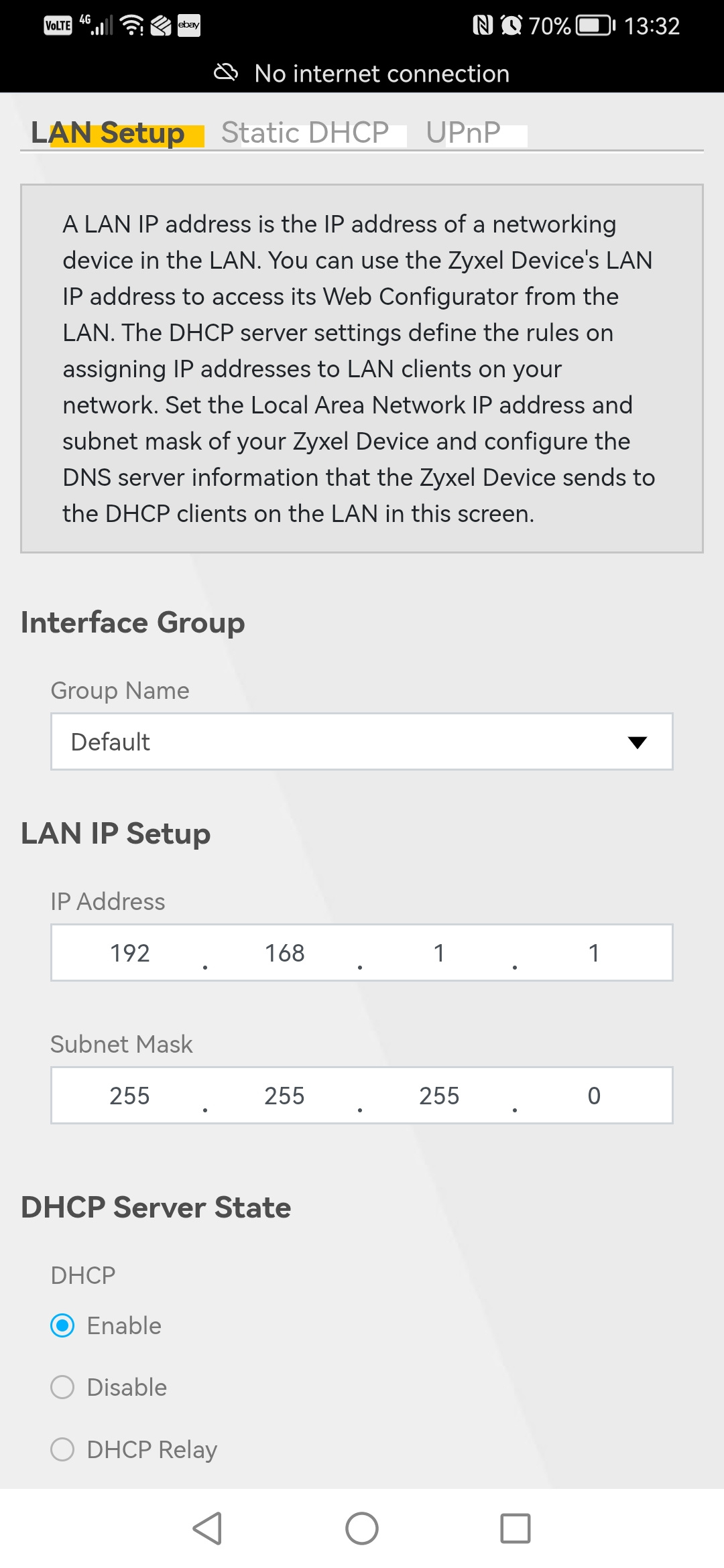
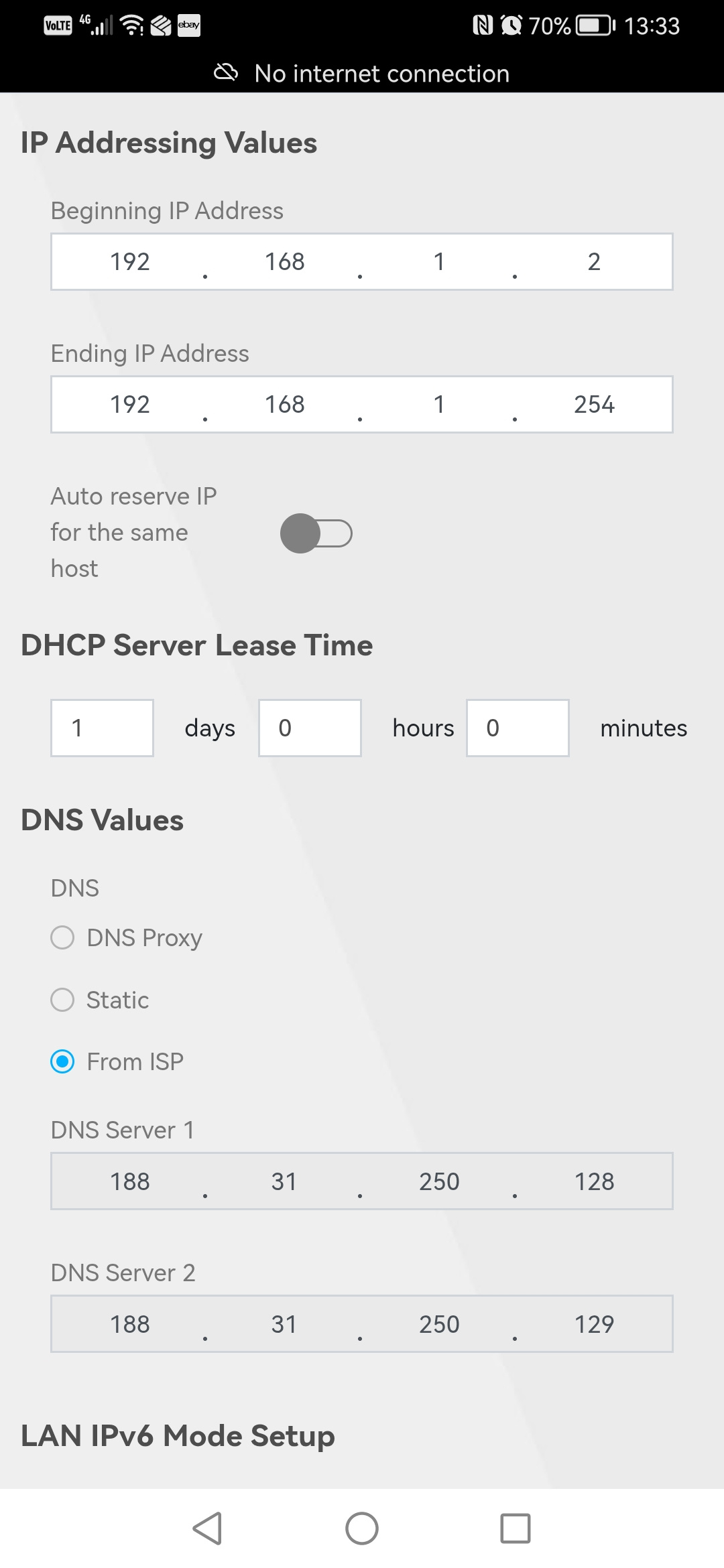
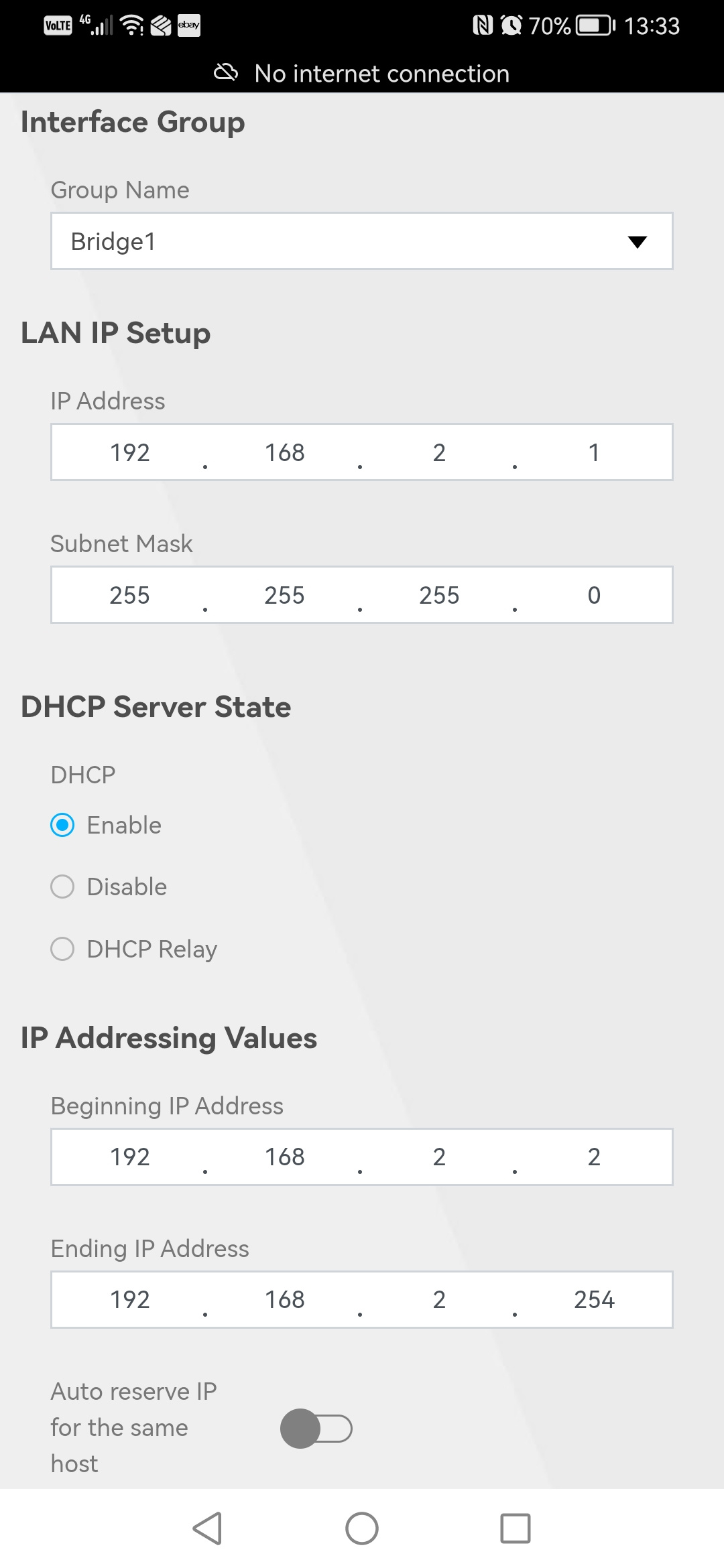
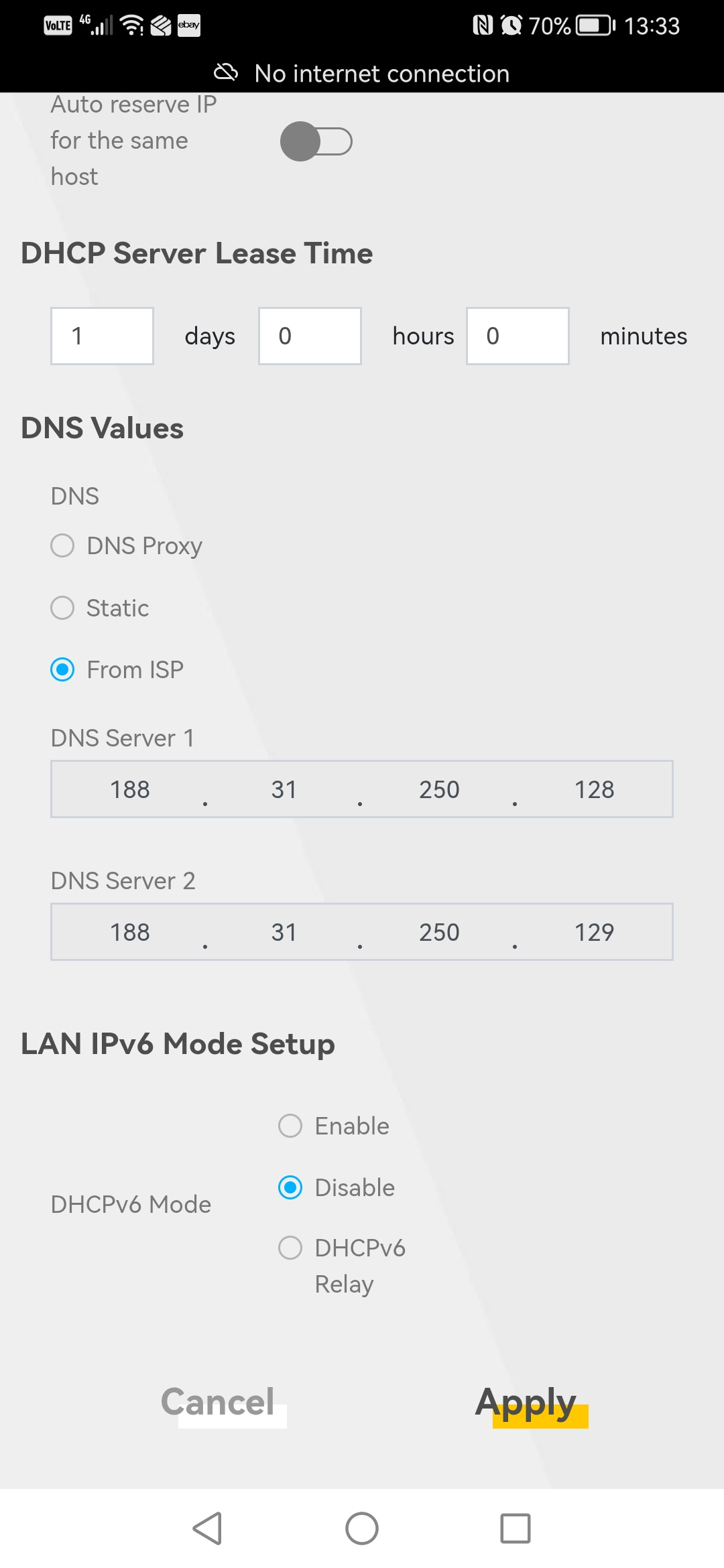
Any ideas/help welcomed. Attached some settings screenshots.
All Replies
-
Hi @fezuk,
It sounds like you're experiencing some connectivity challenges between your Zyxel LTE7490-M904 and your WAN router. Let's work through this.
The Zyxel LTE7490-M904 can operate in two primary modes: Router Mode and IP Passthrough Mode. Understanding which mode to use is crucial for your setup.
- Router Mode: In this mode, the LTE7490 acts as a router itself, performing NAT (Network Address Translation) and managing its own local network.
- IP Passthrough Mode: In IP Passthrough mode (also referred to as Bridge Mode), the LTE7490 passes its public IP address directly to a connected device, such as your WAN router. This essentially makes the LTE7490 function like a modem, with your WAN router handling all routing functions.
Based on your goal to have your WAN router "talking" to the LTE7490, IP Passthrough Mode is generally the recommended configuration. In this mode, the LTE7490 bypasses its own NAT function and forwards the public IP address directly to the device connected to its LAN port, which should be your WAN router.
Here are some steps to consider:
Enable IP Passthrough Mode on the LTE7490-M904:
- Log in to the local web GUI of your LTE7490.
- Navigate to
Broadband>Cellular APN. - Click the
Modifybutton for the enabled APN. - Enable the
IP Passthrough Modefeature. - Click
OKorApply.
- Note: The default setting for outdoor mobile routers like the LTE7490 is often IP Passthrough Mode with a Dynamic method.
Connect LTE7490 to WAN Router: Ensure that the LAN port of your LTE7490 is connected to the WAN port of your WAN router.
- WAN Router Configuration: Your WAN router should be configured to obtain an IP address automatically via DHCP on its WAN interface. Since the LTE7490 in IP Passthrough mode will forward the public IP, your WAN router should receive it.
- DHCP Server on LTE7490: When in IP Passthrough mode, the LTE7490's DHCP server should be disabled if you want your WAN router to be the primary DHCP server. If the LTE7490's DHCP is active and hands out IP addresses, it can lead to conflicts.
To help us further diagnose the issue, please provide the following information:
- Current Mode: Confirm if the LTE7490 is currently set to Router Mode or IP Passthrough Mode (Dynamic or Fixed).
- WAN Router's WAN IP: What IP address is your WAN router receiving on its WAN interface when connected to the LTE7490?
- Network Topology: A simple diagram showing how the LTE7490, your WAN router, and any other devices are connected.
- LTE7490 Firmware Version: The firmware version shown in your screenshots is V1.00(ABQY.9)C0, please confirm if this is still the current version.
We are here to help you resolve this.
This AI response aims to provide initial troubleshooting steps and identify information needed for further diagnosis. Feel free to share additional details based on the suggestions above — this will help community members offer more targeted assistance.
If you have feedback or idea about this AI assistant, share them in Community Feedback.0

 Zyxel Community Virtual Assistant


Categories
- All Categories
- 442 Beta Program
- 2.9K Nebula
- 220 Nebula Ideas
- 128 Nebula Status and Incidents
- 6.5K Security
- 606 USG FLEX H Series
- 344 Security Ideas
- 1.7K Switch
- 84 Switch Ideas
- 1.4K Wireless
- 52 Wireless Ideas
- 7K Consumer Product
- 298 Service & License
- 482 News and Release
- 92 Security Advisories
- 31 Education Center
- 10 [Campaign] Zyxel Network Detective
- 4.8K FAQ
- 34 Documents
- 87 About Community
- 105 Security Highlight
