USB sharing serwer configuration

 Freshman Member
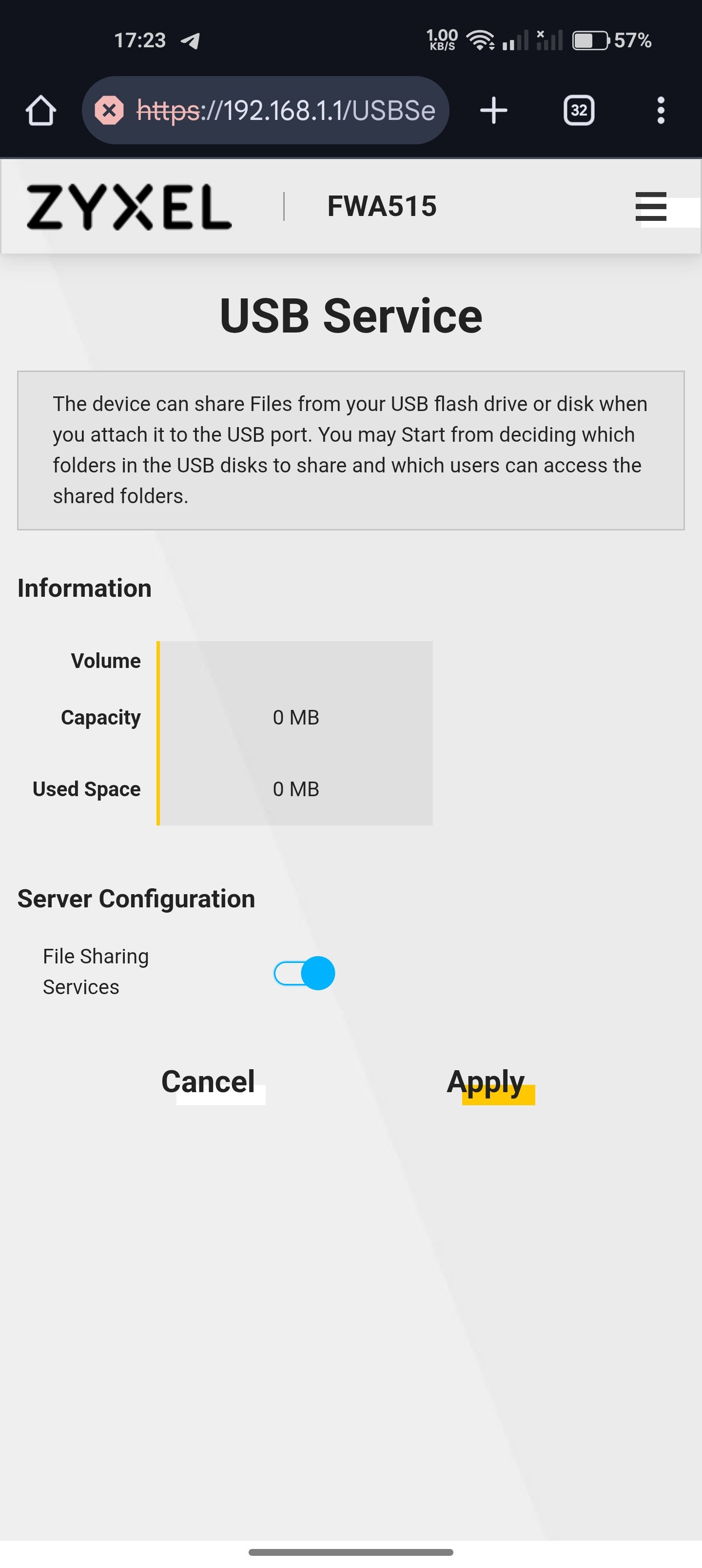
Hello, I have a FWA515 router, I connected a WD purple 1TB hard drive in an Orico enclosure to the USB port, the router showed that a 1TB drive was connected, it showed how much space was used and free on the drive, but I can only enable file sharing and confirm this change, there is no server configuration, I cannot specify directories for sharing, set a password, or give read-only permissions. The picture shows the state without the disk connected, when the disk is connected it shows that it sees it but there are no other options than what is shown in the picture, the latest firmware available on the website
Accepted Solution
-
Hi @Labalab,
After verification, this is the expected behavior in the latest firmware.
Current USB Service support on FWA515 includes only:
- USB volume detection
- Total capacity and used space information
- File Sharing ON/OFF toggle
Advanced configurations such as share directory selection, password, or read-only permissions are not supported.
If you’d like to use the USB File Sharing feature (basic access), please follow these steps:
- Ensure your USB drive is inserted and File Sharing Services is enabled
- Connect your client device to the LAN network of FWA515 (Wi-Fi or Ethernet)
- Access via SMB (Please note that replace 192.168.1.1 with your FWA515 LAN IP if it's different)
- (Windows computer as an example) Open File Explorer → enter in the path bar:
\\192.168.1.1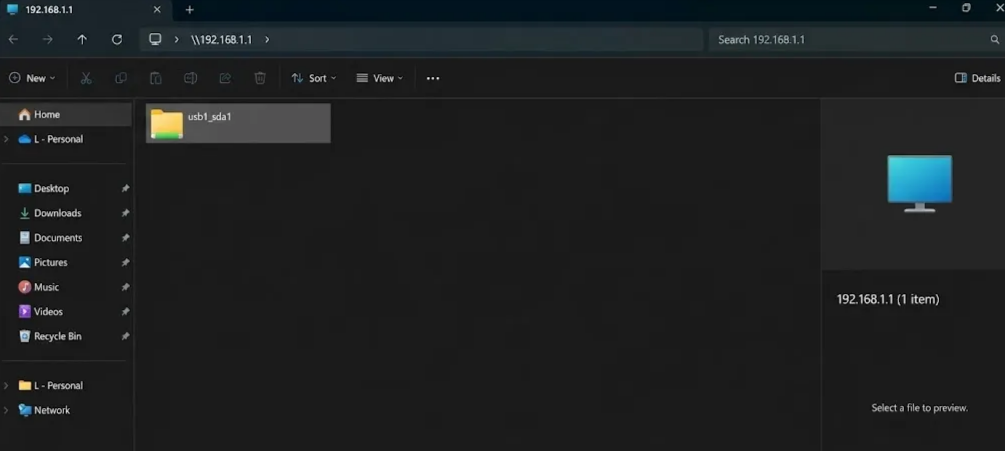
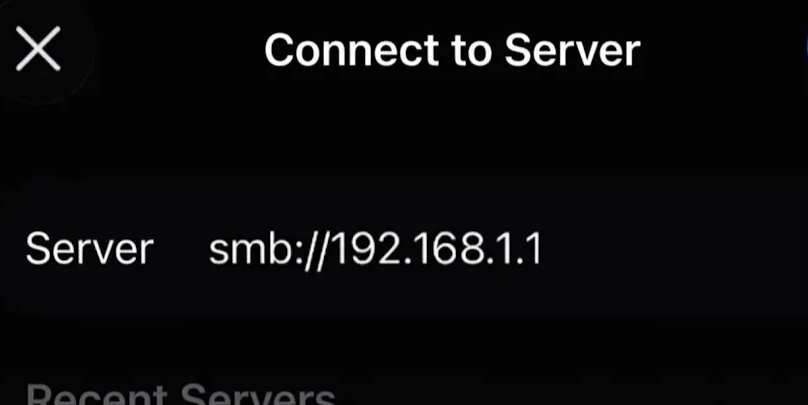
- (iPhone as an example) Open the built-in Files app → tap (···) at top-right → Connect to Server → enter:
smb://192.168.1.1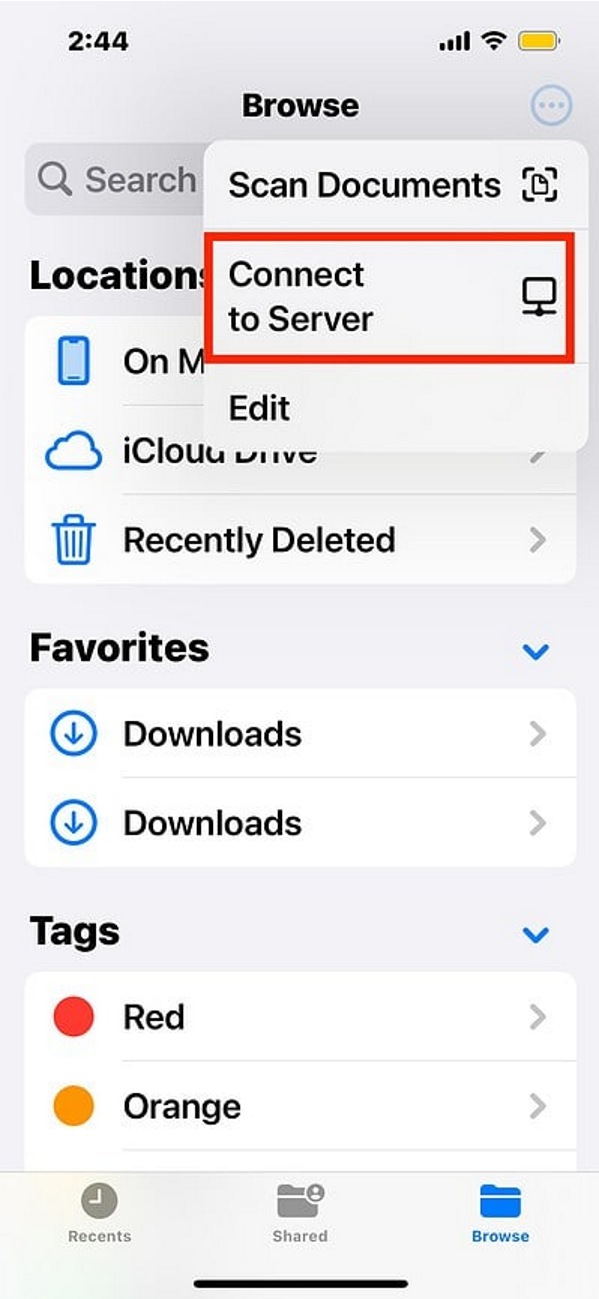
- (Windows computer as an example) Open File Explorer → enter in the path bar:
Thanks for your understanding!
Zyxel Tina
0

 Zyxel Employee



All Replies
-
Hi @Labalab,
Welcome to the Zyxel Community!
We have identified this issue and are currently investigating it. We will inform you of any updates once our investigation is complete. Thank you for your cooperation and patience.
Zyxel Tina
0 -
Hi @Labalab,
After verification, this is the expected behavior in the latest firmware.
Current USB Service support on FWA515 includes only:
- USB volume detection
- Total capacity and used space information
- File Sharing ON/OFF toggle
Advanced configurations such as share directory selection, password, or read-only permissions are not supported.
If you’d like to use the USB File Sharing feature (basic access), please follow these steps:
- Ensure your USB drive is inserted and File Sharing Services is enabled
- Connect your client device to the LAN network of FWA515 (Wi-Fi or Ethernet)
- Access via SMB (Please note that replace 192.168.1.1 with your FWA515 LAN IP if it's different)
- (Windows computer as an example) Open File Explorer → enter in the path bar:
\\192.168.1.1
- (iPhone as an example) Open the built-in Files app → tap (···) at top-right → Connect to Server → enter:
smb://192.168.1.1
- (Windows computer as an example) Open File Explorer → enter in the path bar:
Thanks for your understanding!
Zyxel Tina
0 -
So when will my router gain full functionality, for which I've already paid "a lot of money in my country"? When will I be able to configure sharing and when will I get back the DLNA media server, which I need to run my stereo system? From this content, you can conclude that I'm already furious and feel cheated by the manufacturer. Because the mentioned features were a deciding factor in choosing this brand. If lower-end models offered such features, why doesn't this model have them? When will the router offer what is described and presented in this documentation: https://service-provider.zyxel.com/compact-help/Gateway-WiFi7-Series/index.html#page/AM-DE-EE-PE_5-67/h_NetworkSetting_USBService_MediaServer.html
0 -
Hi @Labalab,
First, we’d like to clarify that the Gateway WiFi 7 Series and FWA Series are different product lines with distinct positioning and supported features. The link you provided refers to Gateway WiFi 7 Series functionality and does not include the FWA515 model. Therefore, features like the DLNA-compliant media server shown there do not apply to your device.
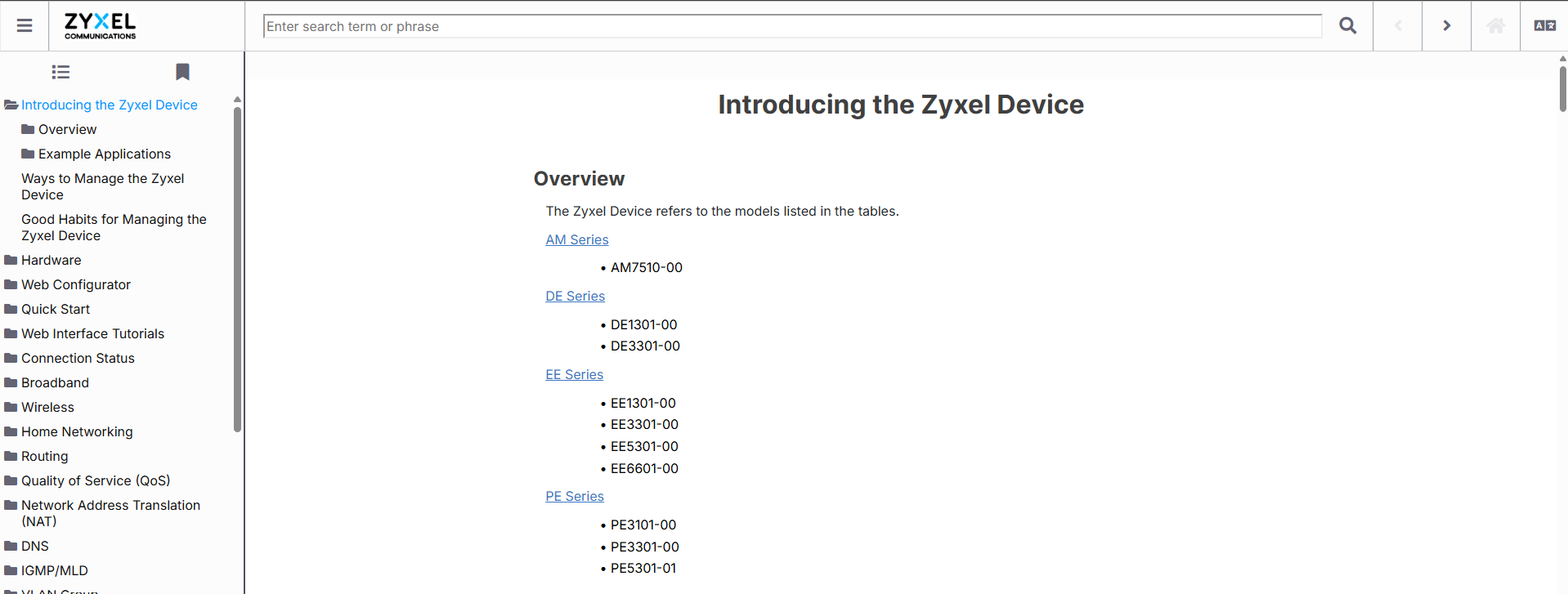
Regarding the advanced USB features mentioned in the FWA515 User Guide (such as Account Management and Share Directory List): these options are not supported in the current firmware and therefore are not available in the GUI. We acknowledge this has caused confusion and will update the documentation to prevent future misunderstandings.
Zyxel Tina
0
Categories
- All Categories
- 442 Beta Program
- 3K Nebula
- 222 Nebula Ideas
- 129 Nebula Status and Incidents
- 6.5K Security
- 619 USG FLEX H Series
- 349 Security Ideas
- 1.7K Switch
- 84 Switch Ideas
- 1.4K Wireless
- 53 Wireless Ideas
- 7K Consumer Product
- 298 Service & License
- 485 News and Release
- 92 Security Advisories
- 31 Education Center
- 10 [Campaign] Zyxel Network Detective
- 4.8K FAQ
- 34 Documents
- 88 About Community
- 105 Security Highlight
