Multy X WSQ50 Firmware

 Freshman Member
Hi,
I have issues with setting up my Multy Xs and it seems that the firmware update might do the trick. Can someone please send it along with the how-to-guide to me?
Thanks!
Best Answers
-
Hi @ChrisNas,
It sounds like you're experiencing setup issues with your Multy X devices, and a firmware update could indeed be a key step in resolving them. Many users have reported similar problems that were fixed by updating the firmware.
Here's some guidance based on common solutions:
- Latest Firmware Version: The latest firmware version for the Multy X (WSQ50) is V2.20(ABKJ.8)C0.
- Multy App Version: Ensure your Multy app is updated to the latest version available on your device's app store. For Android, recent versions are often around 2.6.2.240202 or 2.6.3.240201, and for iOS, version 2.6.1 is commonly cited.
- Bluetooth: Make sure that Bluetooth is enabled on your phone during the setup process.
To help you further and provide the specific firmware file and a detailed how-to guide, please provide the following information:
- Multy App Version: The exact version number of the Multy app you are currently using.
- Current Multy X Firmware Version: If you are able to check it, please provide the current firmware version installed on your Multy X WSQ50 units.
- Error Message Screenshots: Screenshots of any error messages you encounter during the setup process.
- Device Model: Multy X (WSQ50) is already provided, thank you.
Since direct links to firmware files are often sent via private message for security and version control, once we have the above details, we can arrange for the firmware and detailed instructions to be sent to you.
This AI response aims to provide initial troubleshooting steps and identify information needed for further diagnosis. Feel free to share additional details based on the suggestions above — this will help community members offer more targeted assistance.
If you have feedback or idea about this AI assistant, share them in Community Feedback.2 -




 Zyxel Community Virtual Assistant




All Replies
-
Hi @ChrisNas,
It sounds like you're experiencing setup issues with your Multy X devices, and a firmware update could indeed be a key step in resolving them. Many users have reported similar problems that were fixed by updating the firmware.
Here's some guidance based on common solutions:
- Latest Firmware Version: The latest firmware version for the Multy X (WSQ50) is V2.20(ABKJ.8)C0.
- Multy App Version: Ensure your Multy app is updated to the latest version available on your device's app store. For Android, recent versions are often around 2.6.2.240202 or 2.6.3.240201, and for iOS, version 2.6.1 is commonly cited.
- Bluetooth: Make sure that Bluetooth is enabled on your phone during the setup process.
To help you further and provide the specific firmware file and a detailed how-to guide, please provide the following information:
- Multy App Version: The exact version number of the Multy app you are currently using.
- Current Multy X Firmware Version: If you are able to check it, please provide the current firmware version installed on your Multy X WSQ50 units.
- Error Message Screenshots: Screenshots of any error messages you encounter during the setup process.
- Device Model: Multy X (WSQ50) is already provided, thank you.
Since direct links to firmware files are often sent via private message for security and version control, once we have the above details, we can arrange for the firmware and detailed instructions to be sent to you.
This AI response aims to provide initial troubleshooting steps and identify information needed for further diagnosis. Feel free to share additional details based on the suggestions above — this will help community members offer more targeted assistance.
If you have feedback or idea about this AI assistant, share them in Community Feedback.2 -
-
Please. Need firmware.
0 -
Hello,I am writing to request assistance with multiple Zyxel Multy X (WSQ50) devices that are experiencing critical functionality issues.Problem Description:
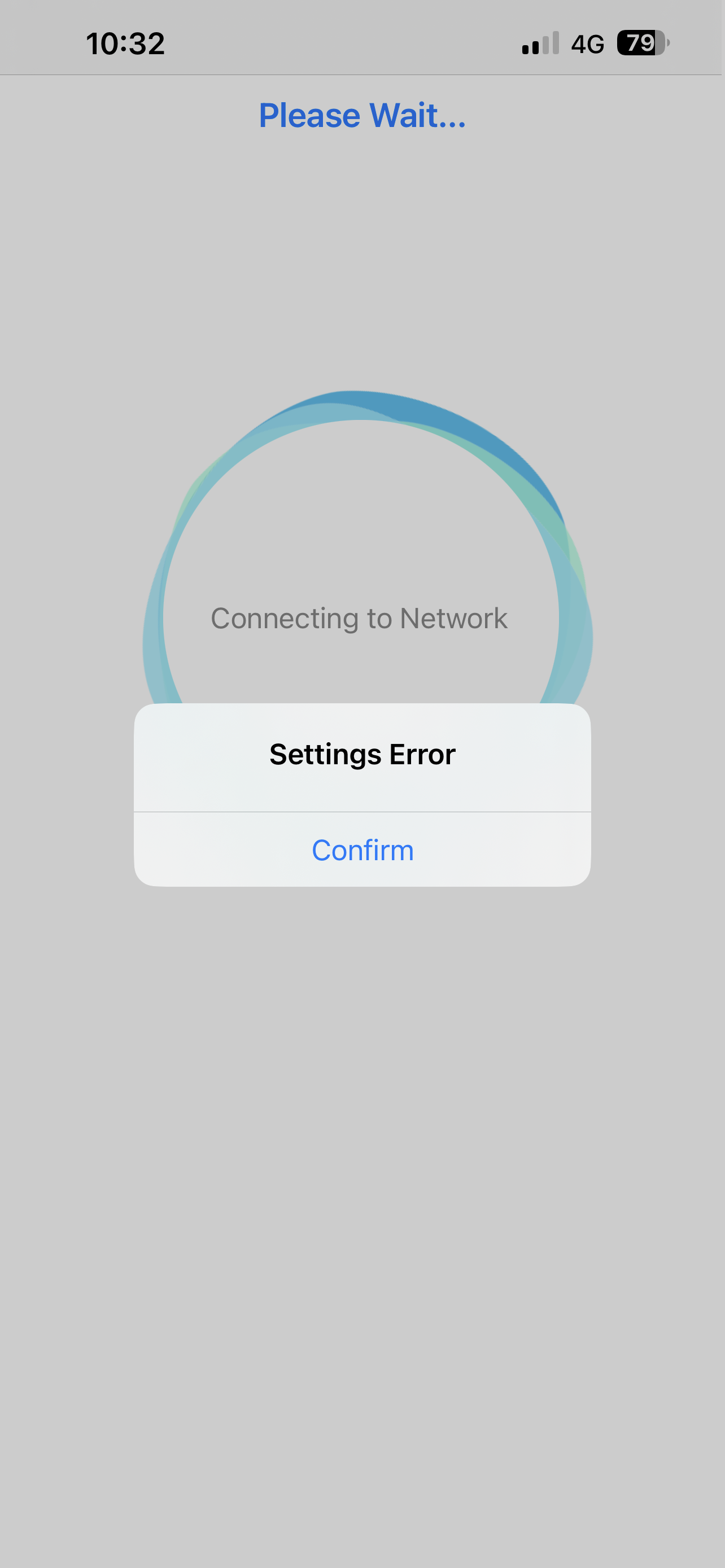
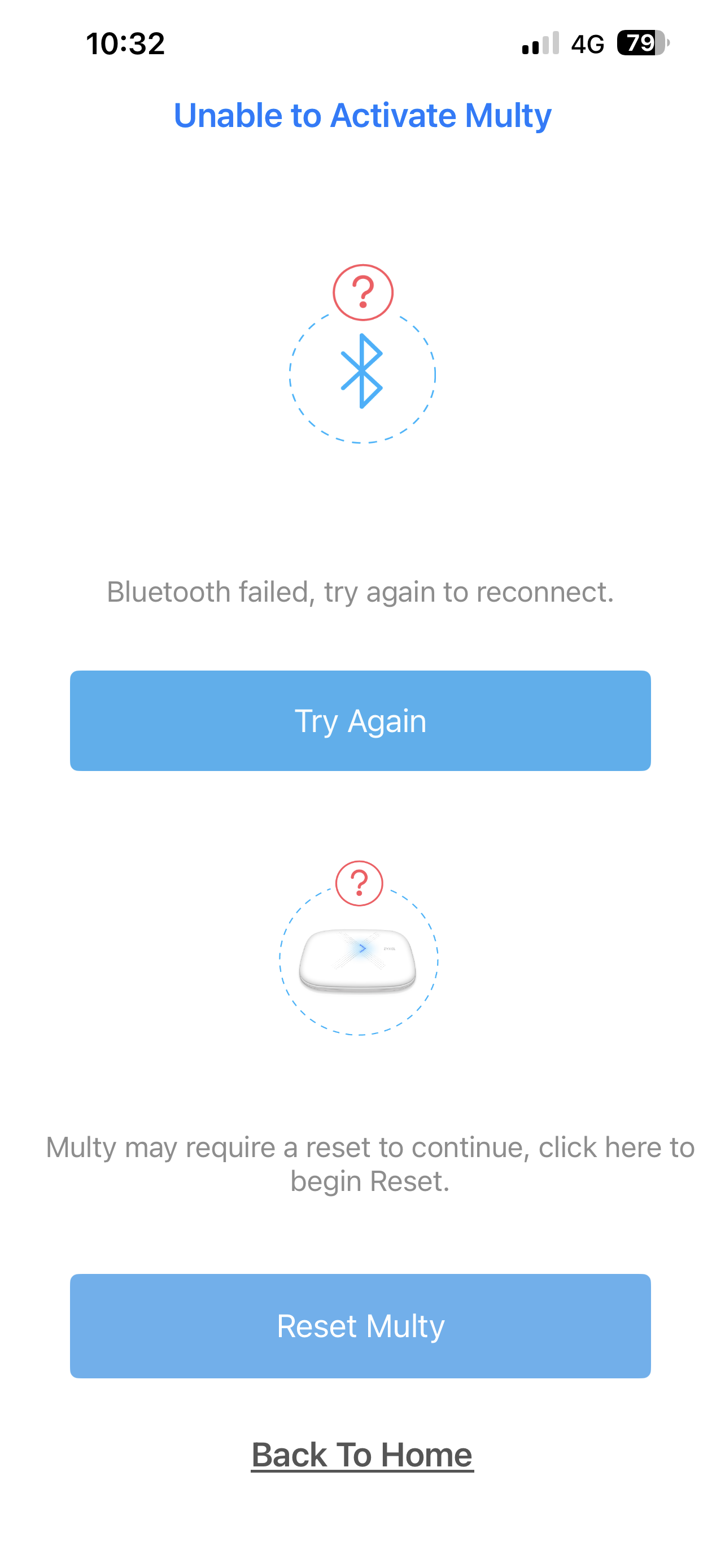
The primary symptom is that the Multy app becomes unresponsive, displaying a perpetual "Connecting" message at the top of the screen with extremely long loading times. When I perform a factory reset on a Multy X unit and proceed through the initial setup wizard, I am able to create a Wi-Fi network and the device appears to function as a router temporarily. However, the setup process ultimately fails with a "Settings Error" message.Request:
Based on my research, I believe updating the firmware via USB recovery may resolve these issues. Could you please provide:A download link for the latest firmware version V2.20(ABKJ.8)C0 for the WSQ50Detailed instructions for performing a USB recovery boot using the firmware package (containing the .bin, .files, and .sha512 files)
I have already attempted standard troubleshooting including multiple factory resets, but the problem persists across several units.Thanks!
1 -
Hello,
please send me too last firmware.
Thanks+
0 -
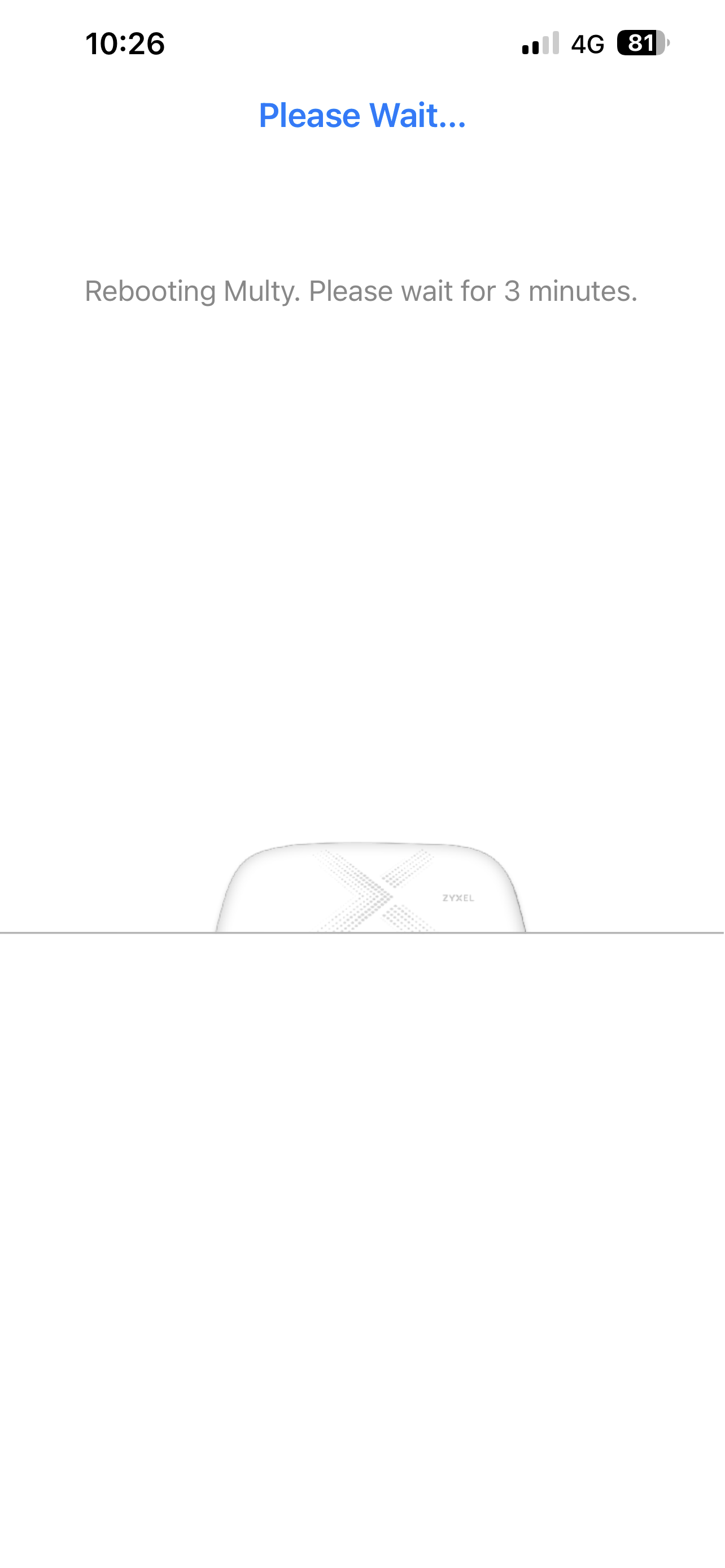
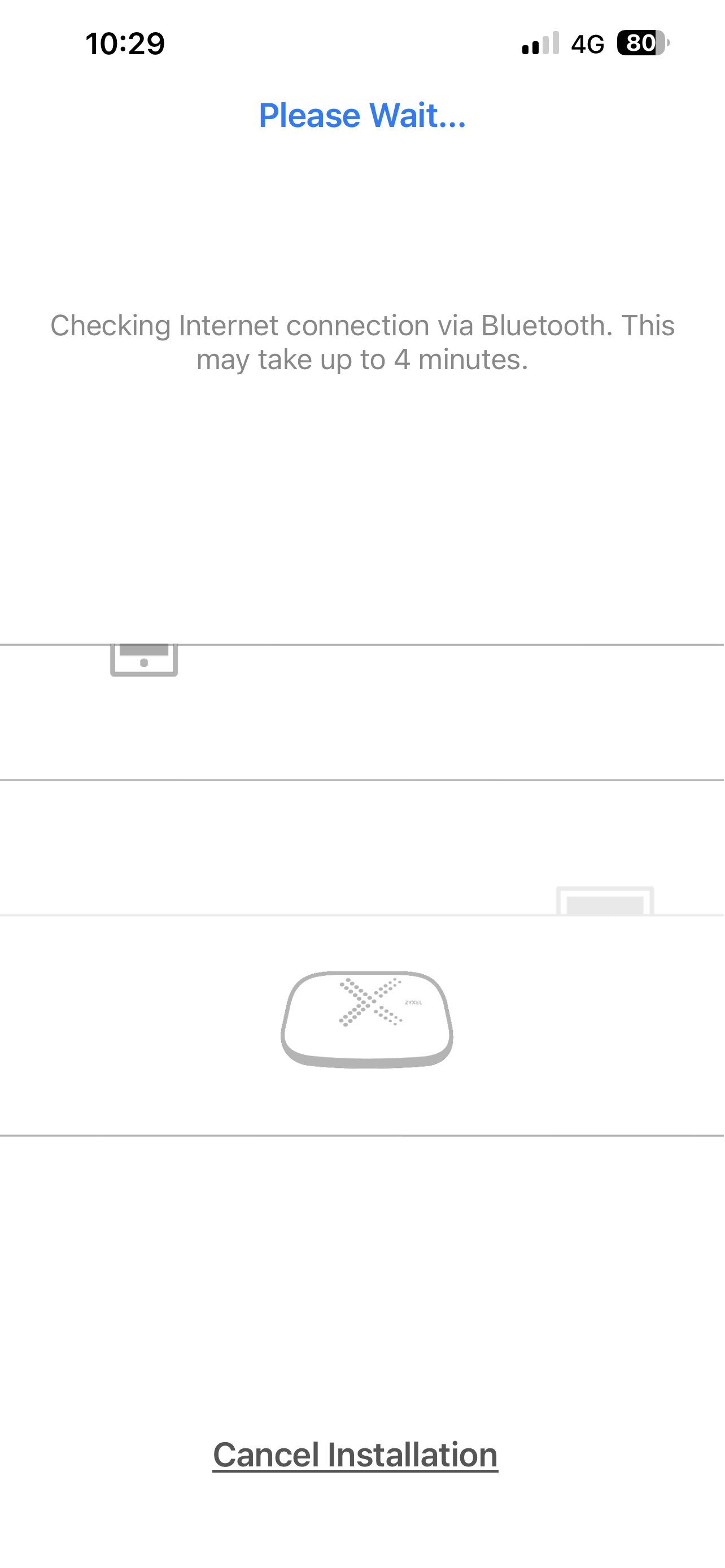
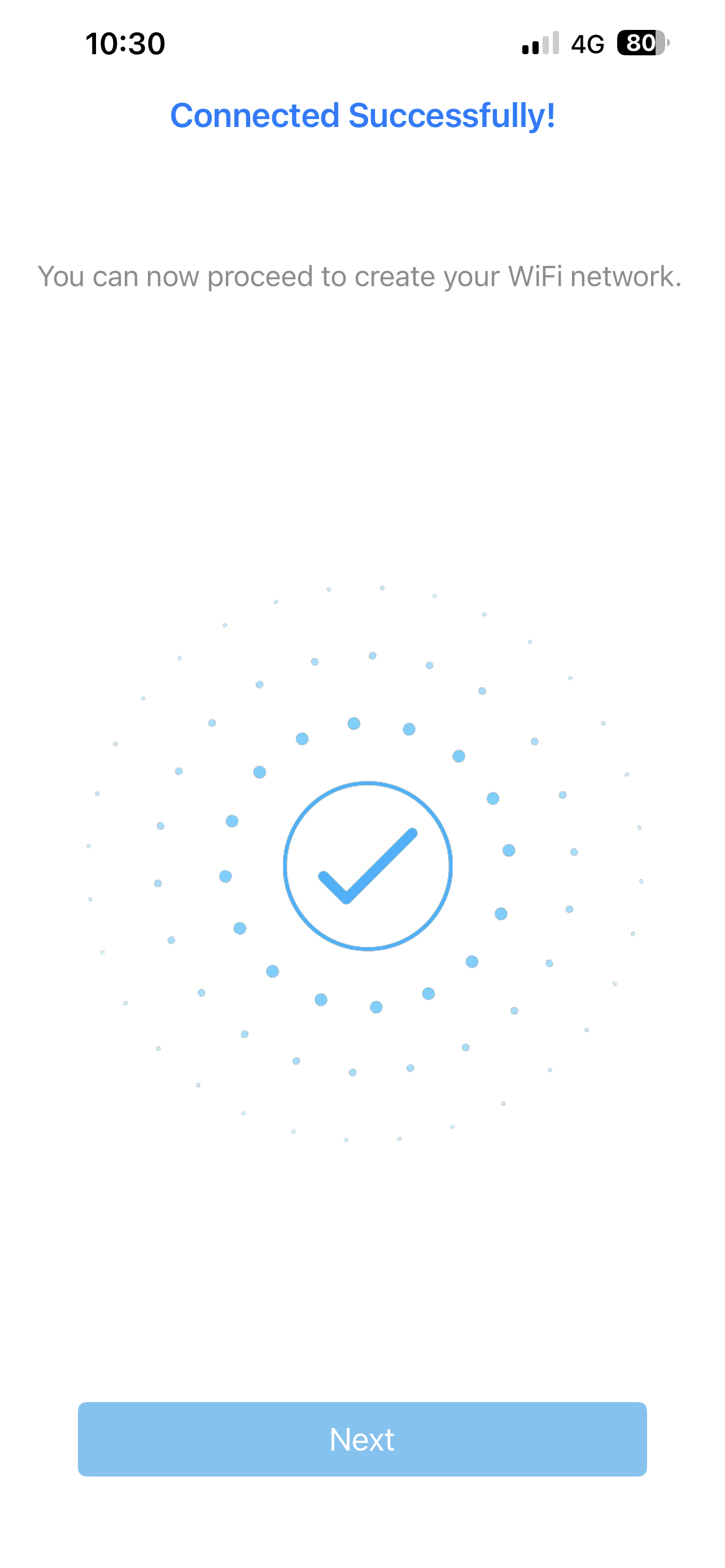
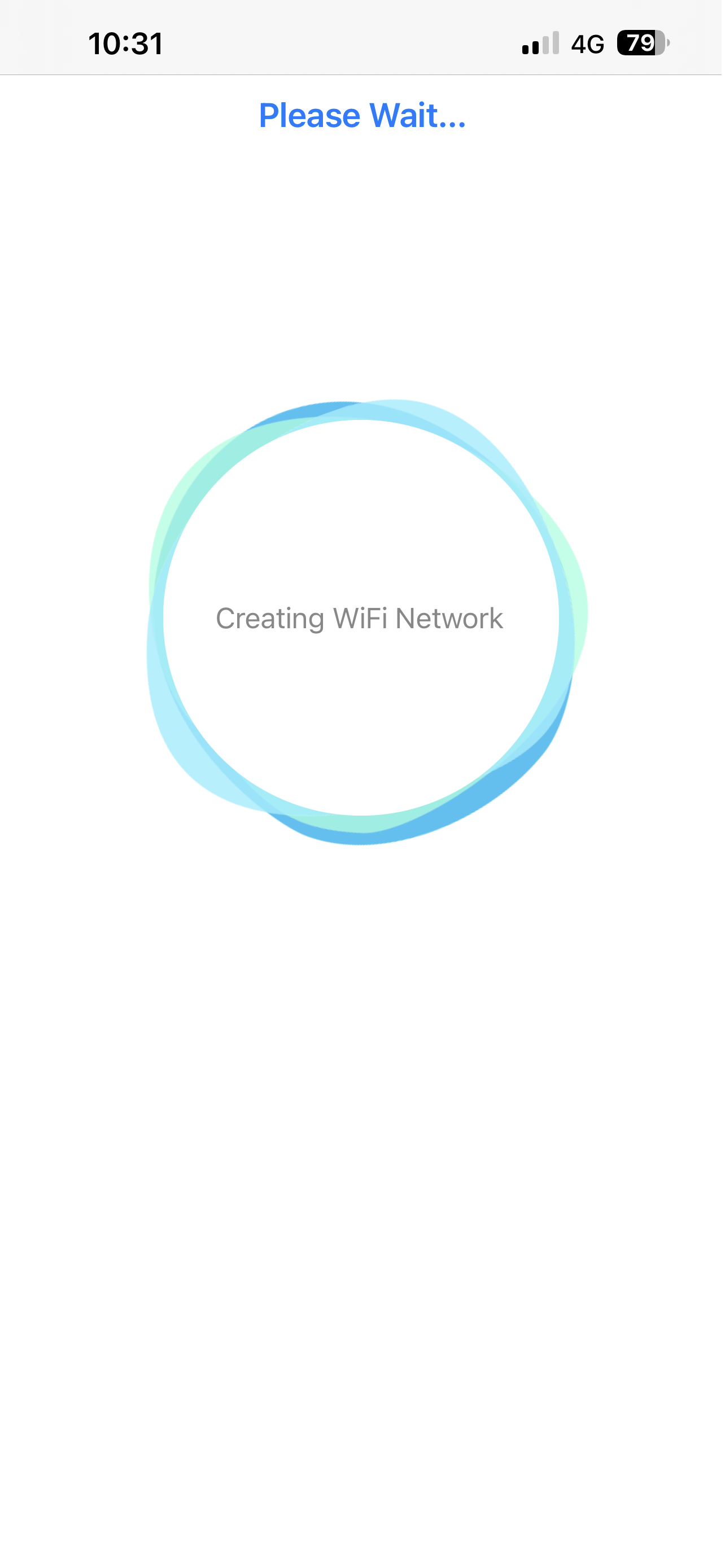
I am having the same problem I have two wsq50 and a mini node. I can connect the primary unit to create the wifi but it will not add the unit to the app and I so I cannot add the other two nodes I have tried numerous times and resets.
 0
0 -
Hello,
please send me too last firmware.
Thanks+0 -
Hello,
please send me too last firmware.
Thanks+
0 -
Hello,
please send me too last firmware.
Thanks+
0


Categories
- All Categories
- 442 Beta Program
- 3.1K Nebula
- 241 Nebula Ideas
- 6.8K Security
- 759 USG FLEX H Series
- 381 Security Ideas
- 1.8K Switch
- 87 Switch Ideas
- 1.5K Wireless
- 58 Wireless Ideas
- 7.2K Consumer Product
- 322 Service & License
- 521 News and Release
- 100 Security Advisories
- 31 Education Center
- 10 [Campaign] Zyxel Network Detective
- 5.3K FAQ
- 34 Documents
- 90 About Community
- 119 Security Highlight
