1.37 uOS - Impossible to connect SSL VPN

 Guru Member



Hello everyone,
I setup a SSL VPN via Nebula, I see some issues. I'm using 10443 standard port.
-1- I went here:
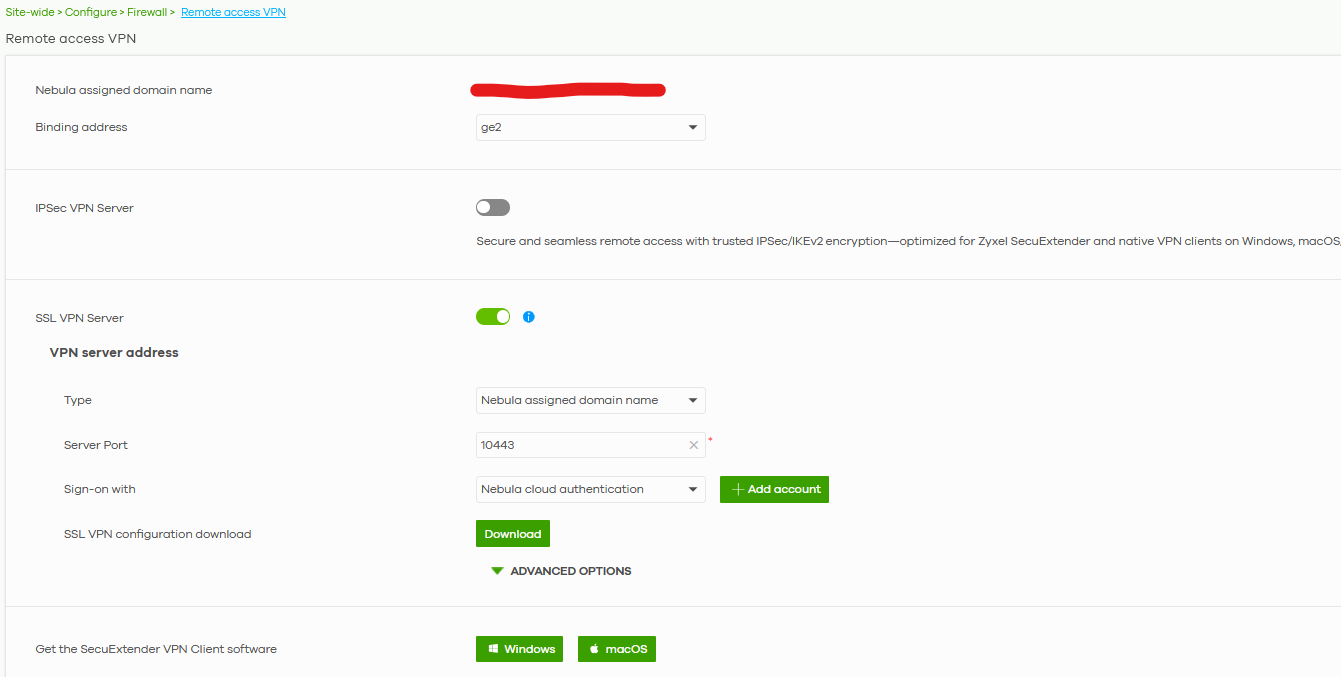
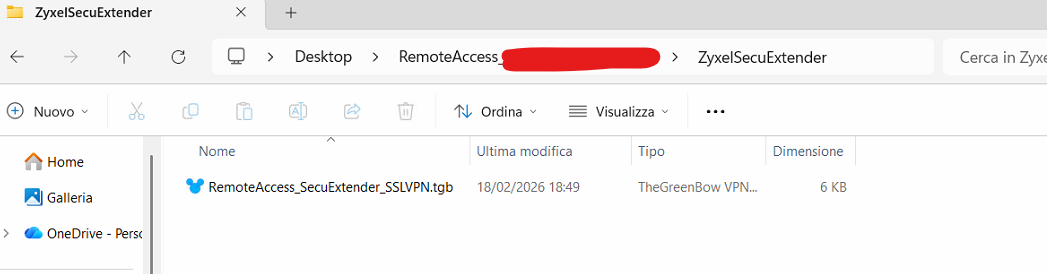
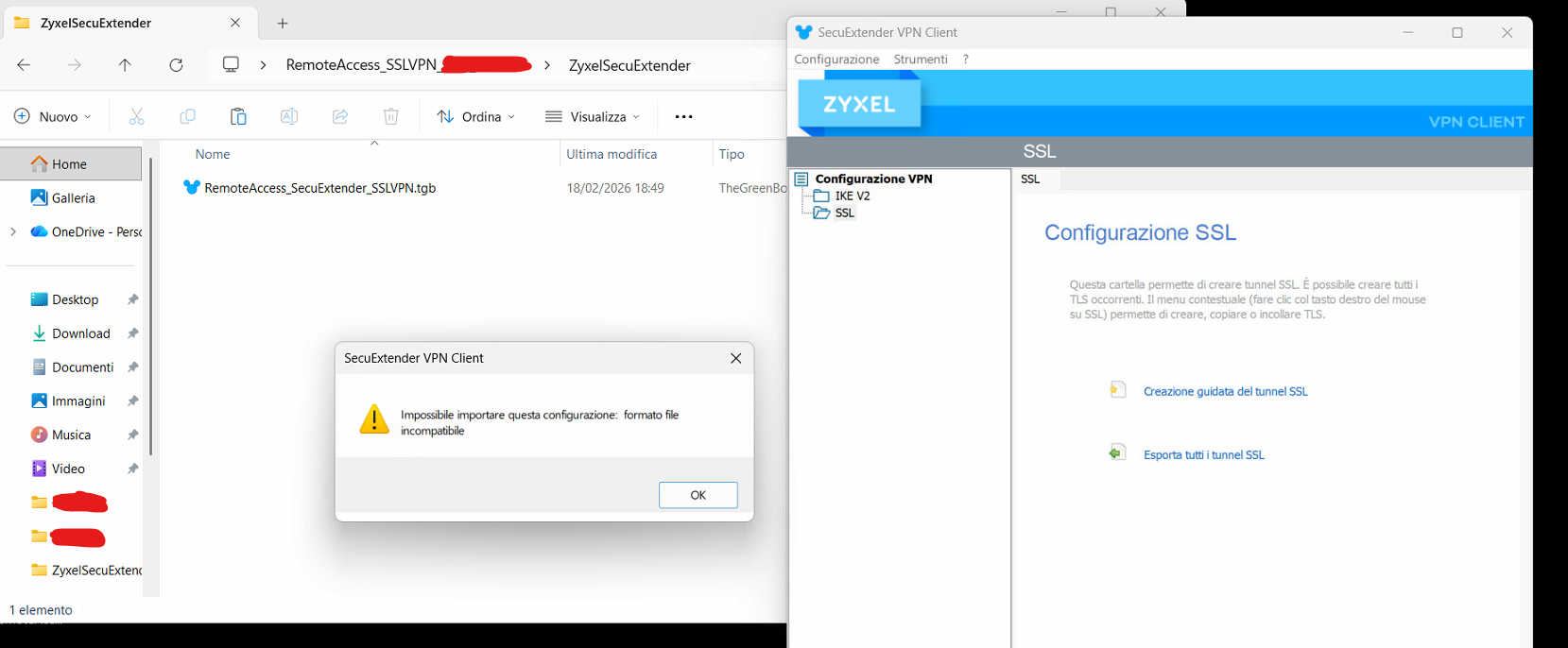
And clicking Download button I downloaded a Zip file where the tgb file is NOT accepted by the SecuExtender app:
The error shown is this one:
So I had to download that zip file via On-Premise interface:
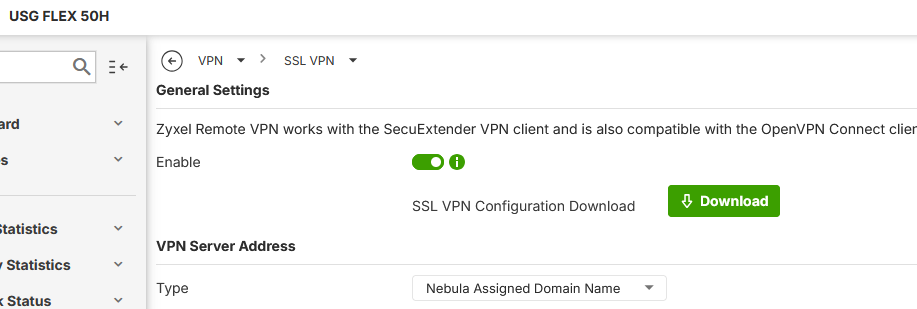
And the file tgb is accepted only from here and I see my tunnel available:
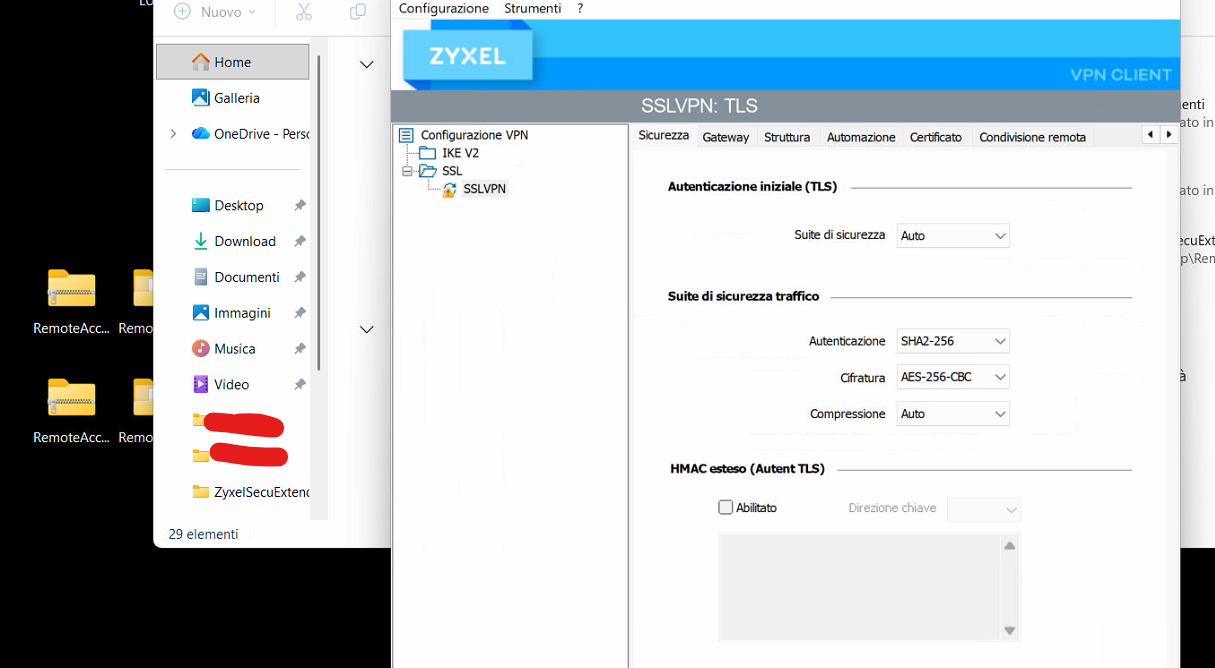
-2- Then I checked if that port was open:
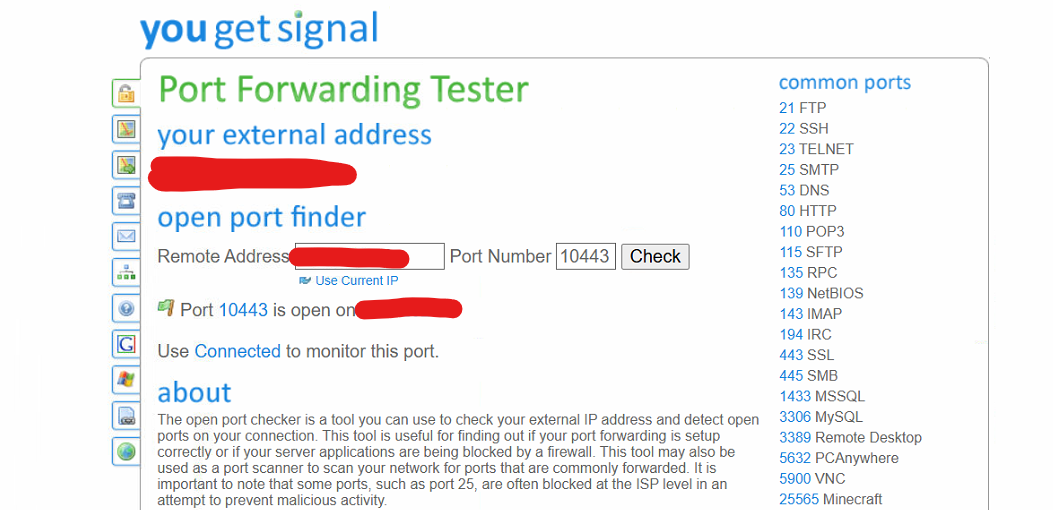
Anyway I see this error:
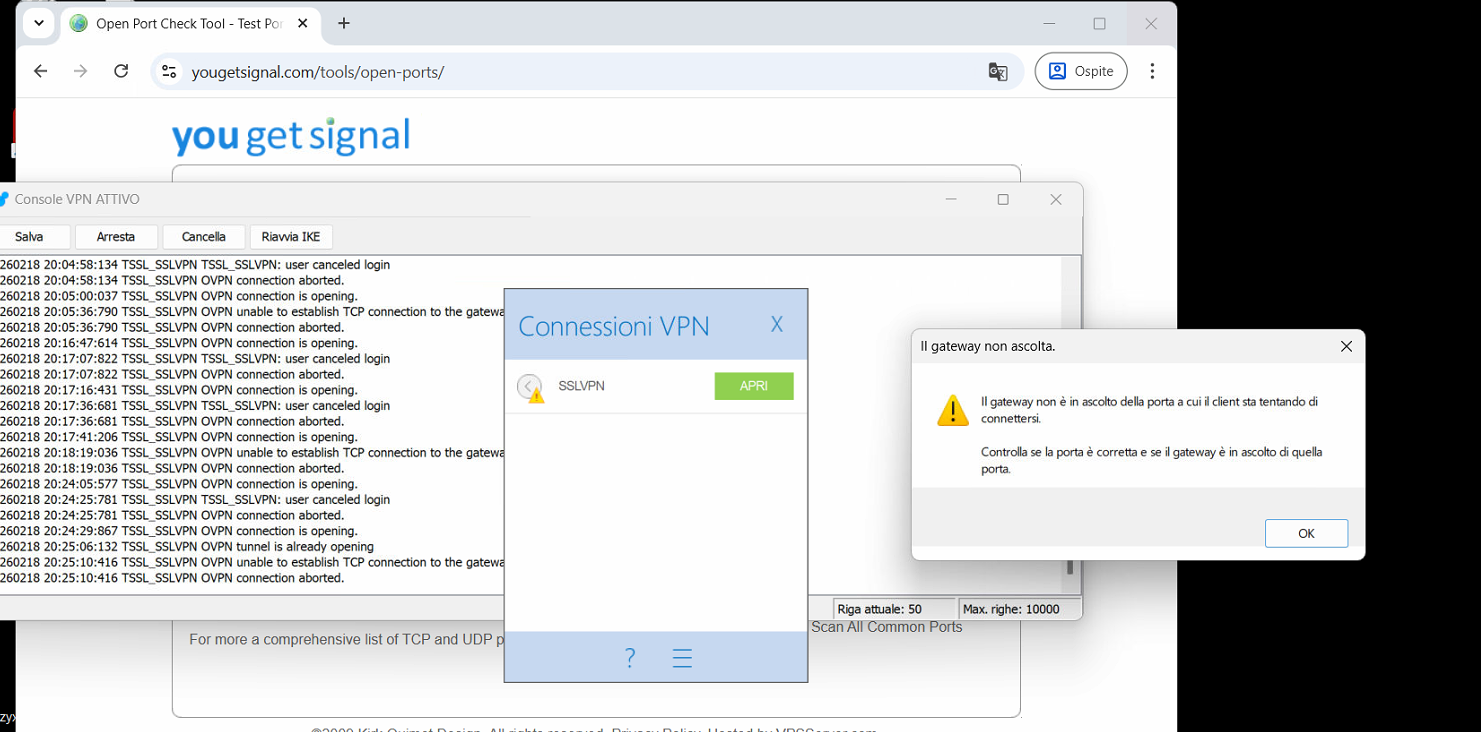
It seems that the gateway does not respond properly.
SSL VPN is also inside Service Group rule Default_Allow_WAN_To_ZyWall:
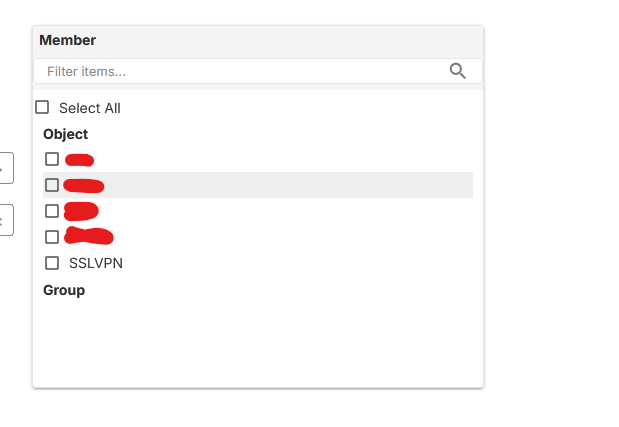
So I cannot see why with SSLVPN enabled and with open port the gateway does not respond to open the VPN tunnel.
-3- When you use the panel to login, it has an infinite spinning wheel:
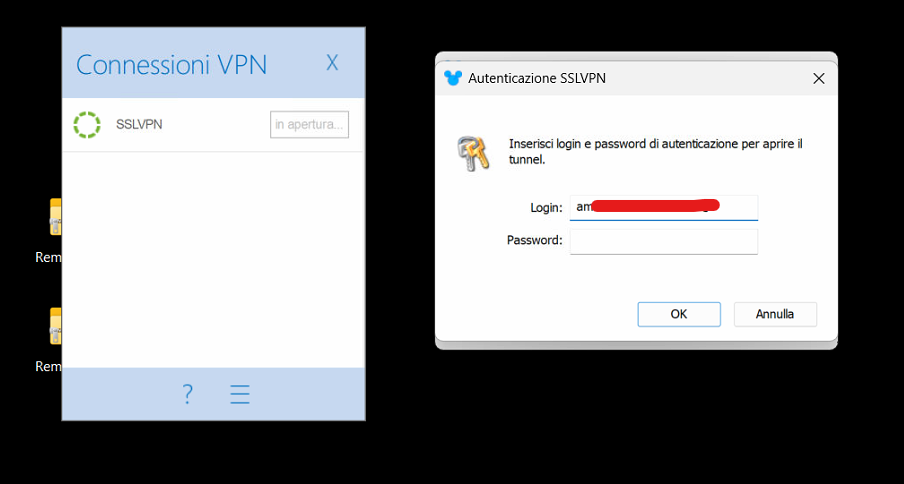
And it does not give feedback regarding the 2FA access that the specific Nebula User is using.
Accepted Solution
-
Hi @GiuseppeR,
Thank you for your patience throughout this investigation. Here's a summary of the findings and solutions:
[Root Cause]
The SecuExtender script had an extra blank line at the beginning of the TGB file, causing SSL VPN connection failures after upgrading the firewall to firmware 1.37(ACLO.0).
[Resolution]
The issue is now fixed, and the bugfix is included in the latest Nebula firmware (available since 3/10).
We hope this helps anyone else encountering similar issues!
Zyxel Tina
0

 Zyxel Employee



All Replies
-
Hi @GiuseppeR,
To better assist you, could you please confirm if the issues you're experiencing are as follows?
- The configuration downloaded from Nebula cannot be applied in the SecuExtender app.
- The configuration downloaded from the local GUI can be applied successfully in SecuExtender, but the VPN connection still fails to establish.
- Regarding this, is your FLEX 50H behind NAT, and is port 10443 allowed on the uplink gateway?
- For the VPN failure screenshot in your post—does this mean the login credentials are correct but authentication fails, or is there another symptom? If possible, please record a short video of the process and send it via private message.
Additionally, please enable Zyxel Support Access and provide your organization and site names.
Zyxel Tina
0 -
Hi @Zyxel_Tina
please refer to Case 260201058
Here the answers:
- I confirm
- I confirm (uplink gateway has the Flex 50H in its DMZ, so nothing should interfere with the Zyxel FW)
- The login has no response, neither "wrong password"
0 -
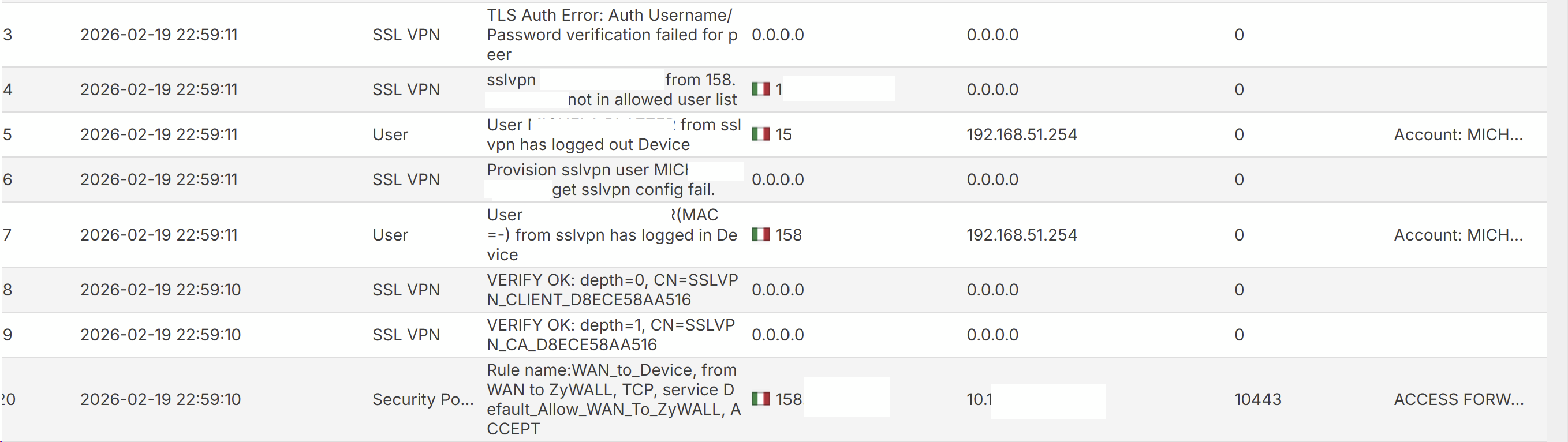
I have a similar problem, ssl vpn with some domain users the connection is sometimes refused due to non-existent user or wrong password (locally, obviously the user on the server logs in)
 0
0 -
Hi @GiuseppeR
100H, with local users no problem, with domain users some give that problem (authentication correct but not in allowed user list).
0 -
Hi @GiuseppeR,
Thank you for your patience throughout this investigation. Here's a summary of the findings and solutions:
[Root Cause]
The SecuExtender script had an extra blank line at the beginning of the TGB file, causing SSL VPN connection failures after upgrading the firewall to firmware 1.37(ACLO.0).
[Resolution]
The issue is now fixed, and the bugfix is included in the latest Nebula firmware (available since 3/10).
We hope this helps anyone else encountering similar issues!
Zyxel Tina
0 -
Hi @Zyxel_Tina
that's great 😎
0
 Freshman Member

Categories
- All Categories
- 442 Beta Program
- 3K Nebula
- 222 Nebula Ideas
- 129 Nebula Status and Incidents
- 6.5K Security
- 619 USG FLEX H Series
- 349 Security Ideas
- 1.7K Switch
- 84 Switch Ideas
- 1.4K Wireless
- 53 Wireless Ideas
- 7K Consumer Product
- 298 Service & License
- 486 News and Release
- 92 Security Advisories
- 31 Education Center
- 10 [Campaign] Zyxel Network Detective
- 4.8K FAQ
- 34 Documents
- 88 About Community
- 105 Security Highlight


