All jpg files changed to jfif



 Freshman Member
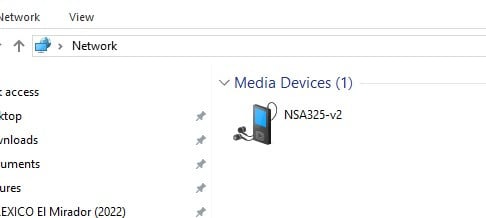
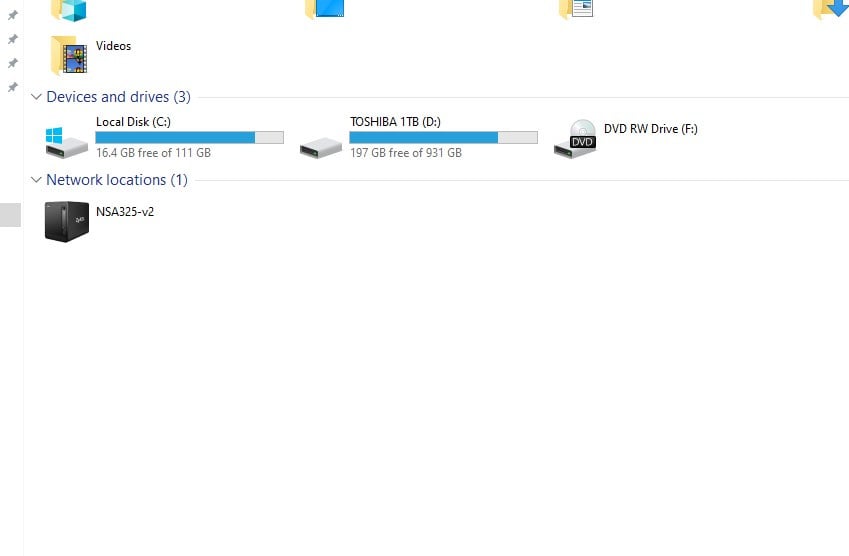

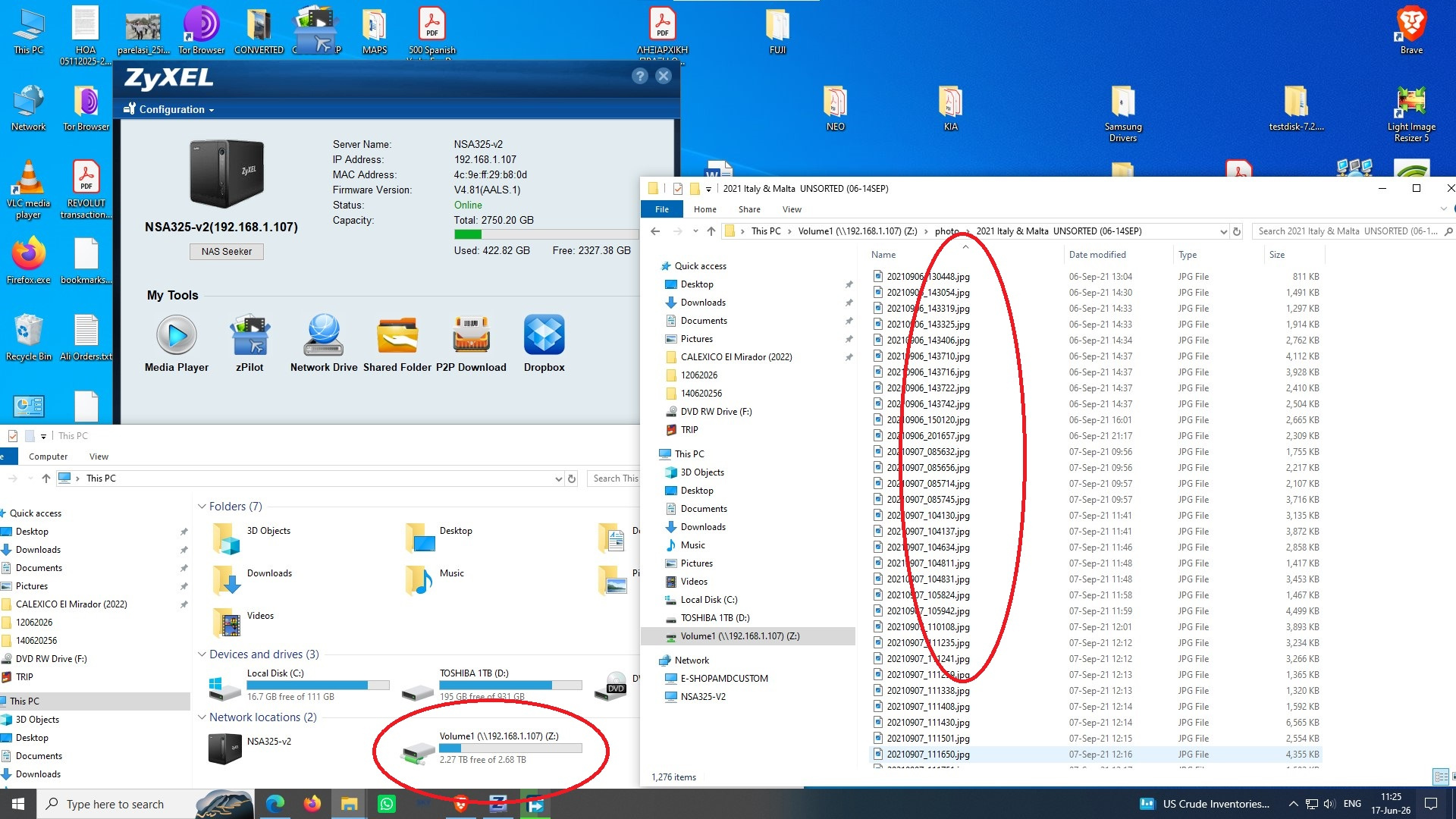
Could someone be of any help to a 70yo newbe? Have a rarely used NSA325v2, used only for photo and music storage, rarely used.
Now after months of being turned off I realized that all the image file (photo) extensions have changed! How can I roll them back to jpg?
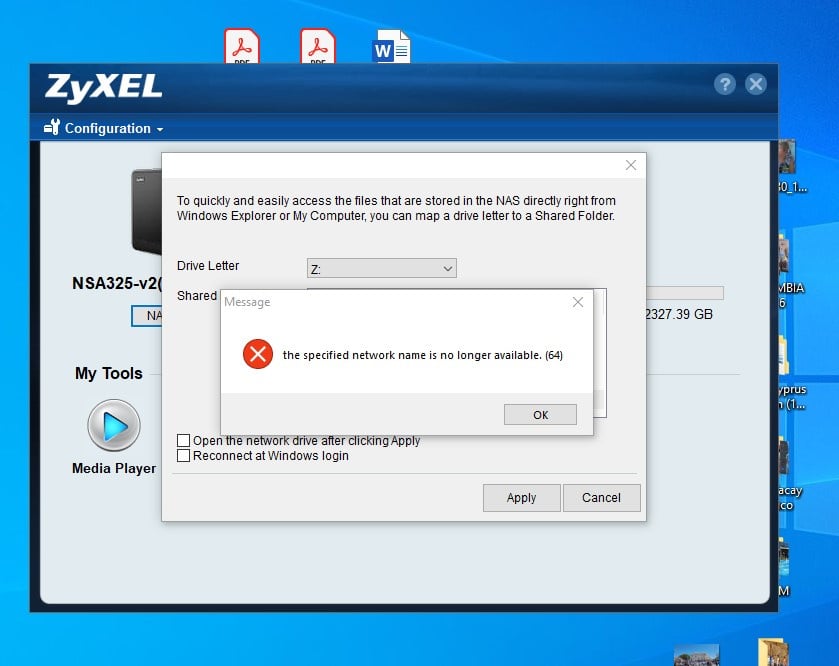
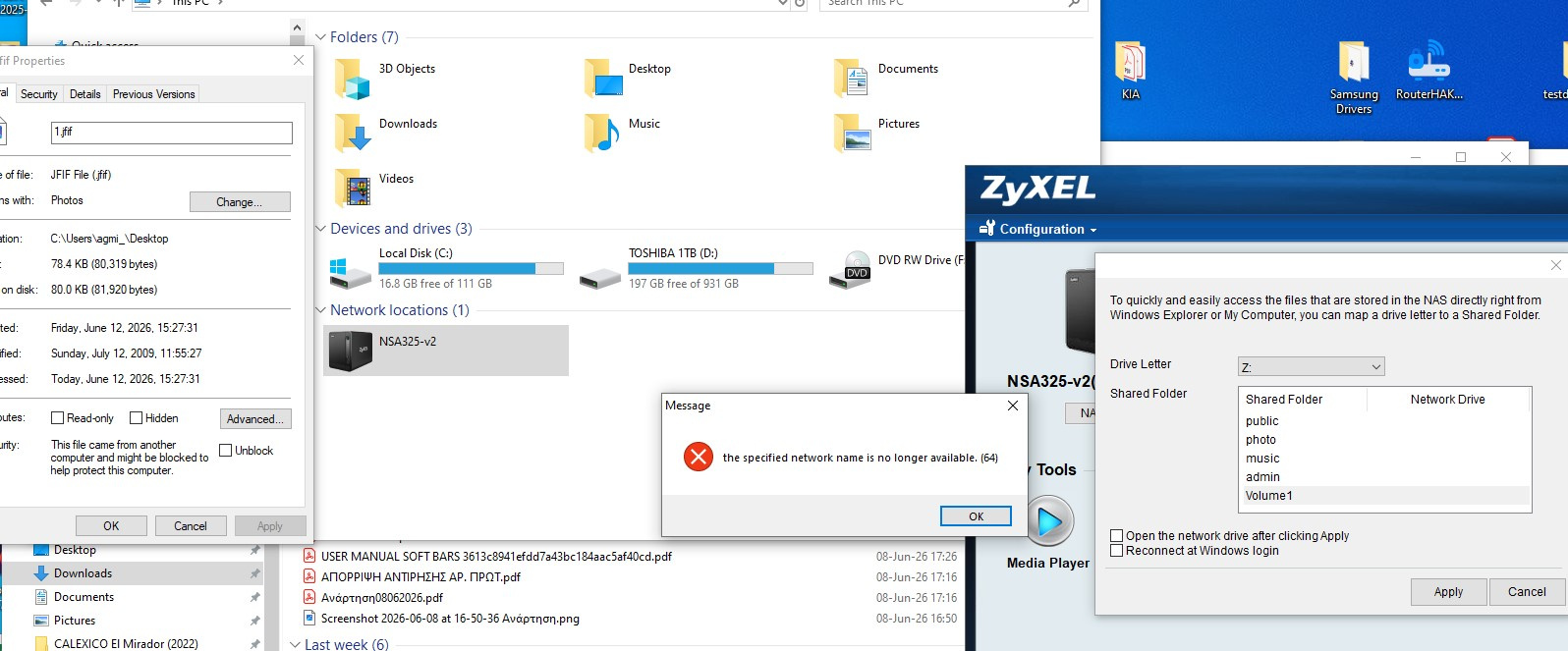
Also the network drive isnt accessible from the Zyxel starter utility. The msg says: specified network name (Volume 1 on Z Drive) NO LONGER AVAILABLE. Also the SHARED FOLDER doesnt open the NAS it opens my pc Documents file. Thank u all
Accepted Solution
-
As long as I dont see and access the Z drive I can't use a cmd to change all the image files back to jpg😕
Now after months of being turned off
Is it possible that you meanwhile updated your PC, or installed a newer Windows? Starting with Windows 10 the SMB1 protocol is disabled by default. And unfortunately the NSA325 doesn't support a newer protocol.
So you'll have to enable SMB1.
0




 Guru Member
All Replies
-
Did you actually see the extensions changed? Or is it mere the thumbnail telling you it's a jfif file? Technically jpeg only defines the compression, while jfif defines the container. So using the jfif extension for the file is more correct than jpg.
But from your screenshot I think the extension is still jpg, and just the viewer (Explorer?) identifies them correctly as jfif containers.
Also the network drive isnt accessible from the Zyxel starter utility.
0 -
Thanks 4 the quick reply, after copying a pic on the desktop, I also noticed that the extension remains the same. ABC.jpg is named to ABC.jfif. As long as I dont see and access the Z drive I can't use a cmd to change all the image files back to jpg😕
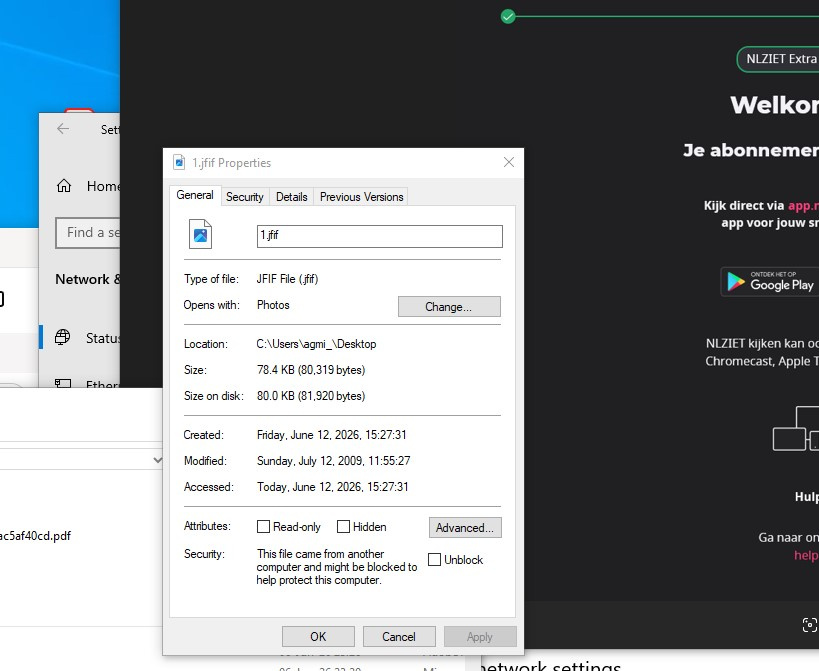
I read that jpg is jfif. As about the network drive shared folder etc etc dont have any clue how did they disappear!
 0
0 -
As long as I dont see and access the Z drive I can't use a cmd to change all the image files back to jpg😕
Now after months of being turned off
Is it possible that you meanwhile updated your PC, or installed a newer Windows? Starting with Windows 10 the SMB1 protocol is disabled by default. And unfortunately the NSA325 doesn't support a newer protocol.
So you'll have to enable SMB1.
0 -
Thanx a million, once enabling it, I can access my Z drive and all the image files are jpg instead of jfif; no need to batch convert them!
0
Categories
- All Categories
- 442 Beta Program
- 3.1K Nebula
- 243 Nebula Ideas
- 6.8K Security
- 783 USG FLEX H Series
- 389 Security Ideas
- 1.8K Switch
- 87 Switch Ideas
- 1.5K Wireless
- 58 Wireless Ideas
- 7.2K Consumer Product
- 325 Service & License
- 527 News and Release
- 101 Security Advisories
- 31 Education Center
- 10 [Campaign] Zyxel Network Detective
- 5.3K FAQ
- 34 Documents
- 91 About Community
- 122 Security Highlight