[Important Announcement] End of FTP Service Support for Home NAS Series
Comments
-
Hi @Stefan_R
Wenn Sie die Schritte befolgt haben und dieses Ergebnis erhalten, bedeutet das, dass Sie den Synchronisierungspfad erfolgreich aktualisiert haben.
0 -
Hi @wardevilpro
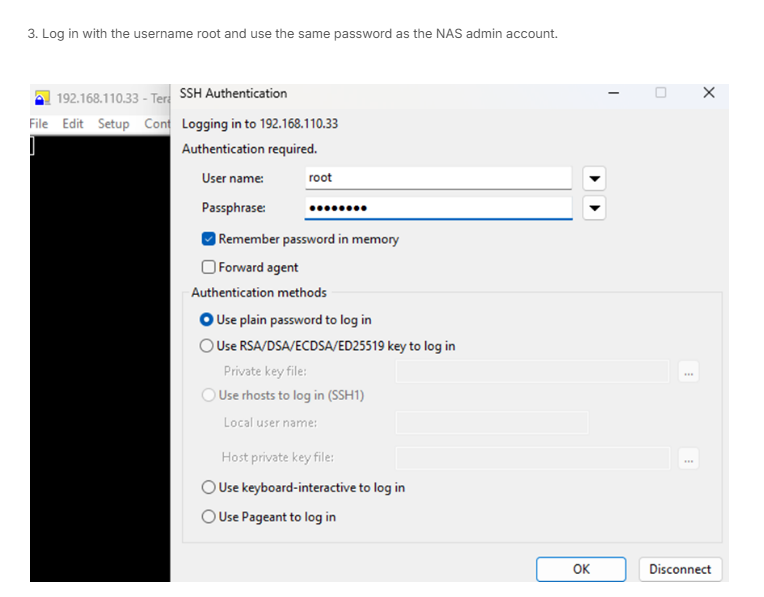
All of the commands must be run using the root account; other users may not have sufficient privileges.
 0
0 -
Hi @Tonysa
If the service server has some enhancement and have done version upgraded, the existing package will no longer be compatible, and synchronization with the server will not be possible because the server has a new update.
0 -
Hi @Zyxel_Jerry
I was pretty sure I was running the latest NAS firmware, but I just checked and yes, I am running the latest. Tried to refresh the App list again and the same result - Download List Failed - any other ideas?FYI
Model Name
NAS326
Current firmware version
V5.21(AAZF.18)
Last Check2025/11/04 15:03:04
0 -
Hi @frontsys
As I see the attache screenshot provided.
The myZyXELcloud-Agent version is not on the latest, after put the package into the correct synchronize path, then it should able to work.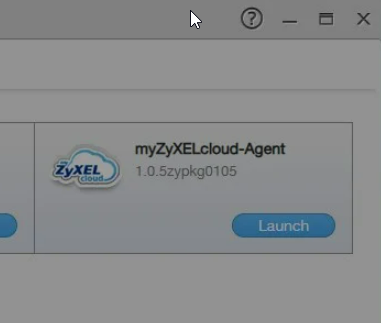
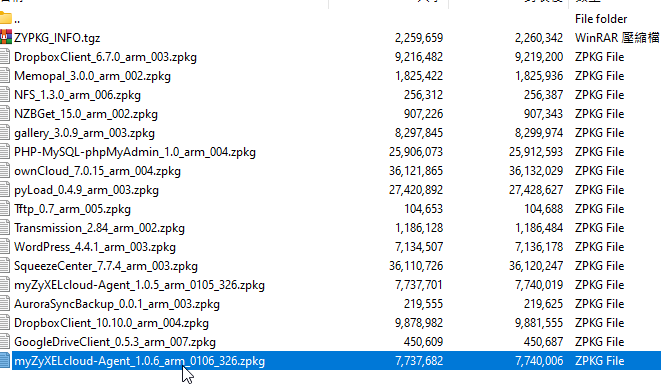
Please follow the steps refer to the article below to complete the synchronization.
https://community.zyxel.com/en/discussion/29667/important-announcement-end-of-ftp-service-support-for-home-nas-series/p10 -
I tried to sync the path but it came up with an error saying no devices found.
I went to the ZyxelCloud and unpaired the device, now I cannot pair my NAS326 - it asks to press the pair button within 10 minutes but after about 12 seconds it says Device Not Found, even when I press the pair button.
I cannot fix this.
0 -
@Zyxel_Jerry
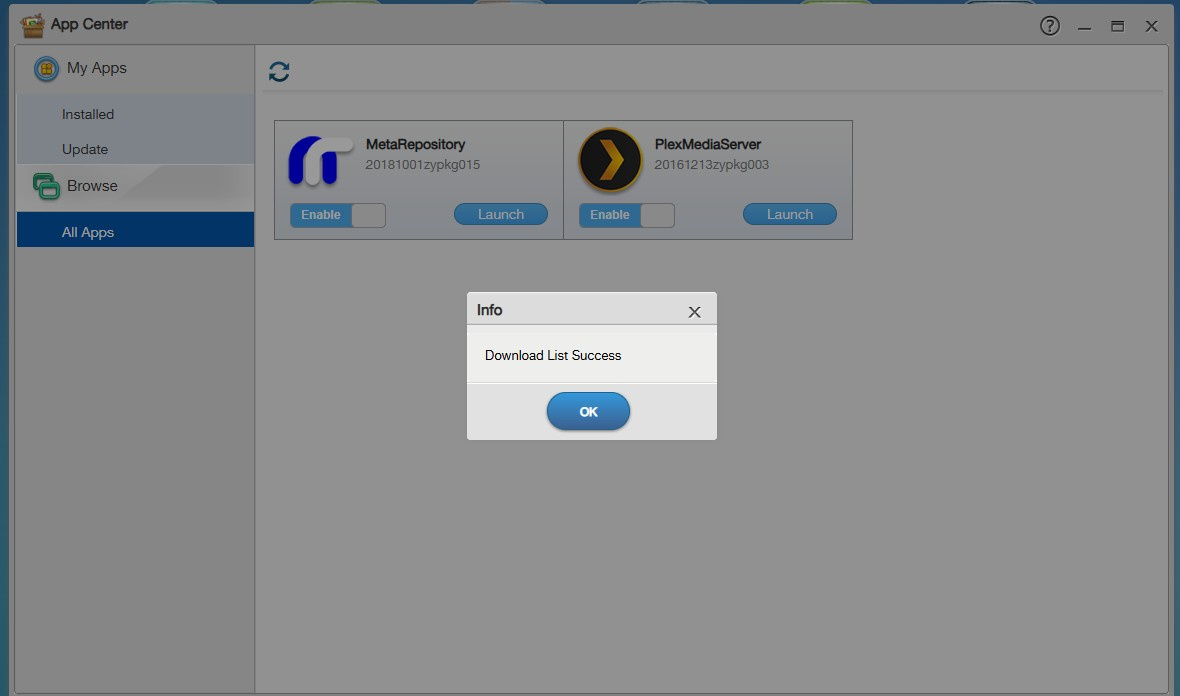
I wanted to uninstall the MyCloud app as it doesn't seem to work anymore, so I uninstalled it. It was then available to install, which it seemed to start, but now I cannot even see the cloud app in my App Center.How can I reinstall the app manually onto the NAS?
0 -
Hi @frontsys
Base on the logs, seems you have changed the application’s syncing location from the PCloud FTP server to local storage.
Please check the path under the local storage, the myZyXELcloud-Agent package should be under the path/directory.
0 -
Hello Jerry, not sure what I need to look for/change?
How do I check/change the "path under local storage"?
0 -
I done everuthing….but still:
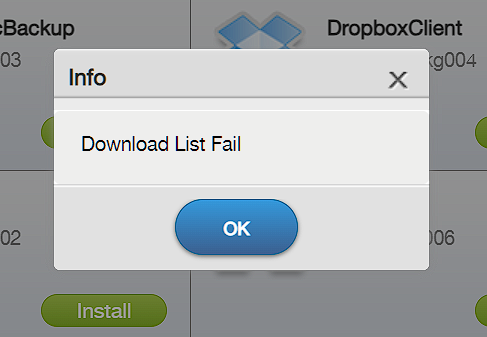 0
0

 Zyxel Employee




 Freshman Member


Categories
- All Categories
- 442 Beta Program
- 2.9K Nebula
- 222 Nebula Ideas
- 129 Nebula Status and Incidents
- 6.5K Security
- 616 USG FLEX H Series
- 347 Security Ideas
- 1.7K Switch
- 84 Switch Ideas
- 1.4K Wireless
- 53 Wireless Ideas
- 7K Consumer Product
- 298 Service & License
- 485 News and Release
- 92 Security Advisories
- 31 Education Center
- 10 [Campaign] Zyxel Network Detective
- 4.8K FAQ
- 34 Documents
- 88 About Community
- 105 Security Highlight